App Screenshots
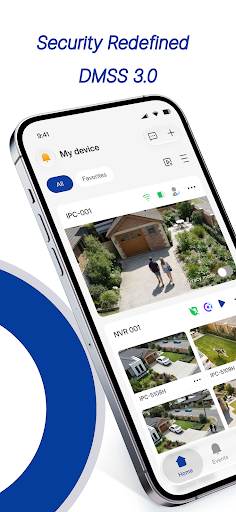
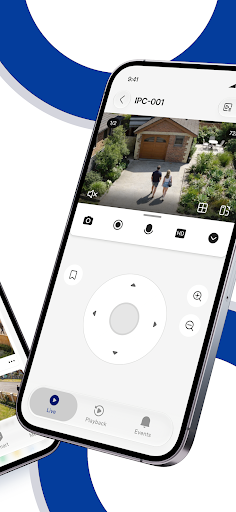
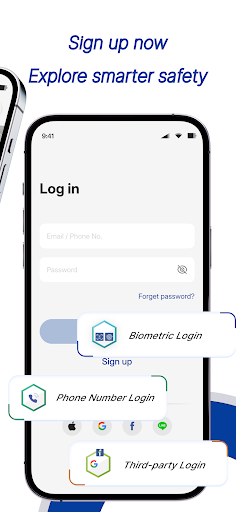
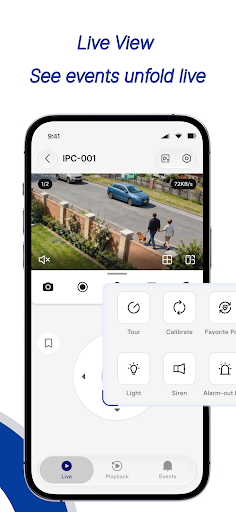
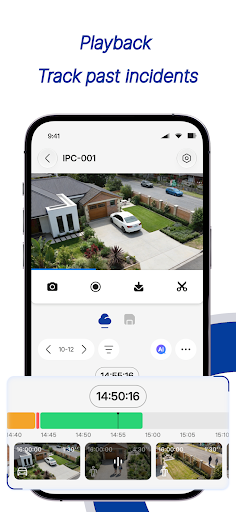
Remote security camera monitoring tool
Squashed bugs for better experience.
Managing home security hardware remotely requires a centralized interface to monitor feeds and handle alerts. DMSS serves as a security management app that lets users stream real-time video feeds and review recorded historical footage from connected cameras over Wi-Fi or cellular networks. Beyond basic video surveillance, it integrates directly with visual intercoms and access control systems, allowing users to handle video calls, check door statuses, and remotely operate locks.
Users can view live video streams from added security devices at any time to monitor their property. When reviewing past events, the app provides search options to locate specific footage. Recorded video can be filtered by date and specific event categories, reducing the time spent scrubbing through hours of continuous footage to find a critical moment.
The app includes an event subscription feature, allowing users to choose which security triggers generate immediate notifications. If a monitored event occurs, the system sends an instant alert directly to the mobile device. Additionally, the app supports an alarm hub that connects to various peripheral accessories. This setup can trigger active local alarms and dispatch automated warnings for specific environmental threats, including unauthorized intrusion, potential theft, fire, and water damage.
Integrating entry systems into the mobile interface allows for two-way interaction at entry points. Connected visual intercoms enable video calls directly between the hardware and the app, while also providing controls to lock or unlock doors. For dedicated access control hardware, the app displays real-time door statuses, maintains a log of unlock records, and supports remote door unlocking commands.
System owners can share access to connected security hardware with family members. To maintain administrative control, the primary user can assign specific usage permissions to each person, limiting or granting access to individual device features as needed.
Your comment was submitted and is awaiting moderation.
Your comment was published.