App Screenshots
Wireless phone gamepad for smart TVs
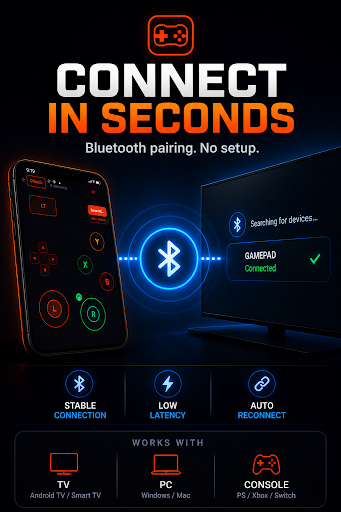
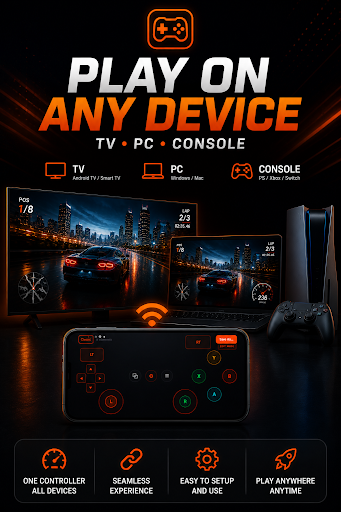
Gamepad Remote Game Controller converts a mobile phone into a wireless controller for Smart TVs, eliminating the need for separate physical hardware or dedicated accessories. It transmits direct control inputs over a Bluetooth connection without requiring a local internet network, mid-tier servers, or account registration. The app features multiple built-in interface presets tailored for specific media and gaming tasks, while also providing tools to design, save, and switch between completely customized touch layouts on your screen.
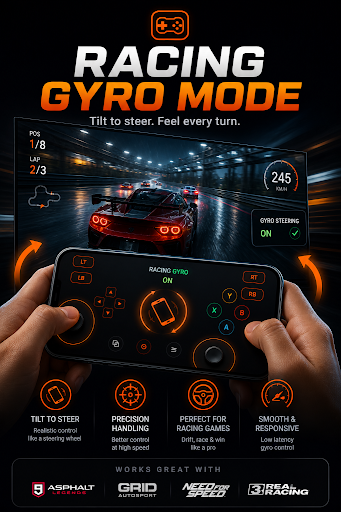
The app includes five default input modes designed for different types of TV interactions. The Classic Gamepad preset mirrors standard console layouts with a direction pad, dual analog joysticks, face buttons (ABXY), bumpers, triggers, and system controls like Start and Select. For driving titles, the Racing Controller uses the phone’s internal gyroscope to handle steering based on physical tilt, paired with large touch buttons for the accelerator and brake.
Retrogaming, beat-em-ups, and arcade emulators can utilize the Arcade Joystick layout, which features a large virtual stick and six primary action buttons oriented for landscape use. Beyond gaming, the app supplies two navigation-specific modes: Touchpad Mode provides a swipeable trackpad surface with left and right click zones for browsing streaming platforms, while Mouse Mode gives precise screen-wide cursor control for interacting with complex TV interfaces.
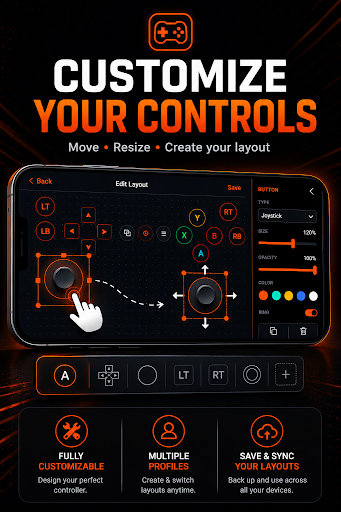
When the standard presets do not match a specific title or interface, users can build custom input setups from scratch. The editor allows individual buttons, analog sticks, and trackpads to be added, resized, repositioned, and labeled anywhere on the screen. Created designs can be saved directly within the app and loaded later from the central layout selector.
Input commands are sent directly to the targeted display over Bluetooth to reduce input delay during active play. Initial pairing can be handled through an integrated Wi-Fi scan function that detects supported Smart TVs—including Android TV, Samsung Tizen, LG webOS, and Amazon Fire TV units—and available host devices on the local network. Users select the target system from the auto-populated list to initiate the connection without manual pairing codes or guided setup steps.
Your comment was submitted and is awaiting moderation.
Your comment was published.