App Screenshots

Team messaging and workspace collaboration tool
Current version, for Google Workspace Customers only, includes direct messages, group chats, and platform integration with Google Apps
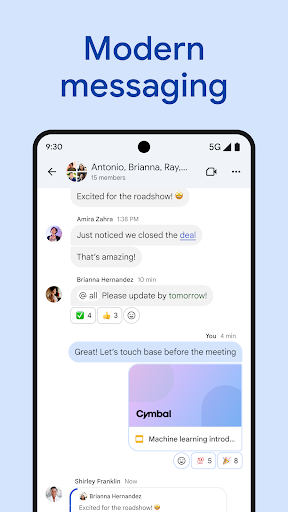
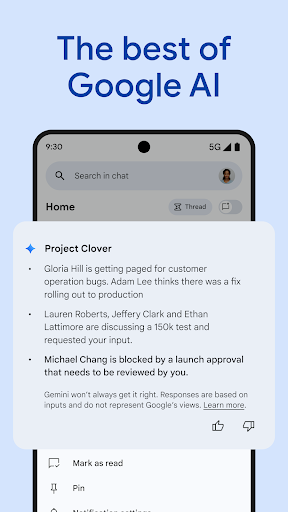
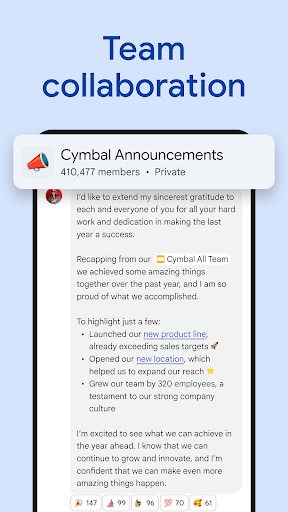
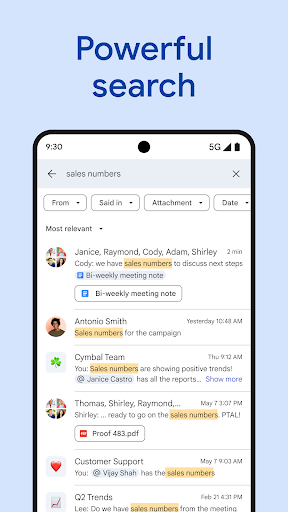
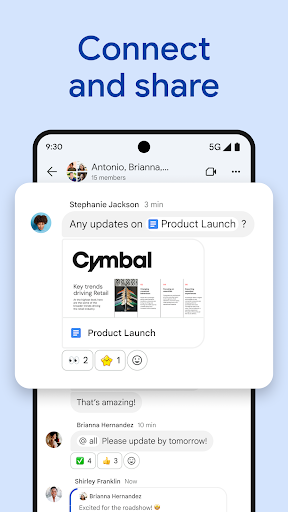
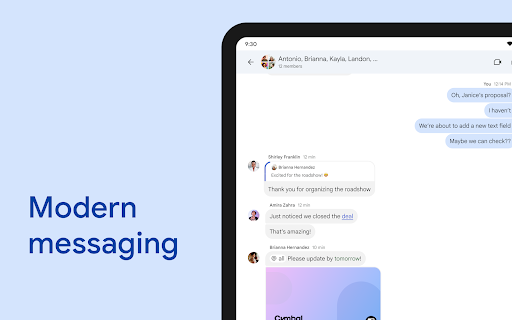
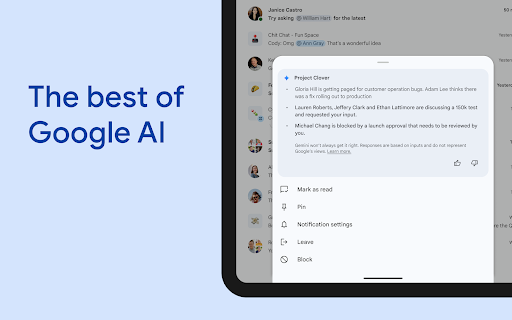
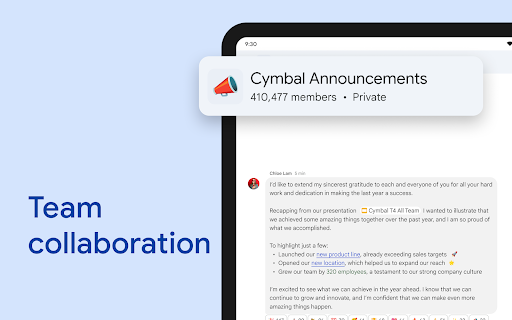
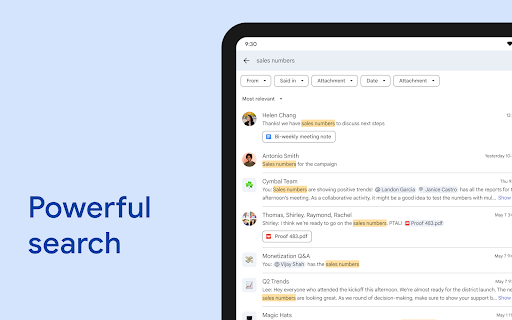
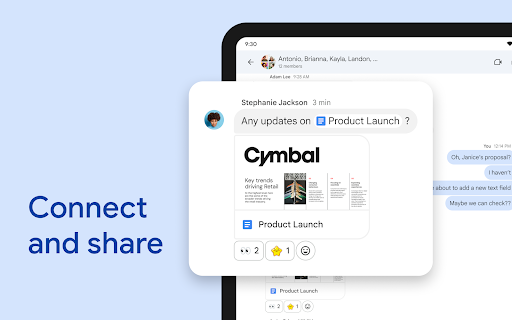
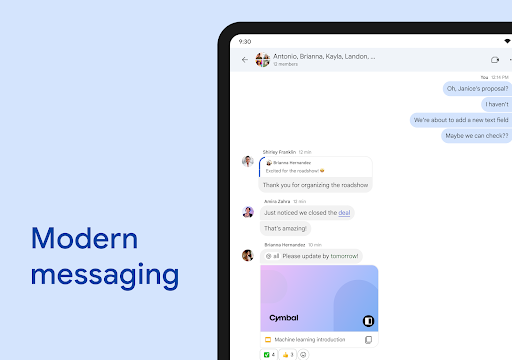
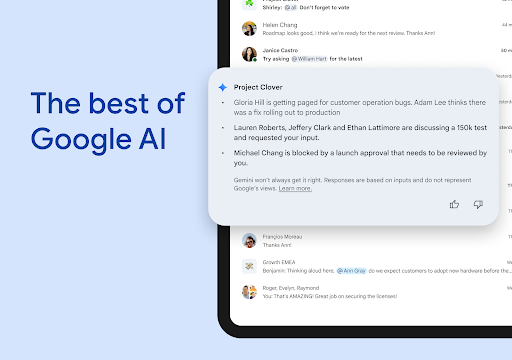
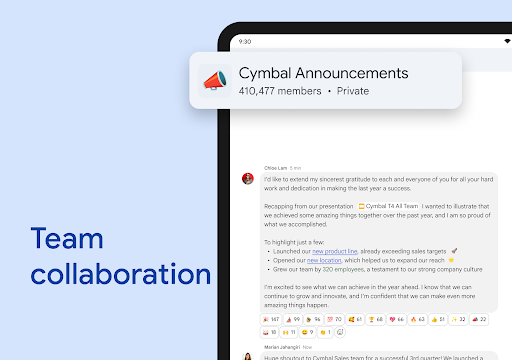
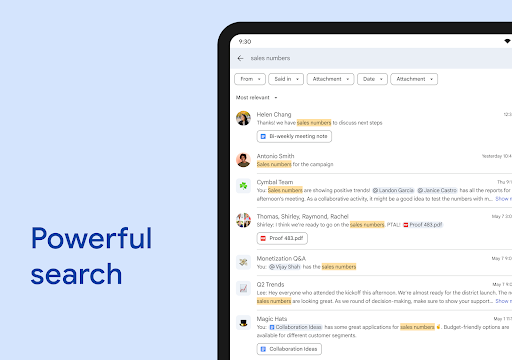
Google Chat provides team messaging and collaboration tools designed primarily for organizations using Google Workspace. It allows colleagues to coordinate work through one-on-one direct messages, group conversations, and shared team spaces. Beyond text chat, users can share updates using video or audio messages, launch real-time huddles, and track team availability with custom status updates. Built-in Gemini AI features assist with daily communication by summarizing lengthy conversations, translating messages across more than 120 languages, and refining search results across chat histories.
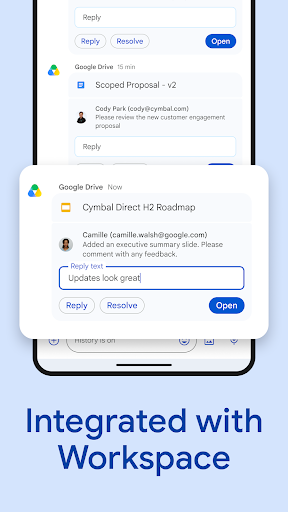
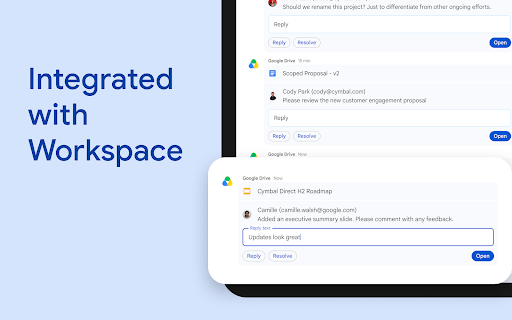
Collaboration inside the app connects directly with the rest of the Google Workspace ecosystem. Users can insert smart chips to reference files, calendar events, or specific colleagues without leaving the conversation. The integrated Google Drive app automatically routes access requests, comment notifications, and file approvals into the conversation flow, keeping project assets synchronized across Gmail, Drive, Calendar, Tasks, and Meet.
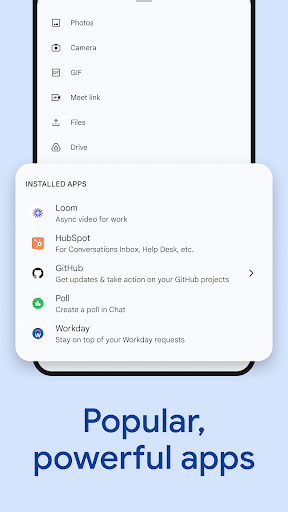
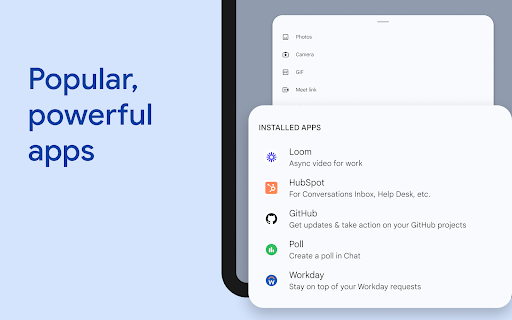
Teams can extend communication capabilities by connecting third-party services directly into their chat spaces. The platform supports integrations with tools such as PagerDuty, Jira, GitHub, and Workday to deliver operational alerts and manage tasks inside active channels. Organizations can also create custom internal automation using no-code, low-code, or professional developer Chat APIs.
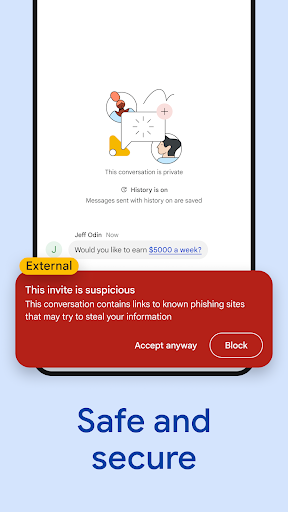
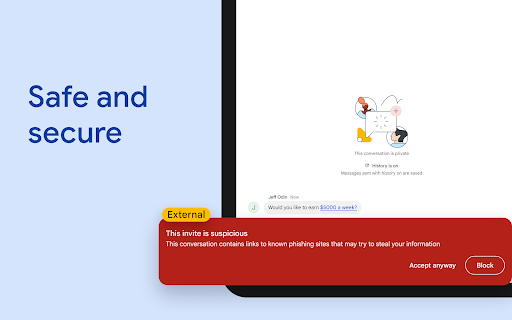
The service operates on a cloud-native, zero-trust security architecture that does not require local desktop installation or data storage on end-user devices. It incorporates automated protection against phishing and malware alongside AI-driven data loss prevention (DLP) controls to monitor and safeguard sensitive organizational data.
The core messaging features are included for Google Workspace consumer, education, and business plan accounts. Advanced functionality and enterprise management capabilities require a paid Workspace subscription.
Your comment was submitted and is awaiting moderation.
Your comment was published.