App Screenshots
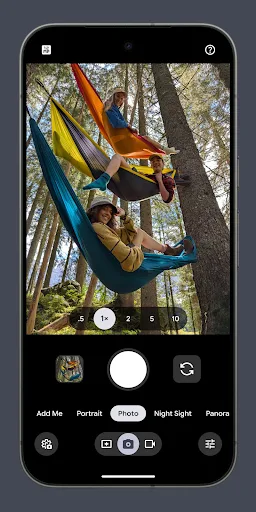
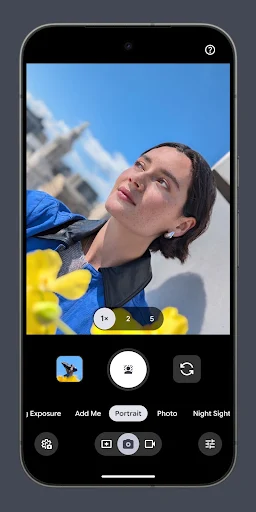
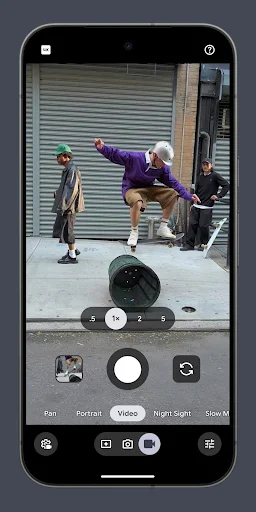
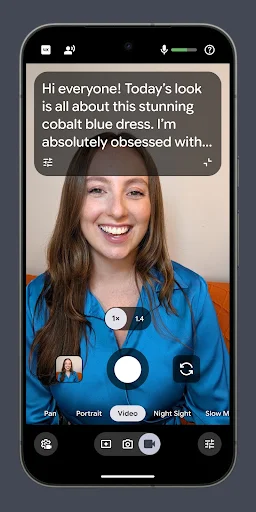
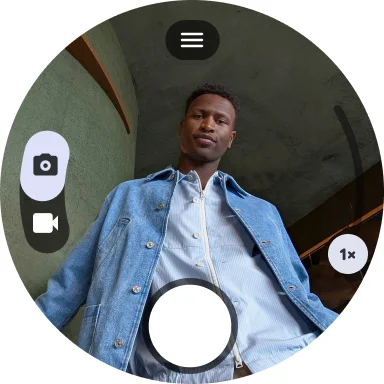
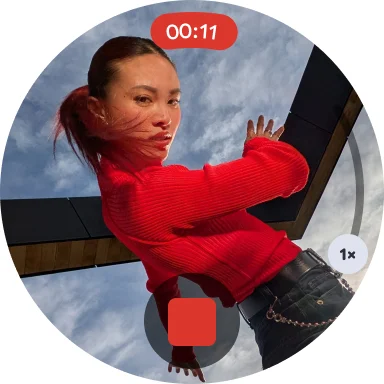
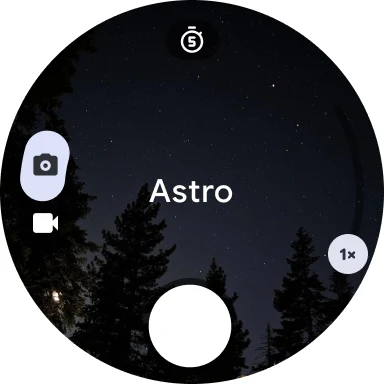
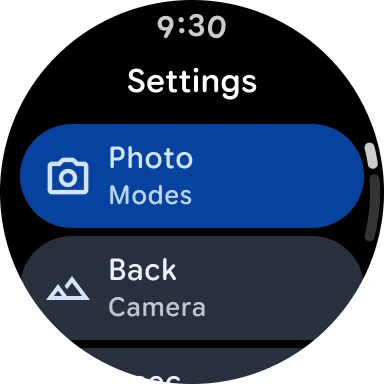

Smart photography and video capture tool
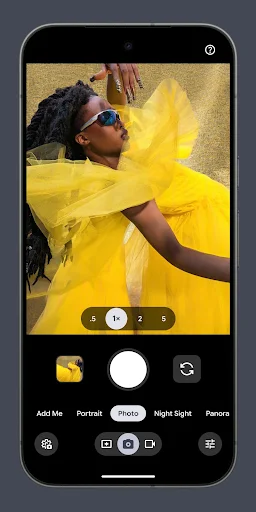
The Pixel Camera app provides a refined photography experience designed to handle complex lighting, close-ups, and group shots through smart processing. Formerly known as Google Camera, it allows users to capture balanced backlit portraits, dark night scenes, and distant subjects while offering manual exposure tools for deeper control. By combining automated imaging pipelines with practical tools like best-face selection and composition tips, it helps both casual users and photography enthusiasts capture clear photos and video without extensive editing.
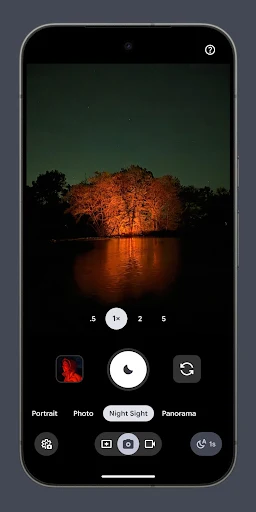
In environments with harsh backlighting or high contrast, the app uses HDR+ to balance deep shadows and bright highlights while preserving natural tones in skies and skin. When shooting in dark conditions, Night Sight lifts exposure and controls visual noise without relying on a flash. The integrated Astrophotography capability enables long-exposure shots of star fields on clear, stable nights. If default processing yields an image that appears slightly darker or punchier than desired, manual tweaks to white balance or quick post-capture edits help achieve the target look. For photographers who want precise control over their camera settings, dedicated Pro Controls allow manual adjustments to shutter speed and ISO.
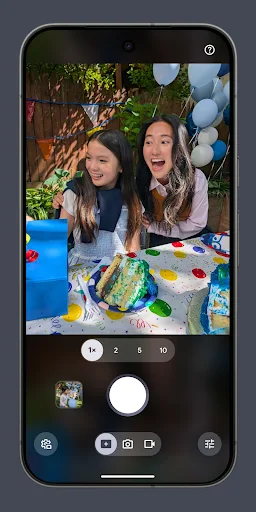
Framing and timing are managed through Camera Coach, an on-screen guidance system designed to build confidence when setting up shots. To handle tricky group photos where subjects might blink or look away, Auto Best Take analyzes a fast series of frames to select the optimal facial expressions for everyone involved. For gatherings where the person taking the picture also wants to be included, the Add Me feature integrates the photographer into the final composite. These group tools perform best when users shoot a few consecutive frames while keeping subjects relatively still.
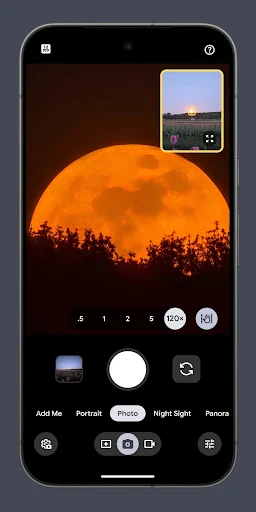
To bring distant subjects into focus at events, concerts, or outdoors, Super Res Zoom enhances frame details when cropping in close. On supported devices, Pro Res Zoom leverages generative imaging to reach magnifications up to 100x. Because lighting and hardware limitations impact image clarity at long distances, stabilizing the device with two hands or leaning against a firm surface helps keep framing steady. At extreme zoom levels, some visual smoothing and digital processing will occur, though pulling back slightly often restores sharper details.
Beyond still photography, the app incorporates creative motion modes such as Long Exposure and Action Pan to add movement or background blur to dynamic subjects. Video capture is similarly supported by specialized tools, including Night Sight Video and Video Boost, which optimize low-light footage and apply advanced processing to improve overall video quality.
Your comment was submitted and is awaiting moderation.
Your comment was published.