App Screenshots
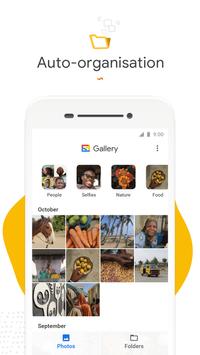
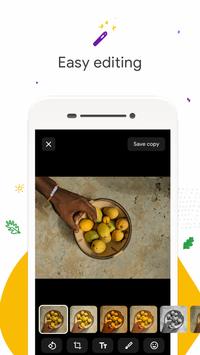
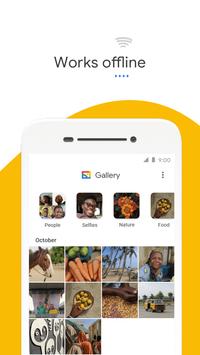

Photo and video organizer
• Bug fixes and minor improvements
Managing device media often requires juggling cluttered folders and high data usage. Gallery functions as an offline media organizer and light photo editor designed to process photos and videos while minimizing memory footprint and storage size. The app automatically categorizes media collections locally into distinct groups each night, allowing users to locate specific images quickly, perform single-tap visual enhancements, and transfer files between internal storage and external SD cards without needing an internet connection.
Instead of manually creating albums, the app runs an automated organization process every night. It scans saved items and groups them into predefined categories, including People, Selfies, Nature, Animals, Documents, Videos, and Movies. This background sorting reduces the time spent scrolling through an unorganized camera roll when looking for specific subjects or file types. However, the face grouping feature that powers the People category is subject to regional availability constraints and may not function in every country.
Basic media editing is built directly into the interface, highlighted by an auto-enhance tool that adjusts image quality with a single tap. Beyond quick visual adjustments, the software handles local file management tasks. Users can create custom folder structures to store content or utilize built-in file operations to view, copy, and transfer photos and videos to and from an SD card. Because all of these management and editing functions operate entirely offline, the app processes high-resolution files locally without consuming cellular data.
Your comment was submitted and is awaiting moderation.
Your comment was published.














 Freeing storage that does not fill back up in a week
 WhatsApp against Telegram, honestly