App Screenshots
Creative photo editing and AI art generator
AI Photo Editor: Art Studio is a photo editing app designed to transform everyday pictures using generative visual effects and targeted utility tools. Users can apply trending art styles, experiment with age-progression filters, try gender swap transformations, and generate AI hug scenes or future baby predictions. Beside its creative filters, the app handles practical image cleanup, allowing users to enhance clarity, isolate subjects by changing photo backgrounds, and erase unwanted objects from a shot.
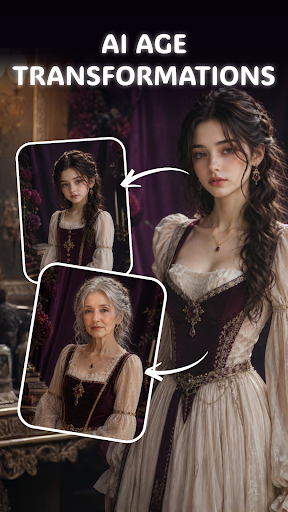
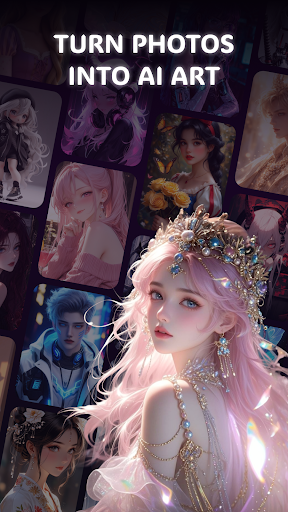
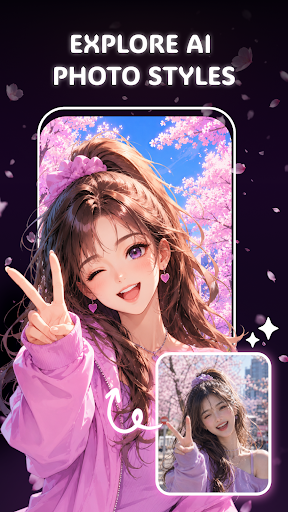
The app converts standard photographs into artistic imagery through preset visual styles and AI effects. Beyond general style transfers, it includes stylized manipulation tools focused on people. The Journey of Time feature lets users view age-altered versions of a face, while dedicated transformation modes simulate gender swaps, project what a future child might look like, or generate synthetic composition effects like two people hugging.
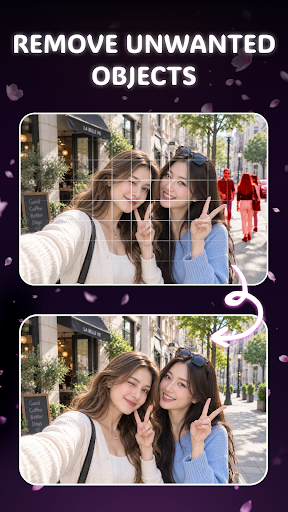
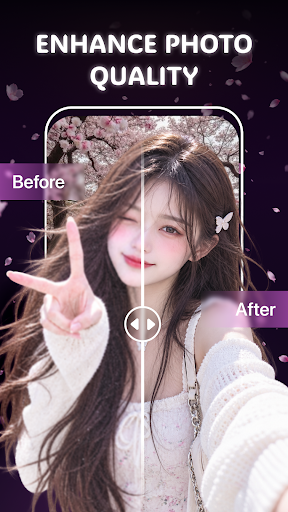
For standard picture editing, the toolset includes dedicated utilities for modifying image composition and quality. The built-in photo enhancer sharpens details to clear up blurry or dull images. If an otherwise good photograph contains distracting elements, the object remover lets users erase unwanted items to keep the focus on the main subject. Additionally, the background editor replaces original backdrops with alternative settings, providing a fresh context for portraits or creative projects.
Whenever users generate new AI artwork or make utility edits to existing pictures, the results save to a centralized workspace called My Gallery. This built-in media section organizes all finalized edits in one place, allowing users to browse, review, and revisit their past image transformations without searching through their device’s broader local storage.
Your comment was submitted and is awaiting moderation.
Your comment was published.