App Screenshots
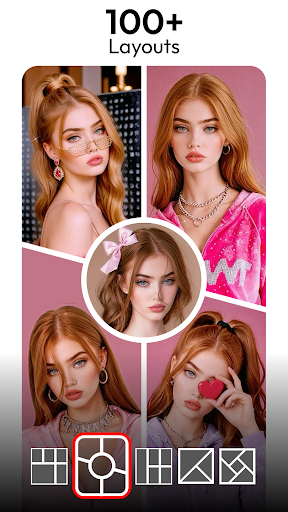
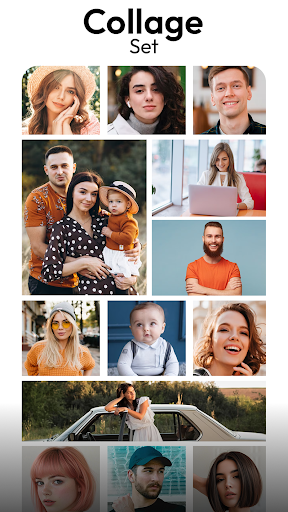
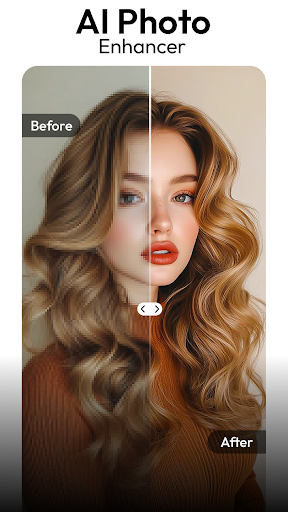
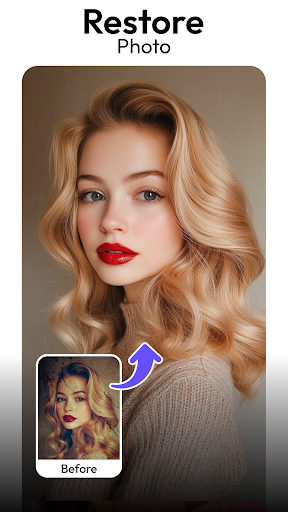
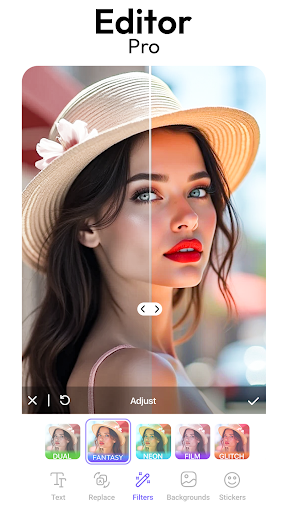

Photo collage maker and picture editor
Creating multi-photo arrangements and editing individual images can be done in one place using AI Collage Maker Photo Editor. Designed as a comprehensive picture customization tool, the app lets you combine up to 20 photos into a single project using a grid layout or a freeform design. Beyond arranging photos, you can apply blending effects, layer graphics, and make targeted adjustments like cropping or color correction before saving high-resolution files.
Arranging multiple images together is central to the app, which offers hundreds of distinct layout options. You can build structured grid configurations or move photos around in a freeform style to showcase up to 20 images in one graphic. Elements within these layouts are customizable, allowing you to drag and drop photos into place, modify grid borders, and fit your media to specific canvas dimensions.
For specific events, the app includes over 300 templates and decorative frames categorized by subject matter. Built-in presets cater to occasions such as birthdays, weddings, anniversaries, family gatherings, and general celebrations. These options give you a structured starting point when creating visual stories or customized keepsakes without having to build a composition from scratch.
Alongside its multi-image templates, the utility provides standalone editing features for individual pictures. You can perform basic photo touch-ups—such as cropping, rotating, resizing, and adjusting color balance—or insert text and choose from hundreds of thematic stickers. For more complex visual adjustments, blending tools and texture overlays allow you to merge graphics, combine images, and refine overall image clarity.
Your comment was submitted and is awaiting moderation.
Your comment was published.