App Screenshots
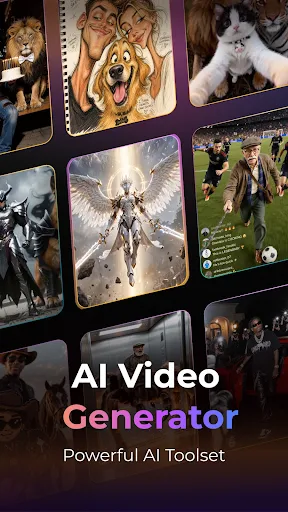
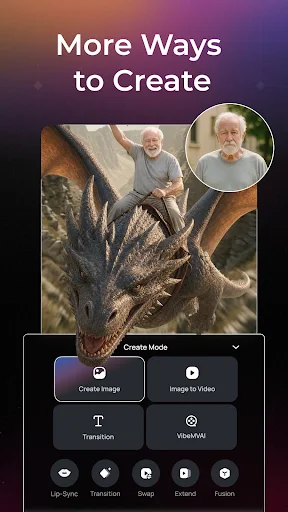

AI video and photo animation utility
What's New 3.22.43
1.Introducing Kling Image 4.0 — generate higher quality images.
2.Bug fixes and experience improvements for smoother usage.
Transforming text descriptions and static photos into video clips is simple using PixVerse: AI Video Generator. The app allows users to create cinematic visuals from written text prompts or animate still images with physics-aware motion that accounts for realistic movement and weight. Designed to balance speed with detailed creative control, it offers tools to maintain visual consistency across multiple shots, extend clip durations, and apply one-click stylized effects without requiring complex manual editing.
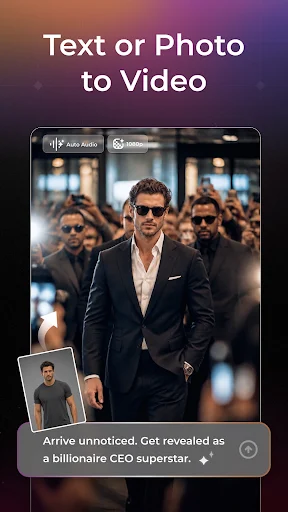
Converting short written prompts into cinematic clips takes only seconds within the app. Words directly dictate camera movement, style, and composition, making specific descriptions effective for producing clear shots—such as generating a rainy, neon-lit street with a slow pan. Fine details and complex scenes retain high clarity and stability, while text adjustments or added style tags let users tweak the timing and tone of the generated video.
Animating a single static image produces grounded results by reading objects and human limbs to apply natural physics. The app handles vintage portraits through features like Old Photo Revival, adding subtle camera shifts or head turns without distorting facial identity. If an initial render misses the mark, adjusting a prompt or picking a different effect refines expressions and timing without forcing a complete restart of the image setup.
To build larger sequences, the app provides precise controls designed to keep visuals steady across edits. Multi-Frame lets users define specific start and end points to align movement trajectories, while Video Extension adds seconds onto existing clips to elongate continuous walks or camera pans. When generating short narrative sequences, the Character Reference feature keeps faces and outfits consistent across different angles, and MultiShot can automatically output multi-angle coverage of a scene.
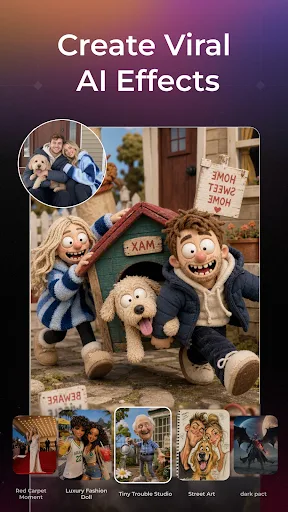
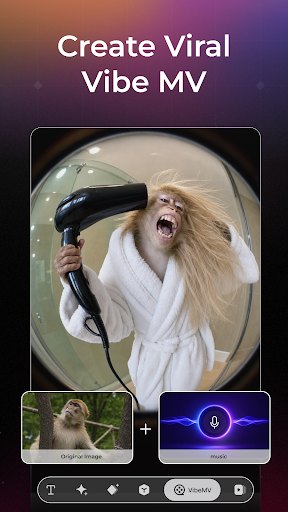
Quick, shareable transformations are accessible via built-in visual presets. Options like AI Dance, Live in Style filters, and specialized portrait effects apply distinct aesthetic changes to source photos or text setups instantly, allowing for stylized experimental videos without manual frame-by-frame adjustment.
Your comment was submitted and is awaiting moderation.
Your comment was published.