App Screenshots
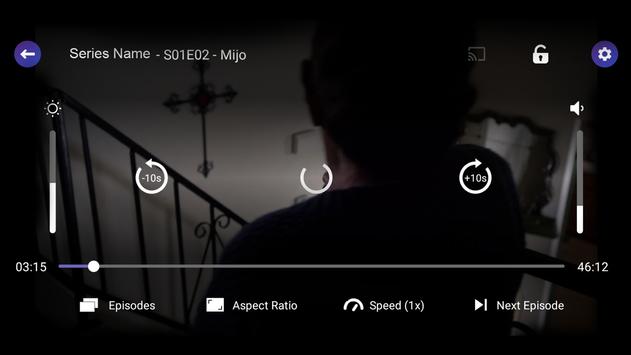

Video player for remote streaming playlists
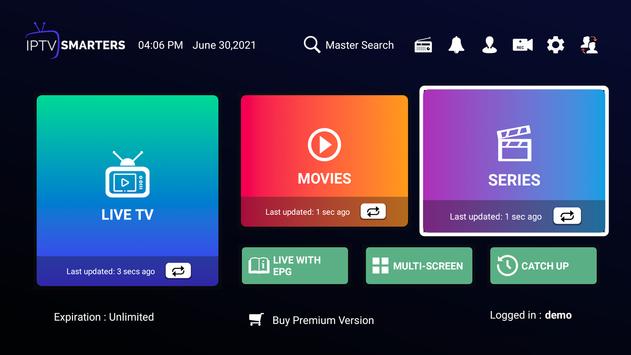
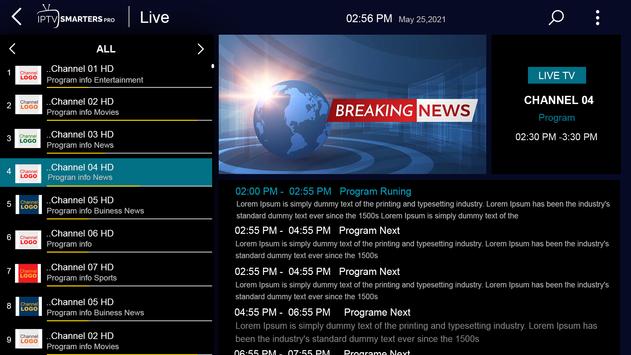
Media playback software functions purely as a shell, requiring users to supply their own streams or playlists to access content. IPTV Smarters Pro acts as a centralized management hub for viewing live television broadcasts, movies, and TV series by connecting directly to an existing IPTV service provider or loading personal media sources. Instead of relying on a pre-packaged channel lineup, it processes external stream links and local audio or video files into an organized interface, complete with support for electronic program guides (EPG), stream recording, and multi-screen viewing across different devices like TV sticks and set-top boxes.
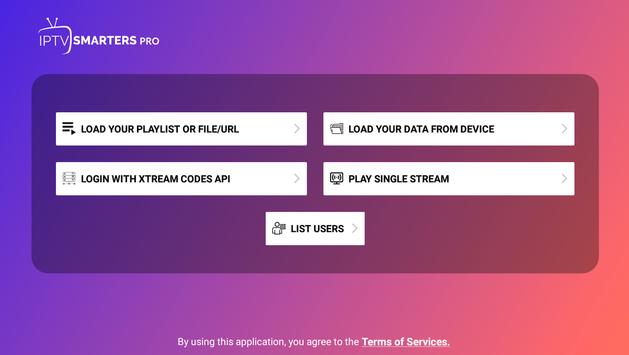
Connecting content to the player relies on standard delivery methods rather than built-in media catalogs. Users import media by entering an M3u file or direct playlist URL provided by their third-party service, or by loading individual single-stream URLs. The software also functions as a standalone media player capable of playing local video and audio files stored directly on the device. Because the application includes no native media, channel listings, or subscriptions, setup requires entering existing credentials or files before any streaming can occur.
Organizing imported streams involves several navigation tools designed to filter through large channel lists. A Master Search feature lets users search across live channels, movies, and TV series simultaneously. Content sections automatically segment playlists into recently added movies and series, dedicated TV catch-up sections for catching up on previously aired broadcasts, and a Continue Watching row to resume partially viewed titles. Dynamic language switching allows on-the-fly audio and subtitle adjustments when supported by the underlying source stream.
During active playback, the app offers flexible display options to handle multiple streams or tasks simultaneously. Multi-screen capabilities allow users to display several video feeds on one screen, while Picture-in-Picture mode minimizes the current stream into a floating window so other apps remain accessible. If a stream needs to be saved for offline viewing, the built-in recording feature captures the broadcast directly to local storage. Viewers can also hand off playback to an external third-party video player or send the stream to a compatible display via Chrome Casting.
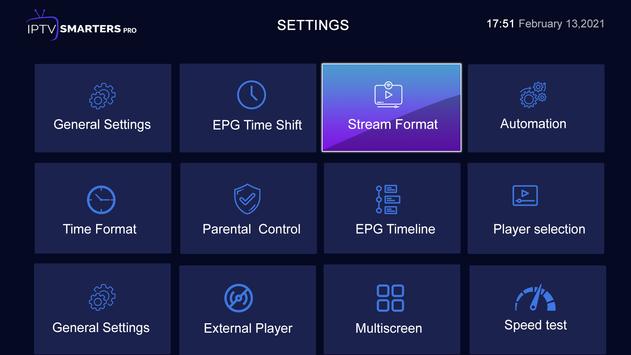
To manage viewing permissions and monitor connection quality, the player embeds administrative and network tools directly into its settings menu. Built-in parental controls allow account holders to restrict access to specific categories or channels. For network troubleshooting and management, the platform incorporates an integrated speed test facility to check current connection throughput alongside direct VPN integration to route streaming traffic securely through virtual private network connections.
Your comment was submitted and is awaiting moderation.
Your comment was published.