App Screenshots
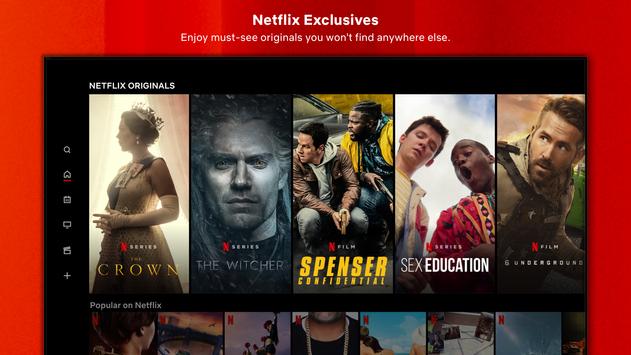

Stream movies and series on television
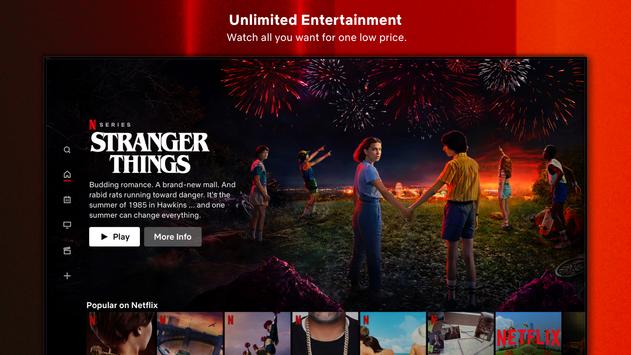
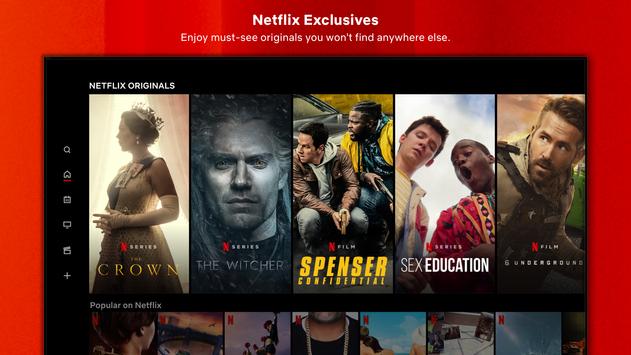
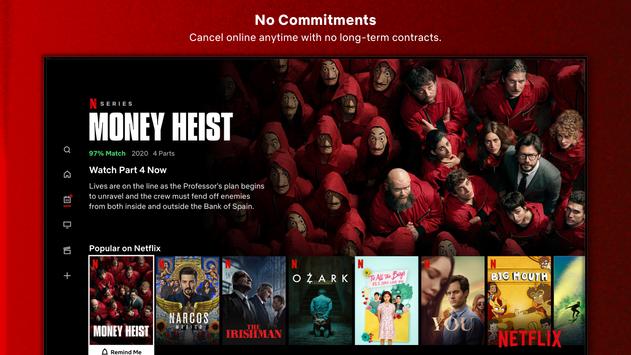
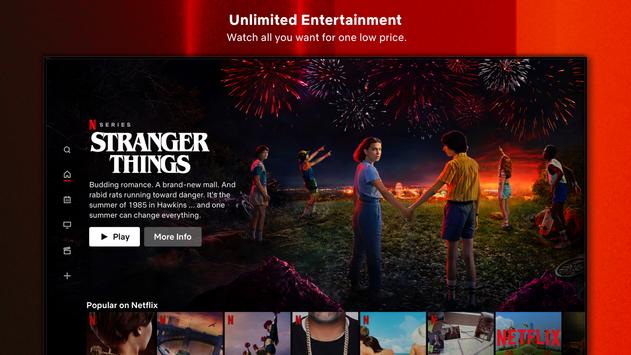
Netflix (Android TV) brings a massive, continuously updated library of movies, series, documentaries, and stand-up specials directly to your television screen. Instead of searching blindly, you can browse through curated categories, view quick previews, and rely on algorithmic recommendations that learn your preferences as you watch. It streamlines multi-user households with dedicated profiles and offers a fast, remote-friendly onboarding process that uses a QR code scan from a mobile device to bypass manual password entry on the TV screen.
Signing in on a big screen is simplified by generating a QR code that you scan with a smartphone, linking your account immediately without typing credentials with a TV remote. Once logged in, the interface organizes titles into distinct horizontal rows such as Trending and New Releases. Quick video previews let you sample the tone and premise of a show or movie before committing to a full view. To ensure you do not miss ongoing series, the app sends notifications directly to the device when new episodes arrive, while a persistent Continue Watching row keeps your active titles accessible right at the top.
Every account supports multiple individual profiles, ensuring that algorithmic recommendations remain completely separate for each household member. As you finish watching a show, the system immediately surfaces similar recommendations based specifically on that profile’s viewing history. This separation extends to a dedicated Kids space, which presents a simplified interface featuring age-appropriate titles and bright artwork. Parents can also restrict access to standard adult profiles by enabling a profile PIN.
Navigation and playback are designed for smooth transitions between browsing and streaming. However, functional cues throughout the interface signal specific plan restrictions. If a title or feature requires a higher subscription tier, the app clearly flags its availability so you can choose alternative content without encountering unexplained playback errors. Viewers on ad-supported tiers should also note that audio levels may shift noticeably during promotional breaks, making manual volume adjustments necessary during family sessions.
Your comment was submitted and is awaiting moderation.
Your comment was published.