App Screenshots
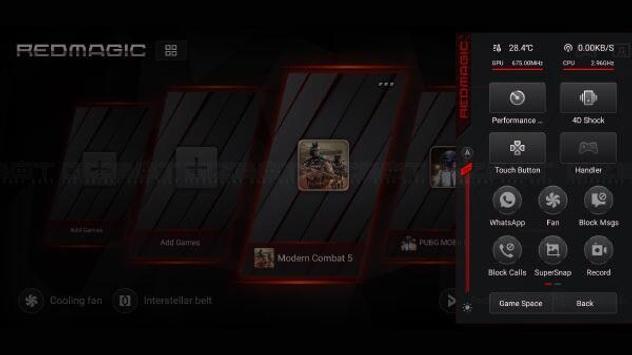

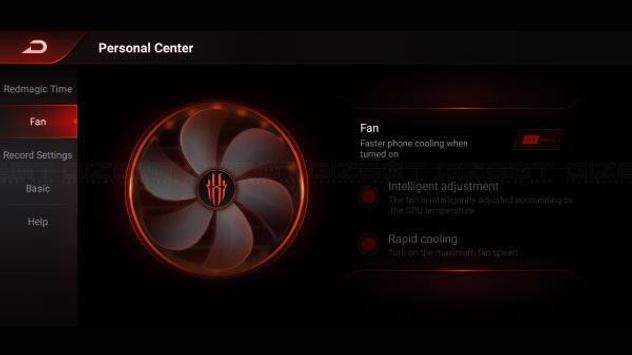
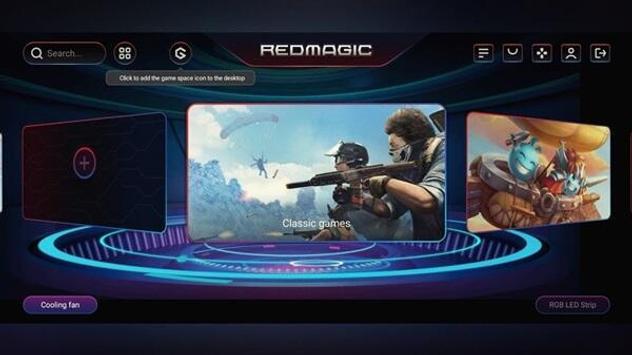
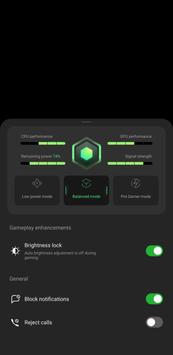
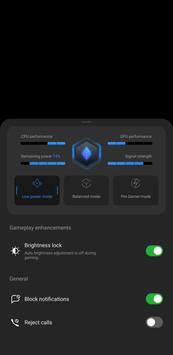
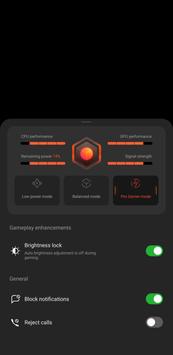

Unified game library and automatic mode launcher
Add game recommendation feature.
Managing mobile gaming setups often requires balancing system performance and connection stability. Game Space serves as a centralized hub that organizes all installed titles into a single library and automatically triggers a dedicated Gaming Mode upon launching a game. The app incorporates built-in network optimization tools—including a VPN-based acceleration feature and real-time metric tracking—to help maintain lower latency and minimize hardware and connection distractions during online sessions.
The core functionality centers on a single launcher interface where all installed software titles are collected. Adding titles to this central hub allows you to launch them directly without navigating through the standard device application drawer. Initiating a title from within the hub automatically engages Gaming Mode, which applies a one-tap performance boost aimed at focusing device resources on the active session while reducing potential interruptions during competitive play or timed events.
For online titles requiring responsive connections, the app integrates a Network Acceleration feature powered by a VPN. Enabling this tool prompts the app to optimize traffic routing to reduce connection delay and smooth out latency spikes, such as those encountered on unstable mobile data. According to the developer, the data routed through this acceleration mechanism is encrypted, and no traffic information is shared with third parties. Users can toggle the feature on or off based on privacy preferences or specific network conditions.
To aid in selecting the best available connection before entering a match, an integrated insights panel displays real-time statistics for latency, connection type, and overall network quality. Monitoring these readings allows you to compare performance between mobile data and Wi-Fi networks—such as evaluating the delay differences between 2.4 GHz and 5 GHz bands—and make informed switches before queueing for a game.
Beyond performance tools, Game Space provides a dedicated community section. Within this area, users can browse community posts, read shared tips from other players, leave feedback, and discover updated recommendations for other titles.
Your comment was submitted and is awaiting moderation.
Your comment was published.