App Screenshots
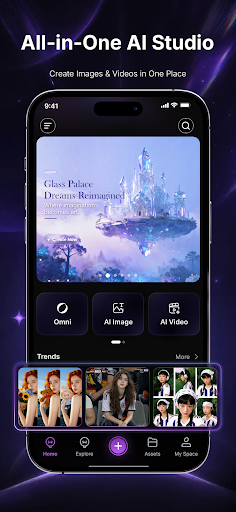
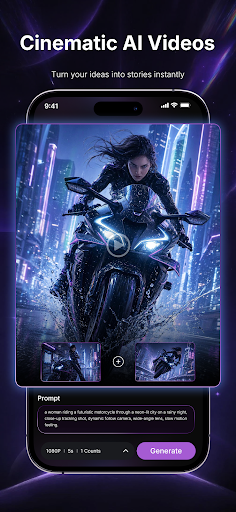
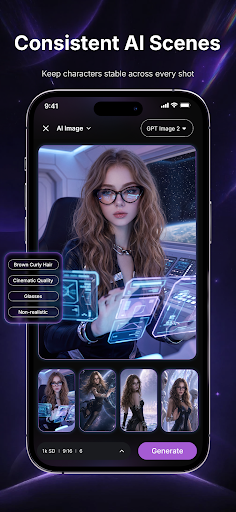

AI video and image generator studio
Creating visual content for marketing, social media, or creative projects often requires switching between separate tools for images, motion, and character design. SeaArt AI: Photo & Video Maker functions as a mobile creative studio that combines AI video generation and image editing into a single workflow. Users can generate video clips directly from text prompts or animate static images, such as portraits and concept art. With built-in tools for fine-tuning generation parameters, maintaining visual consistency across scenes, and producing clips up to 15 seconds at up to 4K resolution, it supports tasks ranging from rapid concept testing to full video production.
The app processes both written prompts and uploaded visual assets to generate motion clips. Users can input text descriptions to create cinematic scenes from scratch or supply existing images—such as product photos, illustrations, or character portraits—to add animation. This approach allows short video teams and advertisers to generate promotional clips, story sequences, or social media posts directly on a mobile device without traditional video editing software.
For complex generation tasks, the app includes an advanced mode named Omni. This feature exposes precise settings that give creators control over the final output rather than relying entirely on automated generation. Users can set start and end frames, adjust overall visual styles, tune motion dynamics, and configure specific generation parameters. This level of control makes it easier to produce intentional visual transitions and specific camera behaviors.
A common challenge in AI video generation is visual drift, where characters change appearance between frames or scenes. The platform includes stabilization tools designed to minimize facial distortion, unwanted structural morphing, and character inconsistency across video clips. Additionally, the tool supports continuous video generation for clips up to 15 seconds long, with export options ranging from 1080p to 4K resolution to accommodate higher-production presentation standards.
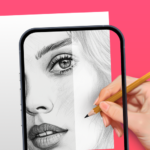
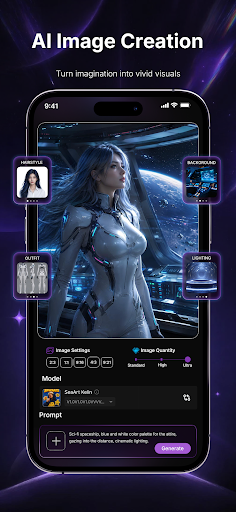
Beyond video, the app includes a comprehensive image generation environment supporting styles like anime, realistic portraits, 3D renderings, oil paintings, and digital artwork. It incorporates specialized manipulation tools, including partial repainting, background removal, sketch-to-image conversion, character repair, and custom AI filters. Creators can also apply control frameworks like ControlNet and LoRA to guide composition and maintain specific artistic styles across multiple images.
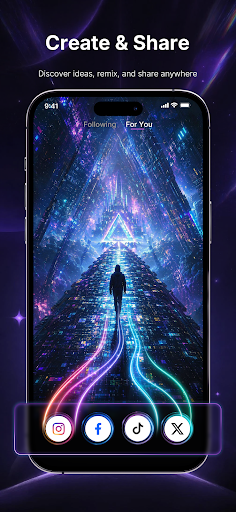
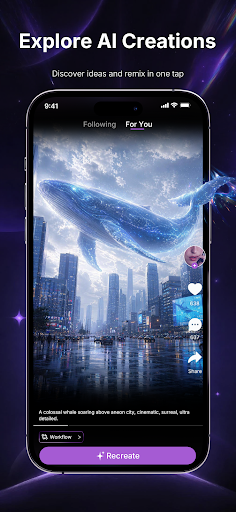
The app provides a discovery feed where users can browse community-created visuals and workflow setups. Through a feature called Clone & Try, users can copy the exact settings, models, and prompt structures used by other creators to replicate or modify a style instantly. The platform also includes a library of interactive AI characters supporting multilingual chat, allowing users to build and converse with custom avatars for narrative inspiration or entertainment.
Your comment was submitted and is awaiting moderation.
Your comment was published.