App Screenshots
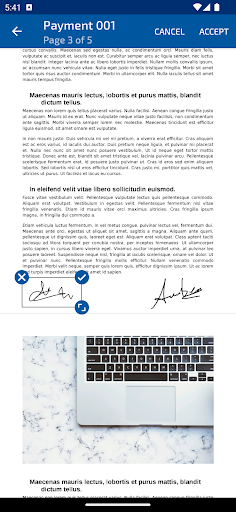
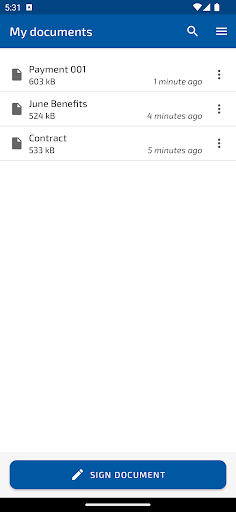
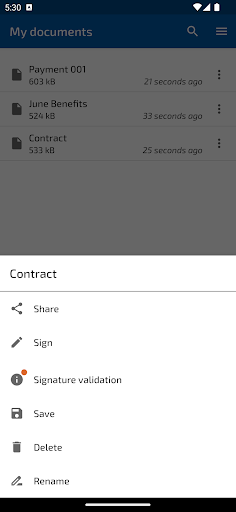
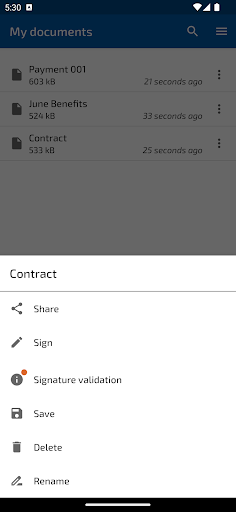
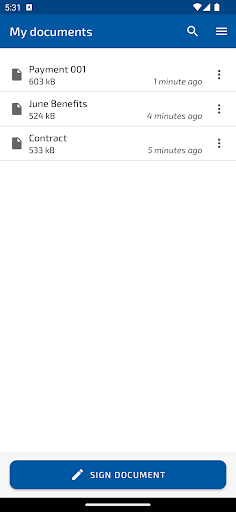
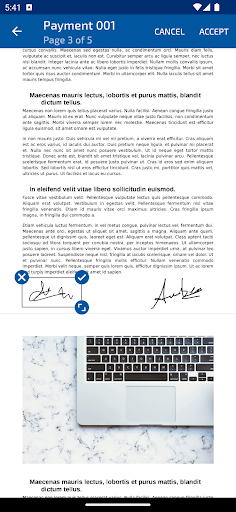
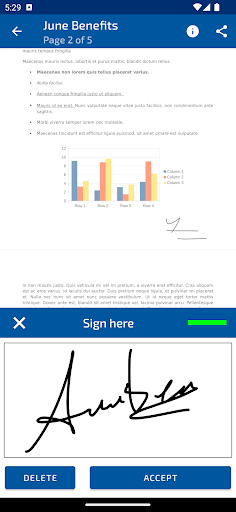
Tool to sign PDF documents electronically.
We constantly improve to make your documents safer and your work easier. Make sure you have the "Update automatically" option turned on.
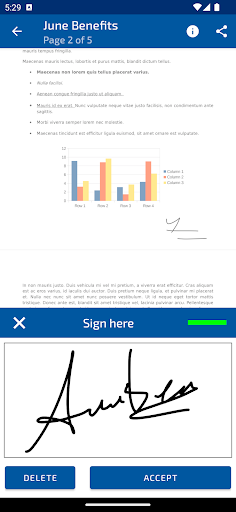
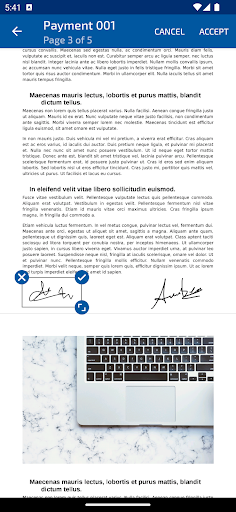
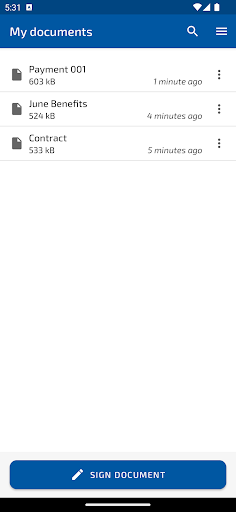
SIGNply – Sign PDF Documents is a document signing app that allows users to apply legally binding handwritten electronic signatures directly to PDF files using a finger or a stylus. It supports both self-signing for personal paperwork and in-person signature collection for clients on site. The app captures stroke-level biometric data alongside cryptographic encryption, making it ideal for executing contracts, medical consents, GDPR forms, and inspection records. All signed files remain strictly on the local device, ensuring documents and generated signatures are never stored on external servers or shared with third parties.
Users can sign incoming PDFs or capture physical paper documents first using an integrated AI-powered scanner that automatically converts images into PDFs. The app handles multiple signers on a single document, preserving all existing digital signatures without invalidating previous sign-offs. Beyond standard PDF files, the app supports opening alternative file types—including Microsoft Word files, plain text documents, and images—which are automatically converted into standard PDFs before signature placement.
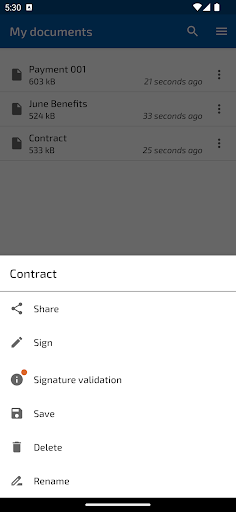
To meet legal standards under regulations like eIDAS, signatures are generated per transaction using asymmetric AES-256 encryption for biometric stroke data and the SHA-512 algorithm to preserve document integrity. Data transmissions utilize secure HTTPS connections. For advanced verification requirements, the app offers long-term signature support (PAdES-LTV) featuring TSP timestamps and online OCSP certificate revocation checks. Users can also run document validation checks to verify existing digital signatures and generate quality reports.
The free tier allows users to sign up to 100 PDF documents without ads or an expiration date. For larger workflows, upgrading to the premium version unlocks unlimited document signatures. Cloud storage integration allows direct signing and uploading to Google Drive and Microsoft OneDrive directly within the interface.
Your comment was submitted and is awaiting moderation.
Your comment was published.