App Screenshots
Mobile document editor and scanner
Give your eyes a break and listen to your PDFs. Catch up on documents while you’re on the go or getting things done.
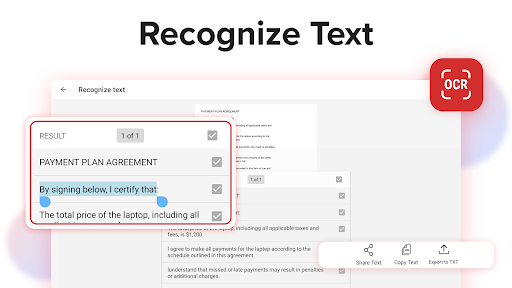
Mobi PDF・Editor・Scanner・Reader functions as a mobile document management hub that lets you capture paper documents, edit existing files, and manage PDF workflows on your device. Powered by AI-enhanced edge detection, its built-in scanner turns receipts, contracts, and passports into clean digital files, while native OCR technology extracts the text for easy sharing. Users can edit text and images directly within a document, complete fillable forms, convert PDFs to standard office formats, and store files using integrated cloud storage.
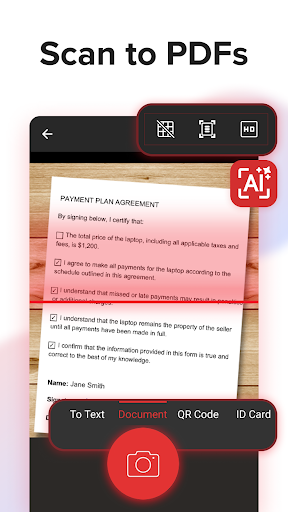
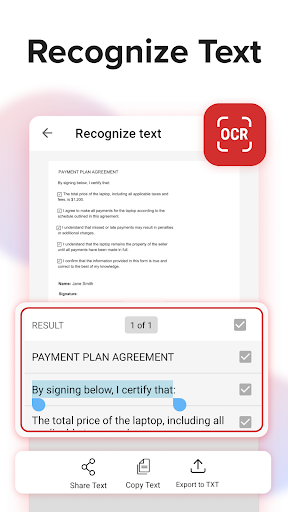
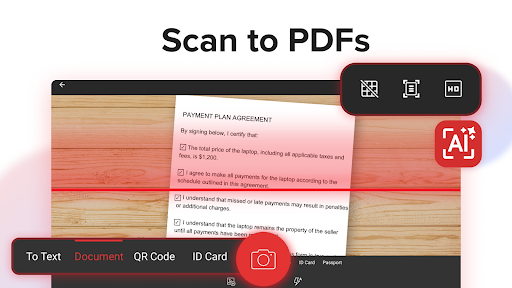
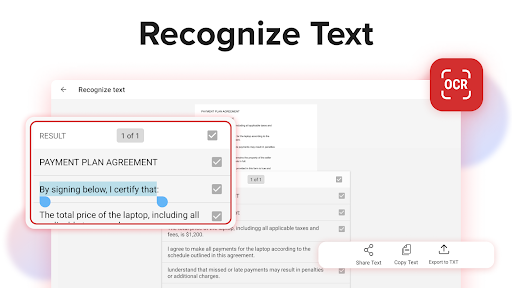
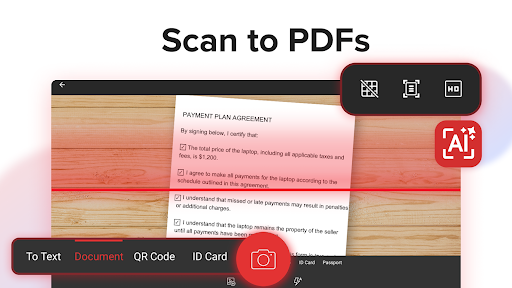
The built-in camera scanner uses AI to detect edges automatically, capturing clear digital copies of paper items such as invoices, notes, certificates, and ID cards. Once a document is scanned, integrated Optical Character Recognition (OCR) converts the visual text into readable content. This extracted text can then be shared directly through email, sent via messaging applications, or uploaded to your connected cloud services without needing to type out the information manually.
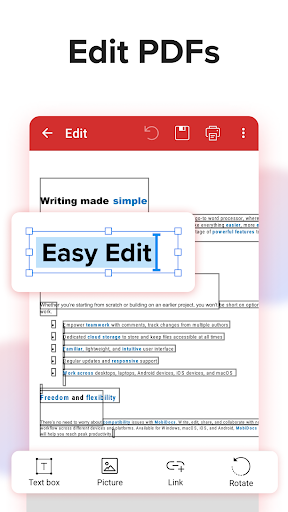
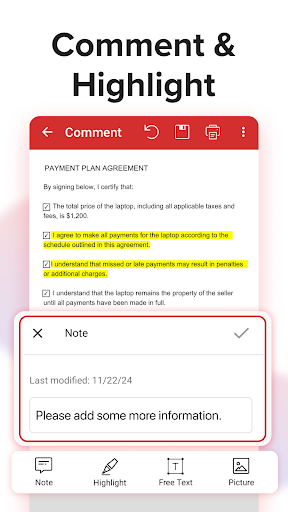
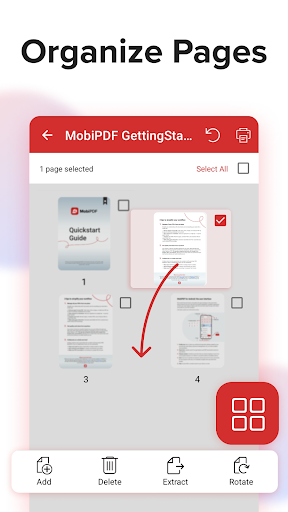
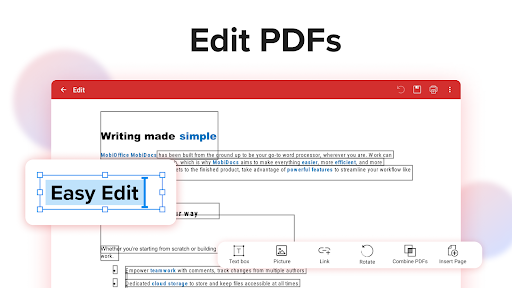
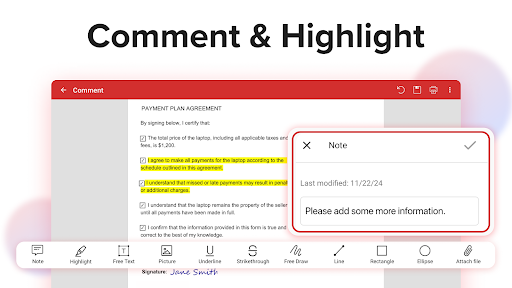
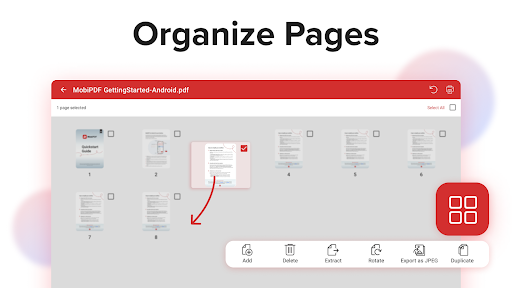
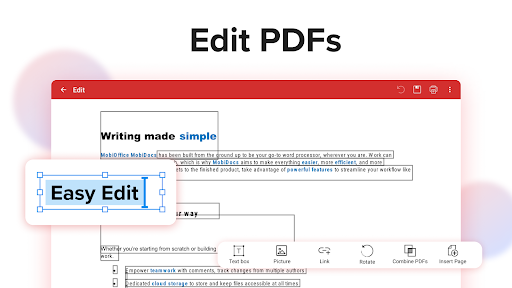
Modifying an existing PDF does not require converting it first. The app includes tools to insert, delete, or modify text and images directly within the document, or to start entirely from a blank page. You can annotate files using highlight tools, freehand drawings, comments, stamps, and file attachments. For structural changes, page management functions allow you to view, reorder, insert, delete, extract, duplicate, or rotate individual pages, as well as merge multiple separate files into a single consolidated layout.
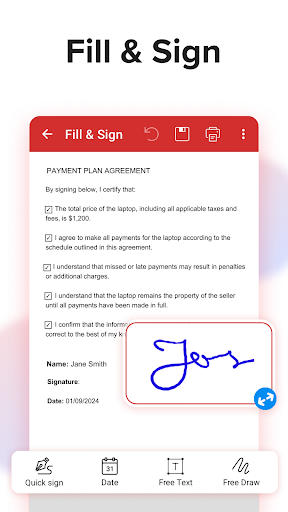
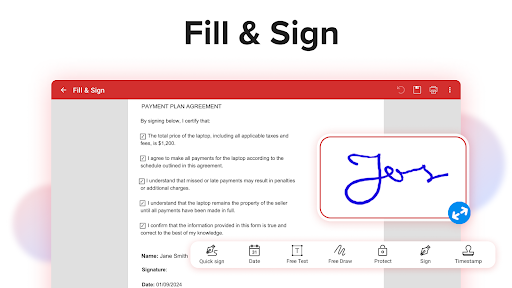
Completing official paperwork is handled through specialized support for fillable PDFs. You can fill out form fields on the go and sign documents by drawing a signature directly on the screen or applying a saved electronic signature. To protect sensitive file contents, you can lock and encrypt PDFs with passwords to restrict unauthorized access, or apply digital certificates to validate document authenticity.
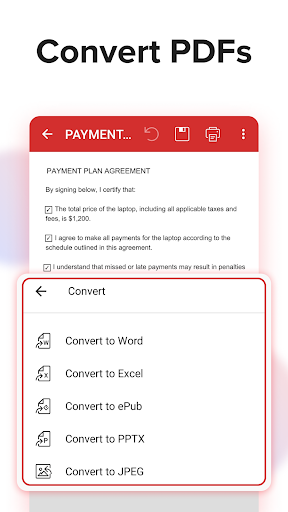
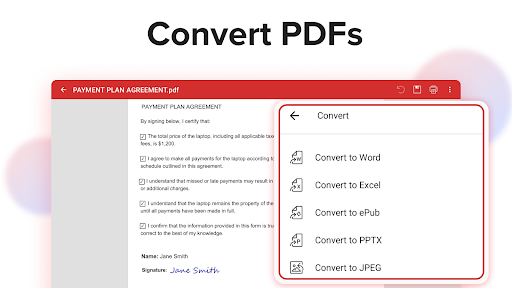
The app converts PDF files into Word, Excel, PowerPoint, or ePub formats while working to maintain the original layout, and can save those same office formats back into PDFs. Image conversion works in both directions: turned-on camera captures, PNGs, and JPEGs can be converted into PDFs, or PDFs can be rendered as standard PNG or JPEG images. Signing into an account provides 5GB of free storage on MobiDrive to back up scans and documents, with an option to upgrade to 50GB, and wireless printing capabilities let you send files straight from your device to a compatible printer.
Your comment was submitted and is awaiting moderation.
Your comment was published.