App Screenshots
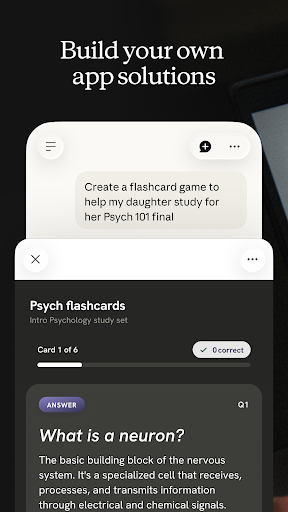

AI problem solver and thinking partner
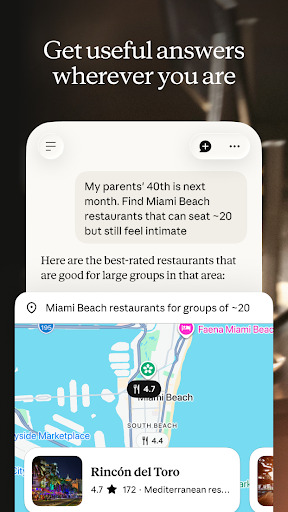
Claude by Anthropic is a digital productivity assistant and problem-solving app designed to help you tackle complex tasks, write content, and analyze data right from your phone. You can use it to draft documents, organize research, debug code, and process visual media. What sets the app apart is its deep context integration: it can perform web searches with accurate citations, ingest context from connected services like Gmail, Google Drive, and Google Calendar, and analyze uploaded photos or diagrams—all while requiring user approval before anything is sent out.
The app functions as a writing assistant that adapts to your intent through iterative dialogue. Whether you are composing social media posts, business emails, or multi-page reports, it helps refine structure, clarify message intent, and adjust the tone of your text. Instead of relying on rigid prompt templates, you can converse naturally to shape rough ideas into polished final drafts.
Through its integrated Claude Code capability, the app assists with software development tasks across Python, JavaScript, TypeScript, and dozens of other programming languages. You can work through logic problems, review existing code bases, identify errors, and debug complex multi-step architecture. The tool scales from writing single functions to planning enterprise-level code changes using conversational prompts.
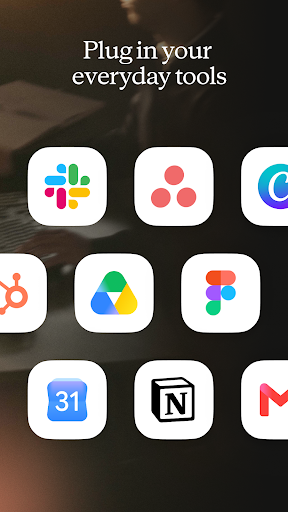
To assist with business analysis and research, the app connects directly to external context sources, including Google Drive, Gmail, and Google Calendar. It searches the web to answer detailed questions, compiling findings alongside accurate citations. This allows you to synthesize information across your personal files, schedule, and live web sources within a single workflow.
You can upload image files, multi-page PDFs, technical diagrams, and screenshots for direct visual evaluation. The app reads and extracts text from images, interprets charts and graphs, and evaluates user interface layouts to offer feedback on visual designs. For graphics tasks, it can also output raw SVG code directly from your uploads.
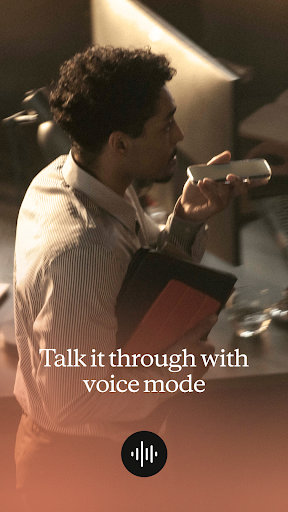
For hands-free operation, the app includes a voice interface that lets you dictate thoughts and talk through complex ideas without typing. Additionally, you can configure recurring daily workflows within the app, delegating repetitive administrative tasks to automate parts of your daily workload while maintaining oversight of outgoing actions.
Your comment was submitted and is awaiting moderation.
Your comment was published.