App Screenshots
Digital notebook and ideas organizer
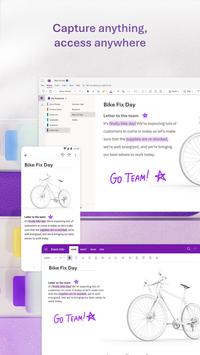
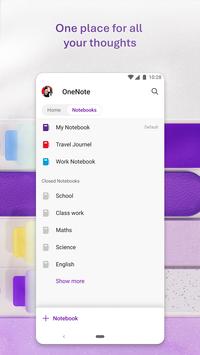
Microsoft OneNote: Save Notes is a digital note-taking app that allows you to organize personal thoughts, work projects, and study materials across connected devices. Beyond simple text entry, it acts as a central hub where you can dictate voice notes, clip web content, write or draw with a digital pen, and scan physical documents to extract text. Built-in AI tools help streamline your workflow by converting speech to text, generating automatic meeting summaries, and scanning your notes to create actionable follow-up items.
The app includes dedicated voice-to-text tools that capture spoken content and automatically transcribe audio files. Dictation supports 27 languages—including some currently in preview—and applies automatic punctuation to format your speech into clean text. Integrated AI features can analyze these voice notes, lectures, or meeting discussions to generate concise summaries, audio overviews, and shareable meeting minutes or action items directly within your workspace.
A built-in scanner turns your device camera into an information capture tool. You can scan physical documents, receipts, or images to extract written text directly into your notebook. The visual editor also allows you to crop images, adjust color using different filters, and mark up scanned files or pictures using digital ink.
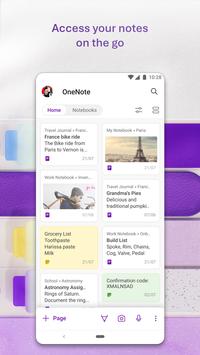
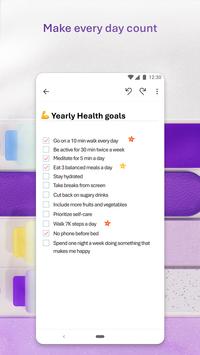
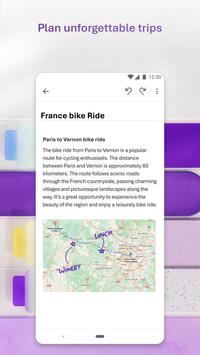
Information can be organized using custom labels, marks for high-priority items, and dedicated to-do lists to keep projects on track. The canvas supports typed text, handwritten ink notes, drawing, and web clippings. A centralized homepage makes it easy to search through your entries quickly, and integration with Samsung Notes lets you view and manage content from connected accounts in one place.
The workspace is designed for both private reflection and team collaboration. You can secure sensitive daily notes and private writing behind built-in lock features to keep confidentiality intact. When working on group projects, you can share notebooks, brainstorm creative ideas together, and draw attention to critical points across shared workspace pages.
Your comment was submitted and is awaiting moderation.
Your comment was published.