App Screenshots
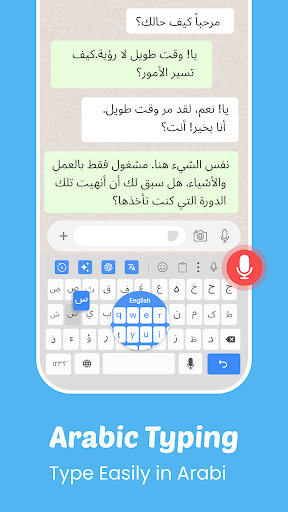
Bilingual Arabic and English typing keypad
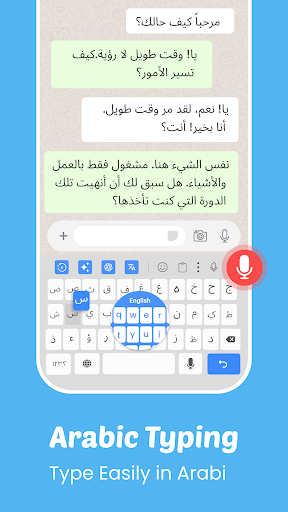
Writing Arabic text, managing English communication, and composing messages for Middle Eastern contacts often requires switching back and forth between different input layouts. Easy Arabic AI Keyboard Typing functions as a dual-language input tool that allows users to type in both Arabic and English side by side without toggling out of their current messaging or email apps. Beyond providing access to the full Arabic alphabet with harakat support, it integrates an AI writing assistant to handle text generation, tone adjustments, grammar corrections, and direct translations into more than 50 languages.
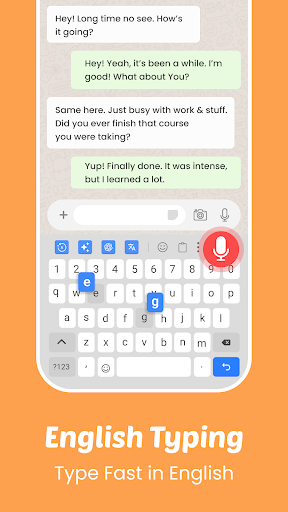
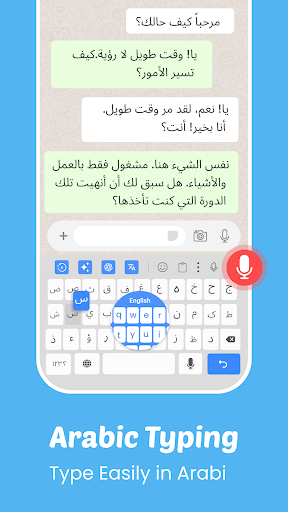
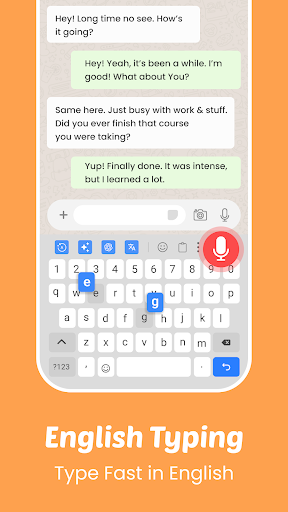
The app supports full Arabic script alongside a standard English layout, enabling concurrent use of both keypads. Users can switch between the two inputs immediately to draft emails, text messages, or quotes. For precise Arabic orthography, the keyboard provides short vowel marks (harakat) and standard Arbi Qaida characters, accompanied by customizable auto-completion and next-word prediction for both languages.
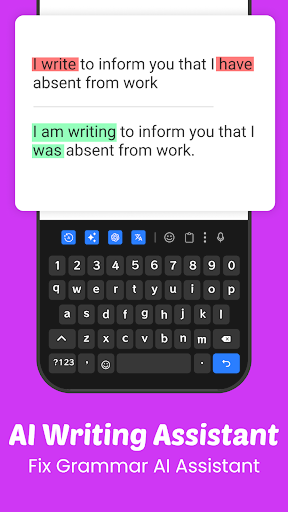
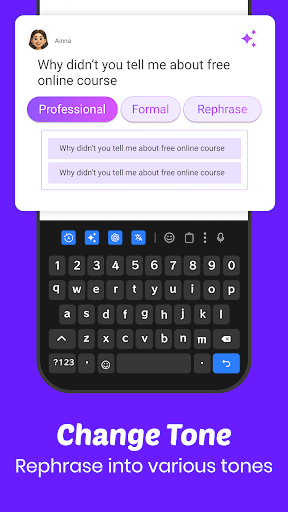
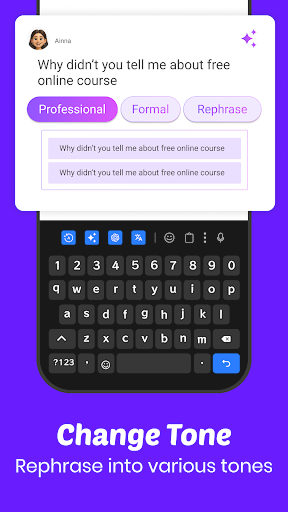
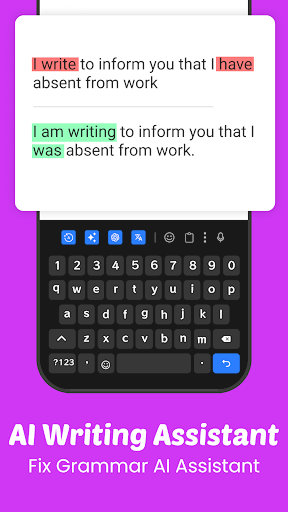
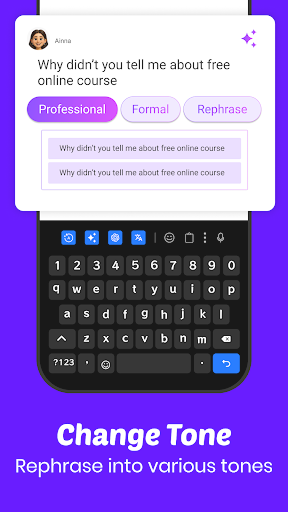
An embedded AI writing assistant provides specialized tools for drafting and revising content within the input interface. Users can rephrase existing text, shorten long passages using an AI text summarizer, or generate complete scripts, social media hashtags, and professional emails. The assistant also includes writing tone options, allowing users to automatically adjust the phrasing of their messages between formal, polite, casual, and professional styles.
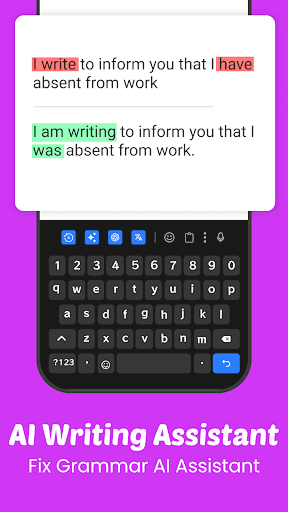
To aid cross-language communication, the keyboard features built-in tools for live translation and proofreading. The AI grammar and spelling engine scans typed text to catch errors in real time before sending. Furthermore, the inline translation system converts written text into over 50 supported languages directly from the input view, eliminating the need to copy text into external translation software.
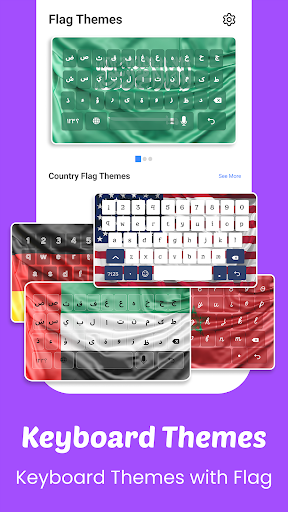
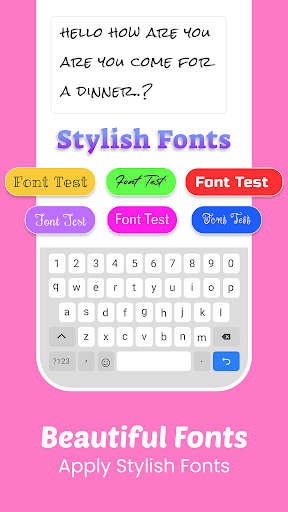
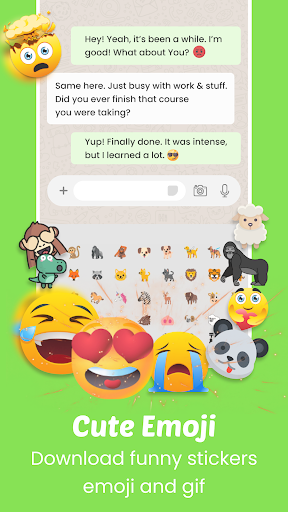
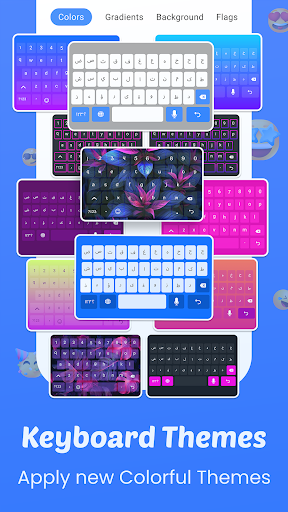
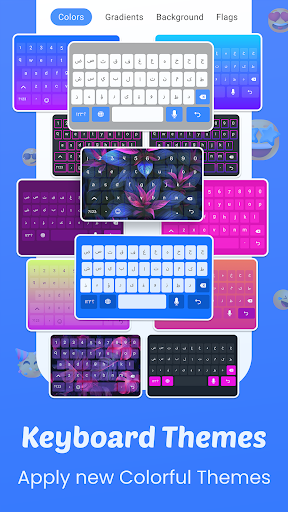
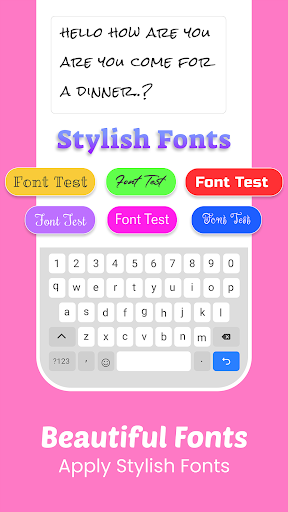
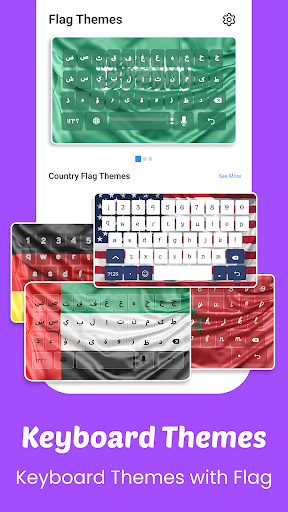
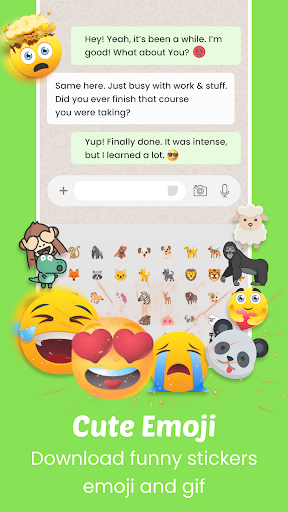
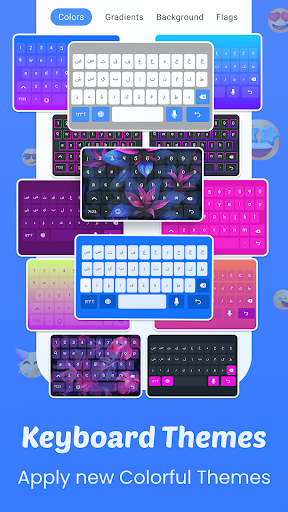
Setting up the input method involves enabling the software within system virtual keyboard settings and assigning it as the default input provider. Once configured, users can toggle individual preferences such as key previews, vibration feedback, key sounds, and prediction toggles. The visual interface includes selectable color themes, custom background wallpapers, and access to built-in emojis, stickers, and GIFs.
Your comment was submitted and is awaiting moderation.
Your comment was published.