App Screenshots

Portable document and receipt scanner
===V5.2.6===
——Bug fix
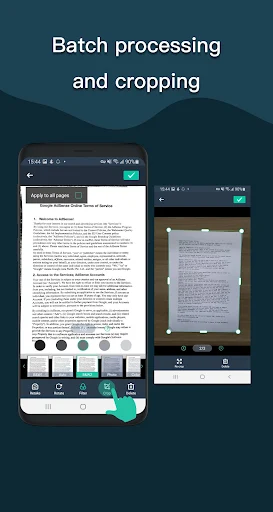
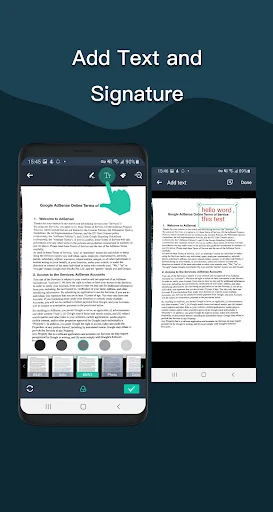
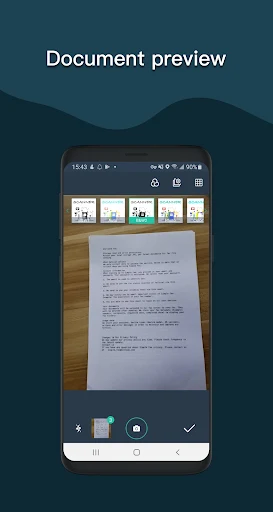
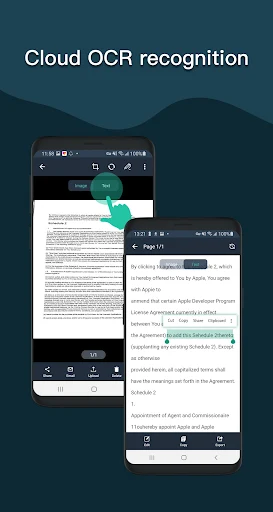
Digitizing physical paperwork like receipts, forms, reports, and photos becomes straightforward with Simple Scan – PDF Scanner App, which converts a smartphone camera into a mobile document scanner. The app captures hard-copy documents, automatically identifies their edges, and removes background clutter to generate crisp JPEG images or multi-page PDF files. A standout function is its built-in Optical Character Recognition (OCR), which extracts editable text directly from scans, allowing users to search through documents or export the recognized text for other uses.
To ensure legibility across different types of physical paper, the app offers color, grayscale, and black-and-white scanning modes. It includes five contrast levels designed specifically to sharpen monochrome text, alongside manual image adjustments for fine-tuning clarity before finalizing an electronic draft. Output files can be tailored to standardized page formats such as A4, Letter, and Legal. For file safety and organization, users can apply password protection to sensitive PDFs and assign tags to simplify future file searches.
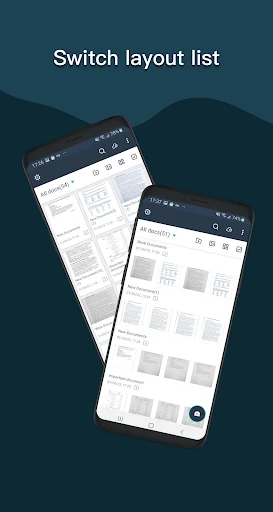
Scanned files can be organized into internal folders and viewed in either thumbnail or list formats, sorted by document title or creation date. The app provides several paths for exporting finished files: users can send JPEGs or PDFs via email, send them directly to a fax or printer, or upload them automatically to supported cloud storage platforms including Google Drive, Dropbox, and Evernote. It also supports direct local transfer to a computer over a shared Wi-Fi connection, as well as converting existing PDF files back into JPG image files.
The file storage location depends on the operating system version running on the device. For devices running versions below Android 11, users can manually select external storage locations to store their scans. On devices running Android 11 or higher, the app adheres to updated storage policies by saving all files directly to a private application directory, which prevents external file modification.
Your comment was submitted and is awaiting moderation.
Your comment was published.