App Screenshots

Mobile document and PDF scanner
Thanks for using Tiny Scanner! Here's what's new:
- German and French localization improvements.
We love hearing from you! Please leave a review or contact us at [email protected]
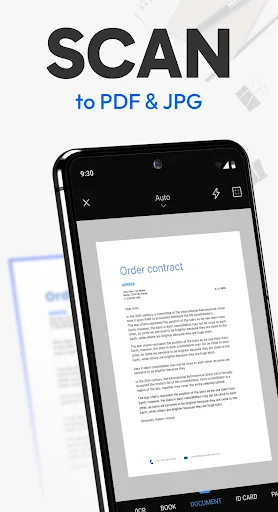
Tiny Scanner – PDF Scanner App is a mobile document scanning and management app that digitizes physical paperwork into PDF files. It uses AI-driven border detection to capture documents, IDs, and multi-page batches automatically, then offers tools to crop, apply filters, and compress file sizes for sharing. Beyond basic image capture, it features optical character recognition (OCR) to extract text, cloud synchronization across devices, and built-in PDF editing tools that allow users to sign documents, insert annotations, add watermarks, and password-protect sensitive files.
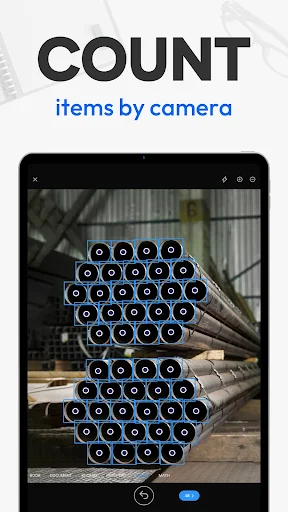
The scanning engine handles standard documents alongside specialized physical media. Users can capture dedicated layouts for passports, driver’s licenses, and identity cards. Beyond paper scanning, the app includes utility tools that automatically detect and tally identical objects, scan QR codes to open embedded links, solve math problems, and use the camera to measure object lengths and calculate total areas. Multi-page projects can be scanned in a single batch sequence and saved as consolidated files.
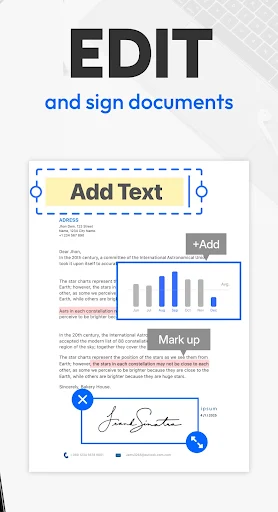
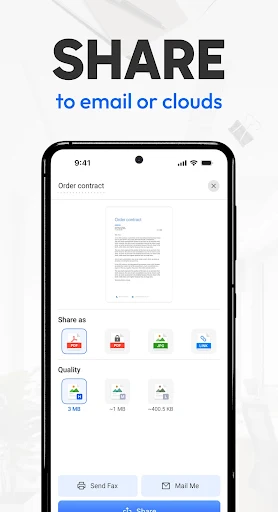
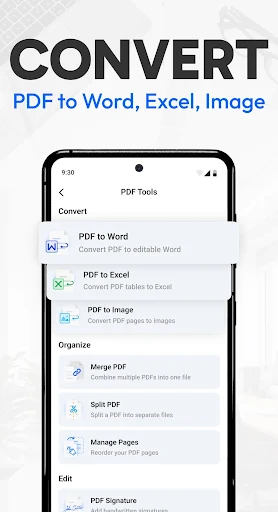
Once a document is captured, it can be edited directly within the app before sharing. Users can merge several documents into a single PDF or split existing files into individual pages. Page elements like footers, dates, page numbers, text overlays, shapes, and images can be added, alongside custom watermarks for content protection. Signing tools support both direct touch drawing and imported scanned signatures. For file protection, the app supports password encryption for shared PDFs, encrypted local storage folders, and overall app lock settings.
Integrated AI features expand how captured documents are processed and exported. The built-in OCR tool extracts plain text from scans for copying or sharing, while file conversion features transform PDFs into Word, Excel, or JPG formats. The integrated AI assistant can also process uploaded files to summarize long texts, extract key entities, and refine document content. File management is further supported by cloud storage syncing, allowing users to access their scanned documents across multiple devices.
Your comment was submitted and is awaiting moderation.
Your comment was published.