App Screenshots
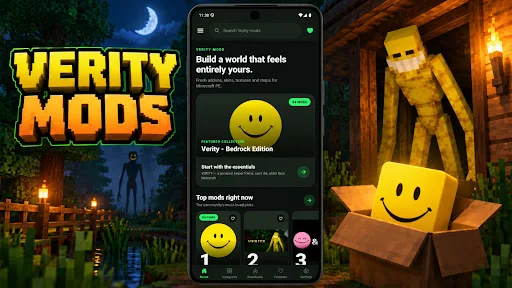
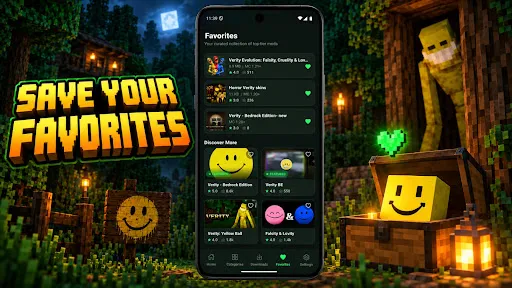
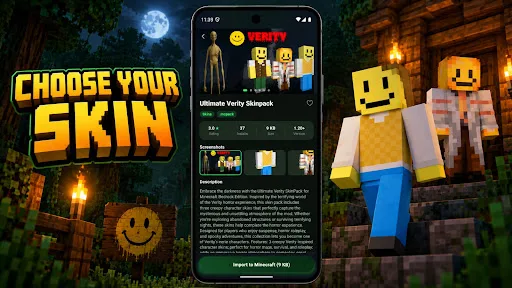

Horror mods and custom skins for block worlds
New Verity mods , horror addons and clean ui
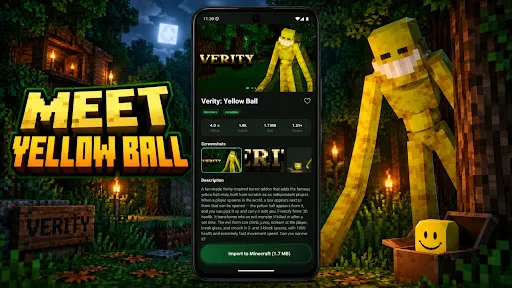
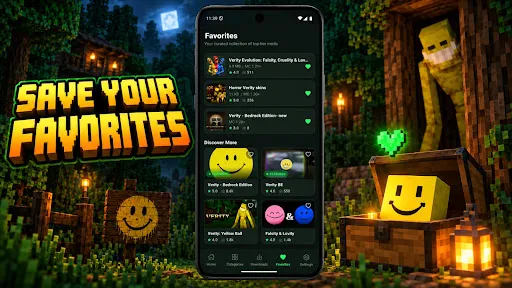
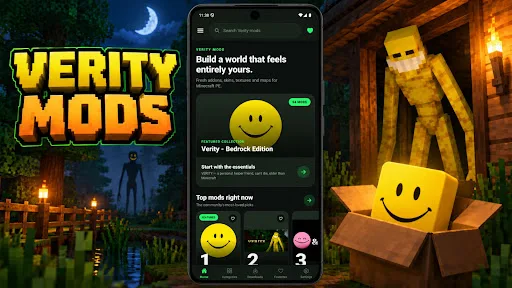
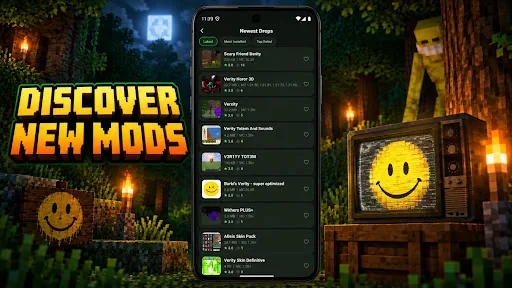
Cataloging community-created horror content for Bedrock Edition, Verity Mods for Minecraft PE provides a centralized platform to browse and download custom addons, maps, skins, and textures. Users can explore a wide selection of entity modifications centered around the yellow Verity character and related variations like Falsity, Cruelity, and Anti Verity, alongside broader horror themes featuring Herobrine or Cave Dwellers. The app helps users evaluate file sizes, version requirements, and descriptions before transferring packs directly into Minecraft.
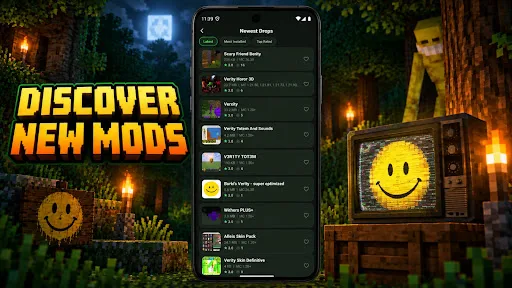
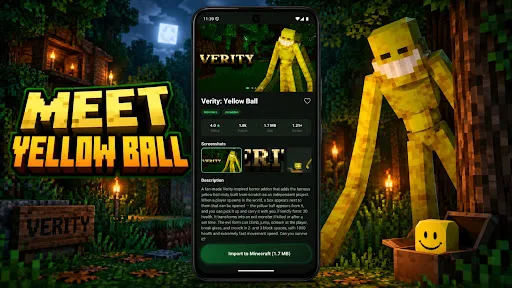
The catalog categorizes diverse mob modifications, allowing users to select specific entity behavior and designs for their worlds. Offerings range from interpretations of Verity and Falsity to survival-themed creature addons such as Mimicer variants. Because each community creation carries unique attributes, reading the included descriptions is essential for understanding how a specific entity behaves, what requirements it carries, and whether it relies on custom scripts.
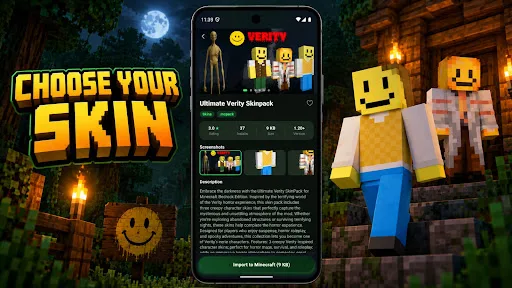
Beyond adding entities, the app features content designed solely to alter existing assets. Users can browse skin packs to change their character’s appearance, apply Verity-themed totem replacements, or install sound and texture modifications. The app also lists horror-themed maps, such as The False Reality. Inspecting the provided details helps clarify whether an entry changes environmental visuals, swaps item textures, or introduces a completely custom world build.
Bringing a selected file into the game involves a clear sequence within the app. After choosing a pack and reviewing its system requirements, tapping the import option initiates the download, which may include a rewarded ad prompt. Once downloaded, the file opens in Minecraft Bedrock Edition for automatic installation. To finish setup, users must open their world settings in Minecraft to manually activate the downloaded resource or behavior packs, enabling any required experimental settings specified by the pack’s creator.
Your comment was submitted and is awaiting moderation.
Your comment was published.