App Screenshots
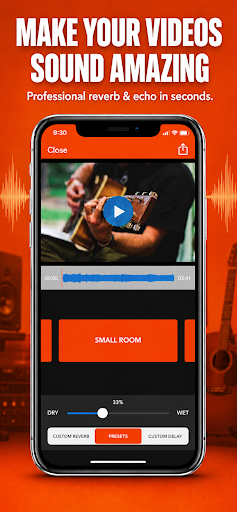
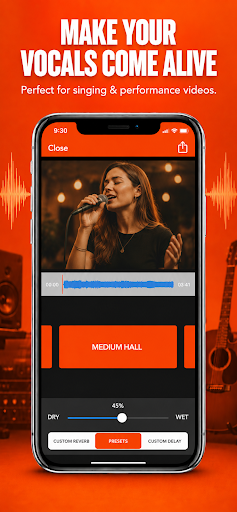
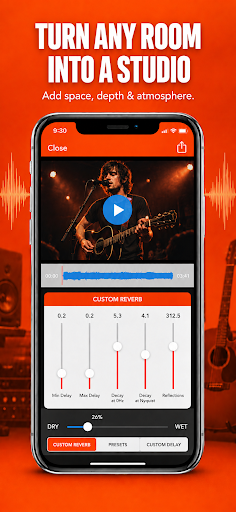
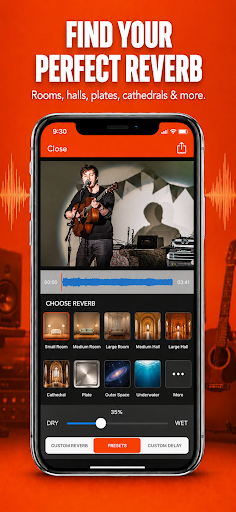
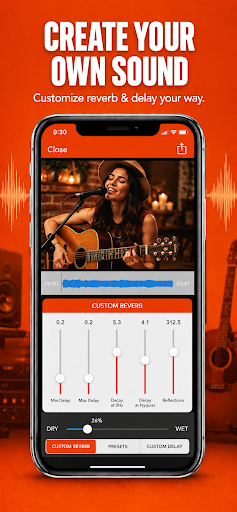
Video audio reverb and delay editor
UI & UX Updates!
Any other features you'd like us to add? Please email us through the side menu of the app so we can help!
- www.Future-Moments.com
Enhancing audio quality in video clips often requires tweaking spatial sound parameters that standard mobile editors lack. VideoVerb: Add Reverb to Video solves this by providing a targeted workflow for introducing professional spatial effects directly to video files. Creators can import a clip, apply reverb, echo, or delay, and adjust the Dry/Wet mix to balance the effect with the original background audio.
The app includes tailored spatial presets designed to simulate distinct real-world and creative acoustic spaces. Users can select environments ranging from intimate settings like Small Room, Medium Room, and Large Room to expansive areas like Medium Hall, Large Hall, and Cathedral. Specialized presets such as Plate, Outer Space, and Underwater offer unique sound profiles for stylized visual projects, ASMR content, or sound design work without requiring external digital audio workstations.
After applying desired effects and setting smooth audio or video fades, the application provides flexible output settings to suit different publishing needs. Projects can be saved directly as a finished video at the original resolution or exported at a reduced file size for quicker sharing across digital platforms. Alternatively, users can extract and save only the processed sound file as standalone audio. All edits are processed safely, ensuring no original video files are ever overwritten during the process.
Your comment was submitted and is awaiting moderation.
Your comment was published.