Minecraft Java Edition on a phone
The Minecraft you install from Google Play is Bedrock Edition. Java Edition, the PC version with most mods, servers like Hypixel and the original redstone mechanics, has no official Android app. Community launchers such as MojoLauncher, PojavLauncher and Fold Craft Launcher run the real Java Edition on Android by bundling a Java runtime and translating its graphics for phone GPUs.
They are free and open source, but they do not give you the game: you sign in with a Microsoft account that owns Minecraft: Java Edition.
What you need
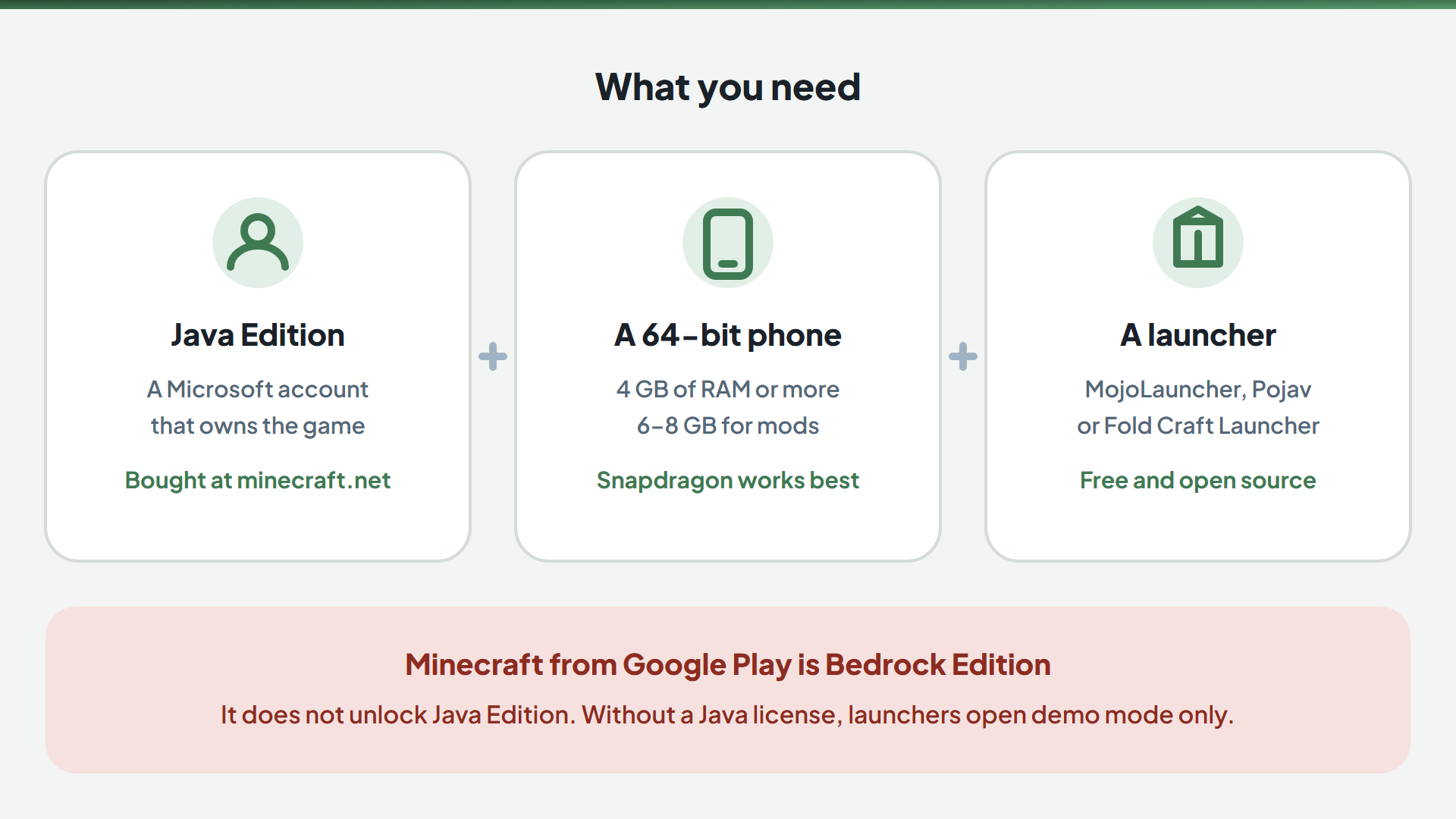
- A Microsoft account that owns Minecraft: Java Edition. Java Edition is sold at minecraft.net and comes bundled with Bedrock for PC. Buying Minecraft on Google Play only gives you Bedrock Edition. Without a Java license, launchers only open demo mode.
- A phone with 4 GB of RAM or more, ideally 64-bit. 6–8 GB is better for newer versions and mods. PojavLauncher still has a 32-bit build, but newer Minecraft versions run poorly or not at all on 32-bit Android. Our guide to 32-bit and 64-bit Android shows how to check your phone.
- A reasonably recent chip. Snapdragon phones with Adreno graphics have the best renderer support; Mali phones work but with fewer options.
- A few gigabytes of free space for the game files, Java runtimes and mods.
MojoLauncher vs PojavLauncher vs Fold Craft Launcher
| MojoLauncher | PojavLauncher | Fold Craft Launcher (FCL) | |
|---|---|---|---|
| Based on | PojavLauncher, by one of its developers | The original Android Java launcher | Its own launcher with mod tools built in |
| Strong points | Newer fixes and renderers, simple interface | Long history, many guides online | Installs Forge, Fabric, NeoForge and OptiFine from inside the app |
| Good for | Most players starting today | Players following older tutorials | Heavily modded game setups |
All three are free. If one version of Minecraft crashes in one launcher, it is worth trying another: each ships different Java runtimes and graphics renderers.
Setting up a launcher
- Install the launcher and open it. The first start unpacks the Java runtime, which can take a minute.
- Add your Microsoft account. Tap Add account and sign in on Microsoft’s page. The launcher gets a sign-in token from Microsoft; it never needs your password stored in the app.
- Pick a version. Choose the Minecraft version you want, or a modded profile (Fabric, Forge). Newer versions (1.20.5 and later) need Java 21, which current launchers include.
- Set memory. In settings, give the game about half of your phone’s RAM, for example 2–3 GB on a 6 GB phone. Too much can make Android close the launcher.
- Choose a renderer. Start with the default. If the game shows a black screen or crashes, try another renderer from the list; the right one depends on your GPU and Minecraft version.
- Press Play. The first launch downloads the game files from Mojang’s servers.
Controls
- Touch controls are included and can be edited: move, resize and add buttons for keys you need.
- Keyboard and mouse work over Bluetooth or a USB OTG adapter, and feel closest to PC.
- Gamepads work in most launchers, or with a controller mod such as Controlify on Fabric.
Common problems
| Problem | Fix |
|---|---|
| Only demo mode opens | The Microsoft account does not own Java Edition. Bedrock from Google Play does not count. |
| Black screen or crash at start | Change the renderer, lower memory a little and check the Java version the launcher picked for that Minecraft version. |
| Launcher closes during play | Android killed it for memory. Lower allocated RAM, close other apps and turn off battery saver. |
| “App not installed” | Your phone runs 32-bit Android. Most launchers need 64-bit; PojavLauncher still has a 32-bit build for older Minecraft versions. |
| Very low FPS | Lower render distance, use Sodium on Fabric and let the phone cool down. |
For games that run Windows programs instead of Java, see our guide to Winlator.
To play Minecraft Java Edition on Android you need a Microsoft account that owns Java Edition, a phone with at least 4 GB of RAM (ideally 64-bit) and a launcher: MojoLauncher for most players, PojavLauncher for older guides, or Fold Craft Launcher for heavy mods. Give the game about half your RAM, try another renderer if it crashes, and use Sodium for better frame rates.
Frequently asked questions
Can I play Minecraft Java on Android for free?
The launchers are free, but the game is not. You need a Microsoft account that owns Minecraft: Java Edition; without it, only demo mode works.
Does Minecraft from Google Play work in these launchers?
No. Google Play sells Bedrock Edition. Java Edition is a separate purchase at minecraft.net, often bundled with Bedrock for PC.
Is MojoLauncher better than PojavLauncher?
MojoLauncher is a newer fork made by one of PojavLauncher’s developers, with newer fixes. Many players start with it today, but both run Java Edition.
Can I use mods and servers?
Yes. Fabric, Forge and NeoForge mods work, and you can join Java servers. Very heavy modpacks may be too much for a phone.
Is it safe to sign in with my Microsoft account?
These open-source launchers use Microsoft’s own sign-in page. Download them from a trusted source and avoid modified builds that ask you to type your password into the app.
Reviews and ratings
Your comment was submitted and is awaiting moderation.
Your comment was published.