App Screenshots

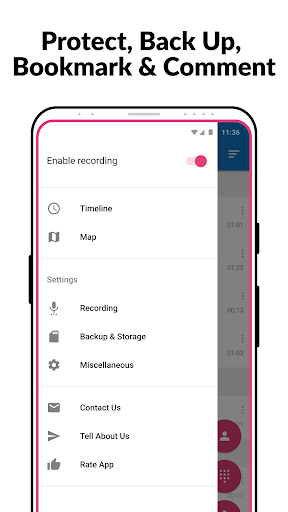

Automatic phone and VoIP conversation recorder
- Minor fixes and improvements.
Capturing incoming and outgoing phone conversations for later review is simple with Call Recorder – Cube ACR, a utility designed to record traditional cellular calls alongside voice conversations across supported VoIP platforms. It handles standard phone calls automatically while giving users control over how internet-based calls are captured. Built-in audio playback, voice memo capabilities, and options to star priority files make it easy to manage recorded audio directly within the interface, while cloud backup support provides a way to store copies of important conversations off the device.
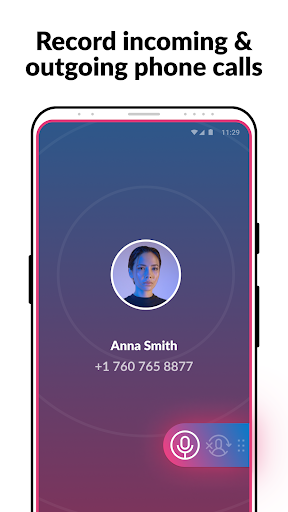
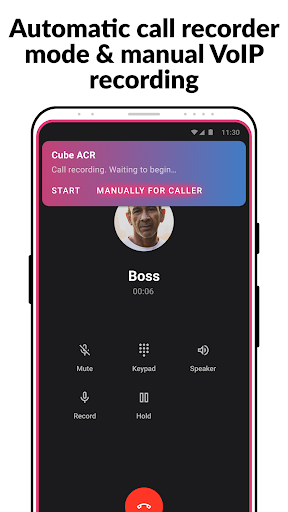
The application automatically records incoming and outgoing cellular calls in high quality as soon as a conversation begins. In addition to standard calls, it interfaces with VoIP services, allowing users to record voice communications across platforms such as WhatsApp, Google Meet, Line, IMO, Viber, and Facebook. Depending on personal workflow preferences, users can leave the app in automatic call recording mode or manually trigger recording for specific VoIP conversations.
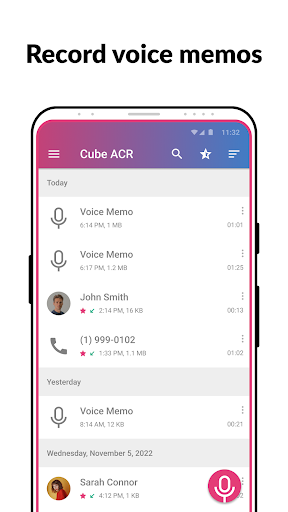
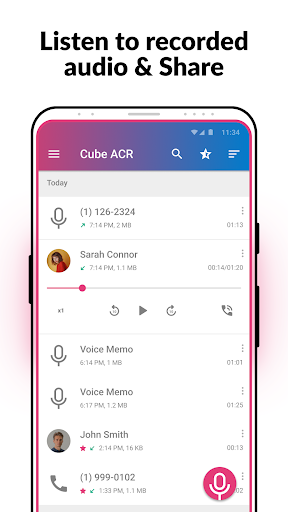
Reviewing captured audio does not require third-party media players. The app includes an integrated player to listen to recordings immediately after a call ends. To prevent critical files from getting lost in a long list of recordings, users can star favorite conversations for quick retrieval later. Beyond call recording, the app functions as a straightforward voice recorder for capturing quick voice memos and spoken notes, with optional support for saving recorded files to cloud storage.
Due to variations in device hardware and system permissions, call recording may sometimes capture only the local speaker’s voice. To resolve playback issues or adjust capture quality, the app includes configurable recording sources within its settings menu, as well as an auto-on speaker mode toggle. Users must also account for local legal regulations regarding call recording, as laws differ by region and generally require notifying all participating callers and obtaining their consent before initiating a recording.
Your comment was submitted and is awaiting moderation.
Your comment was published.