App Screenshots
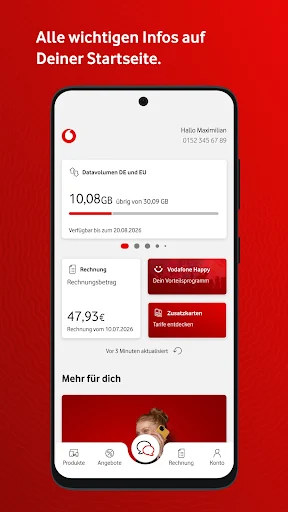

Telecom account and contract management
The update for the MeinVodafone app is here!
We have optimised the performance and user experience. This makes it even easier for you to use the app.
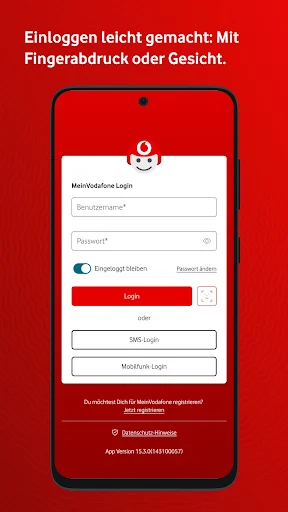
You can still find everything about your contracts, bills and personal data.
Do you have any suggestions for the app? Then feel free to write in our forum: https://forum.vodafone.de
Best regards
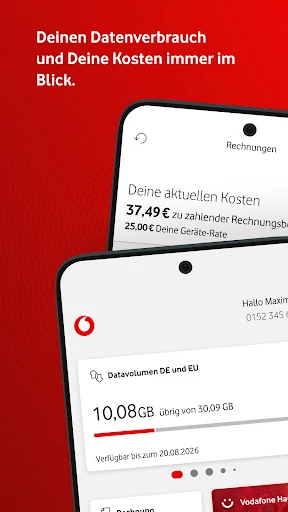
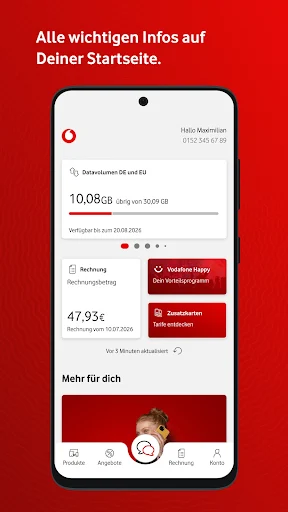
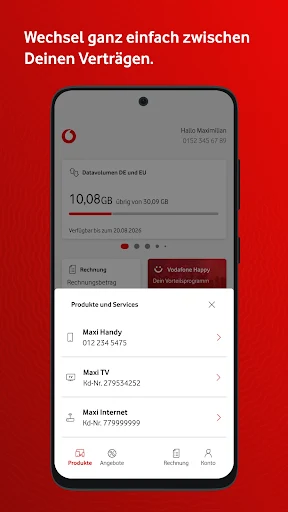
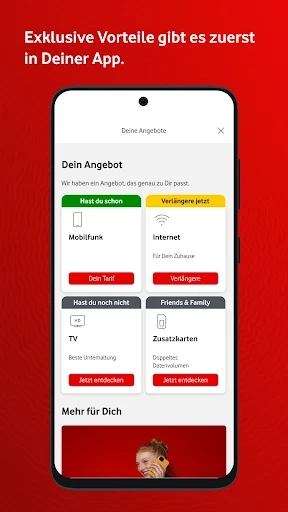
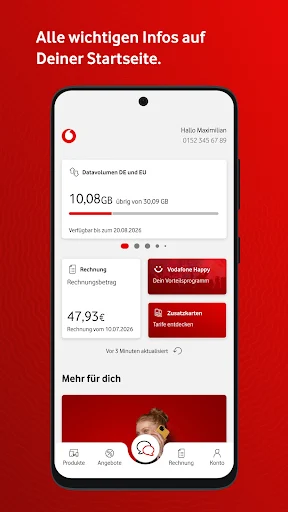
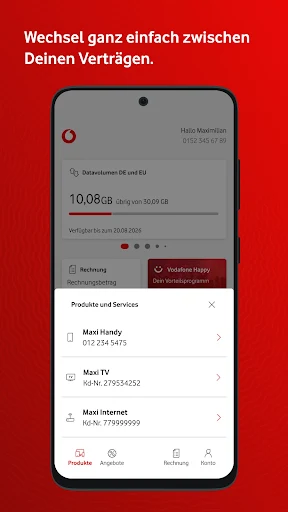
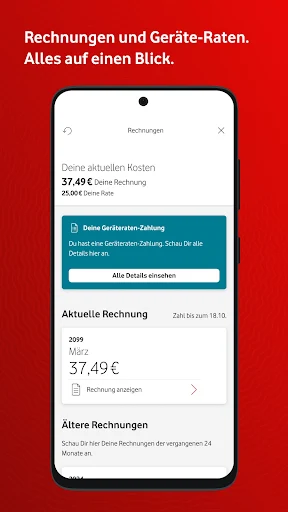
Managing mobile, landline, and prepaid accounts in one place requires quick access to usage details and contract terms. MeinVodafone functions as an account management app for Vodafone GmbH customers, offering self-service tools for mobile contract holders, fixed-network subscribers, CallYa prepaid users, and business clients. Users can check current costs, review remaining allowance units, inspect landline bills, top up prepaid balances, and verify regional network availability directly from the interface.
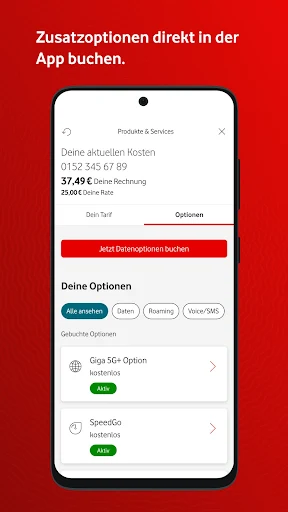
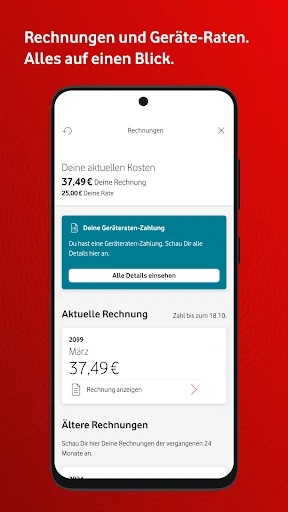
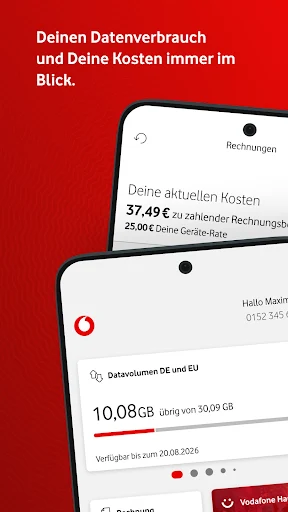
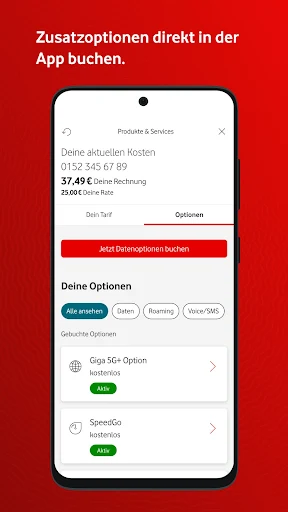
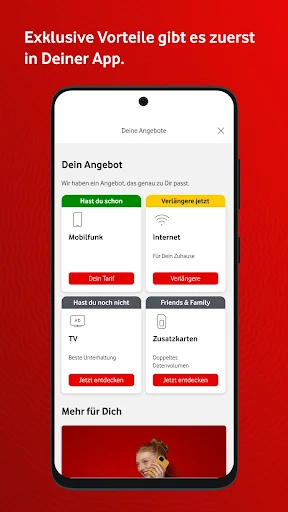
Contract holders can access detailed subscription information directly through the interface. Mobile subscribers can view their plan details, check contract end dates, and track remaining inclusive units alongside real-time cost accumulations on the main dashboard. The app provides specialized information for international use, featuring a dedicated roaming adviser to clarify costs and usage options while abroad. Users can also select and book add-on options to adjust their plan capabilities. For landline subscribers, the platform displays contract runtimes and tariff details while enabling users to view and download current invoices for record-keeping.
Prepaid customers running on the CallYa network can monitor their account status without navigating web portals. The home screen presents the current credit balance alongside any remaining inclusive units for data, calls, or text messages. When funds run low, users can top up their balance directly through the application. The tool also supports balance transfers, allowing users to send credit to other accounts or request top-ups from contacts when needed.
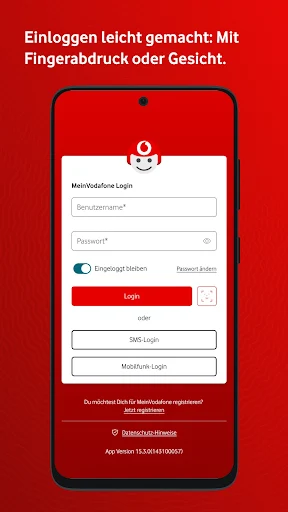
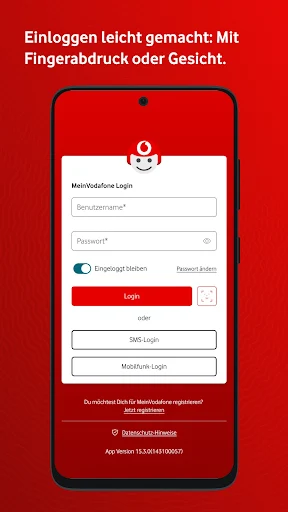
All account types have access to system-wide utility features, including up-to-date availability reports for both mobile and fixed-line networks. A integrated shop finder helps locate nearby physical stores using device location services or a manually entered address. For general support, the interface provides answers to frequently asked questions, access to the user forum, and troubleshooting tips. Making changes to personal data within the account requires the user’s personal customer password set during contract creation, ensuring administrative updates remain secure.
Your comment was submitted and is awaiting moderation.
Your comment was published.