App Screenshots




System performance booster for mobile games
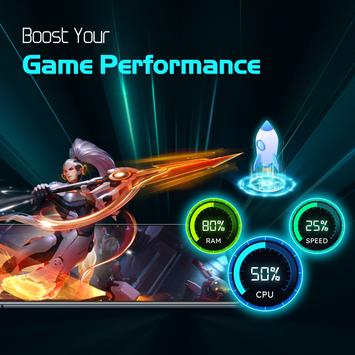
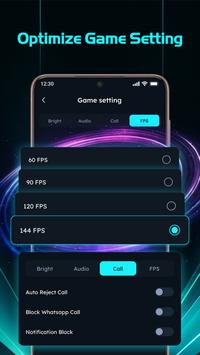
Managing device resources during demanding tasks requires balancing performance with power consumption. Game Turbo optimizes system memory and processing power in real time based on the specific requirements of individual applications. By prioritizing hardware resources for active titles, it minimizes frame drops and lag during intense scenes without requiring background applications to be closed. Users can configure customized profiles for different titles and run background utilities alongside main processes, maintaining steady visual performance while preserving overall system multitasking capabilities.
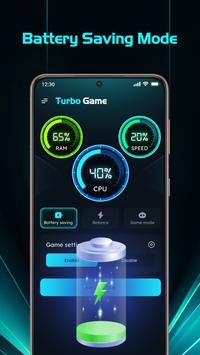
The app evaluates workload demands continuously, scaling hardware delivery up or down depending on what is happening on screen. During graphic-heavy scenarios with extensive visual effects, the system directs extra processing power to maintain responsive animations and stable frame rates. For lower-demand software, hardware output scales back automatically to preserve battery life. Users can assign specific performance preferences to individual titles so that every launch applies identical, predetermined configurations.
Designed with a streamlined control layout, the platform allows performance adjustments without navigating complex menus. Main configurations remain accessible through direct toggles, making setup fast before starting a session. Because the app allows secondary software to continue executing in the background, users can stream audio, handle active downloads, or check messaging platforms without closing their primary application or losing system stability.
Your comment was submitted and is awaiting moderation.
Your comment was published.




















 Game Turbo, GG Game Space and Game Space: what game boosters really do
 How to unlock 90 and 120 FPS on Android (and change resolution without root)