App Screenshots
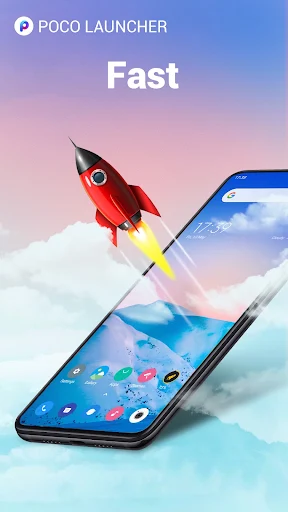
Fast and customizable home screen launcher
For anyone looking to streamline their mobile experience, POCO Launcher 2.0 – Customize, provides a clean, Material Design-inspired layout that organizes your home screen. It automatically consolidates all installed applications into a dedicated App drawer, keeping your main view free of clutter. Beyond basic organization, it offers tools to alter visual themes, animations, and icon sizes, while also adding practical management features like color-based application search and hidden app drawers for extra privacy.
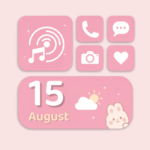
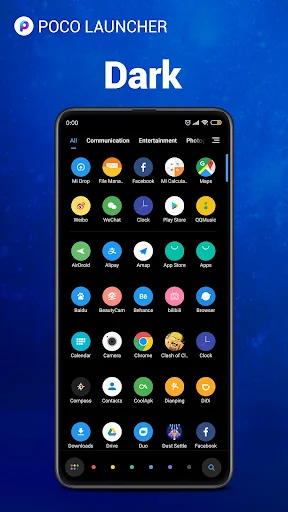
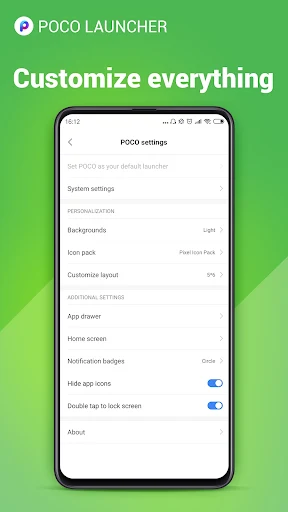
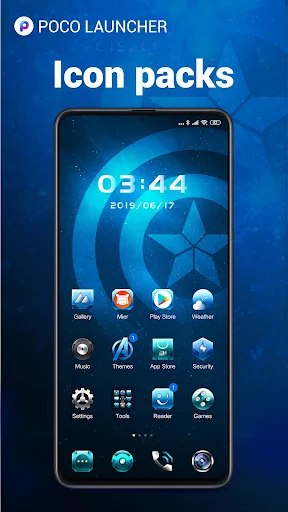
The app gives you direct control over the visual presentation of your home screen. You can adjust icon sizes, swap wallpapers, and apply custom animations or themes to suit your style. It supports third-party icon packs, allowing for complete cosmetic overhauls. To prevent accidental rearrangements after you settle on a preferred layout, you can lock your home screen icons in place. The system also supports a built-in Dark mode and lets you customize notification badge styles, switching between minimalist dots or exact unread counts on devices running compatible system versions.
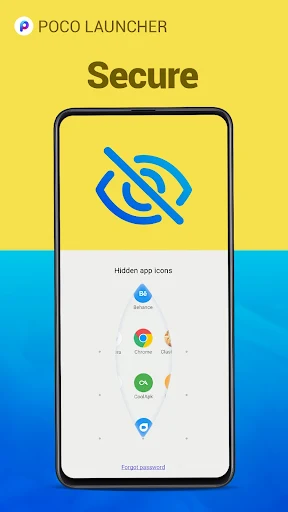
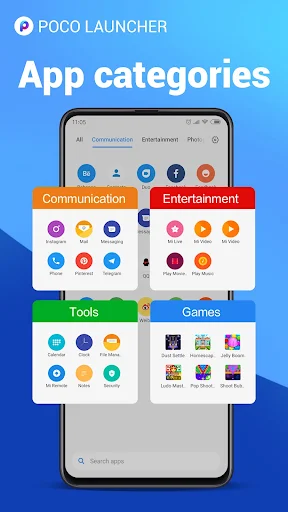
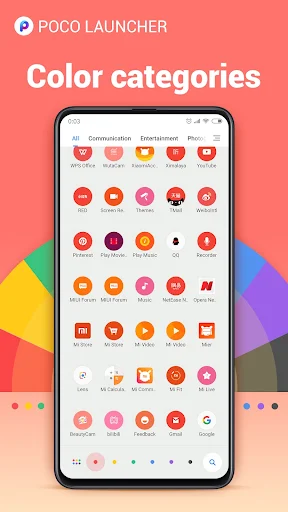
To help navigate large libraries of applications, the launcher groups installed software automatically into relevant categories. You can also build custom category groups to keep your most frequently used software a single tap away. For sensitive software, a built-in privacy feature lets you hide specific application icons entirely from the main drawer.
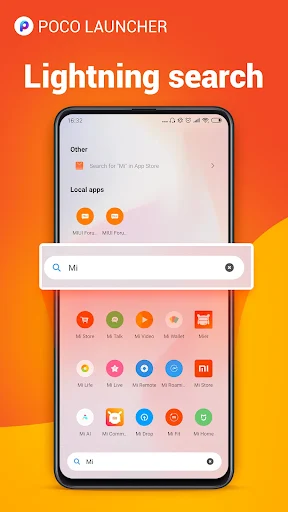
Finding specific applications is designed to take minimal effort. The built-in search tool offers app suggestions and leverages icon color categories, allowing you to locate software visually or by typing just a few characters to generate local results. For basic device interaction, the app supports a gesture shortcut that lets you double-tap an empty area of the screen to lock the device instantly.
Your comment was submitted and is awaiting moderation.
Your comment was published.