App Screenshots
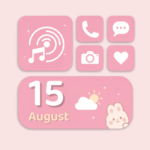
Home screen customizer for icons and themes
Performance Improvements
We've optimized the app for faster load times and smoother interactions to enhance your experience.
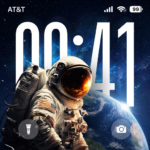
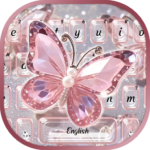
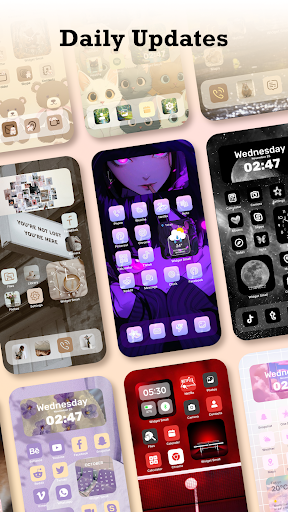
ThemeApp: Theme & Icon Changer provides tools to customize the visual appearance of your home screen. You can apply preset thematic packs containing wallpapers, matching app icons, and functional widgets like calendars or weather displays. Beyond predefined designs, the app lets you build custom wallpapers by mixing personal gallery photos with built-in templates, frames, stickers, and color adjustments, as well as set up personalized visual themes for your device’s control panel.
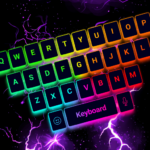
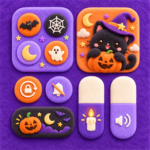
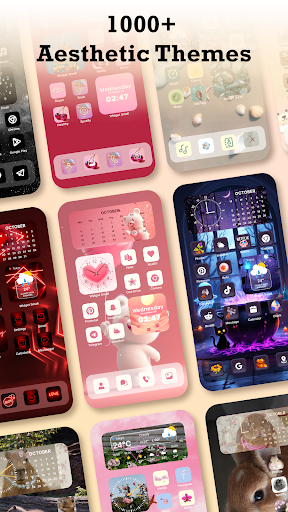
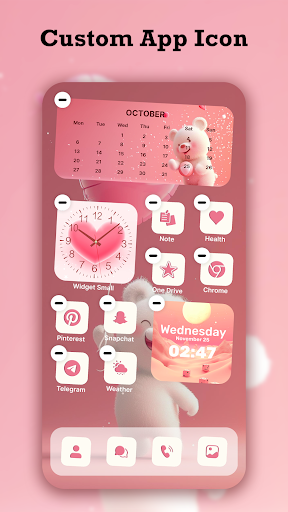
The app includes a catalog of over 1,000 visual themes spanning aesthetic styles such as minimal, dark, nature-inspired, and vibrant looks. Selecting a theme allows you to change your home screen elements together, applying paired wallpapers and icon packs that maintain a consistent design across your icons. The included icon packs replace default app symbols with icons styled to match the chosen visual aesthetic.
To add utility alongside custom styling, the platform provides a collection of functional screen widgets. You can place tools like weather forecasts and calendar displays onto your home screen. These widgets are designed to match the overarching color palettes and styles of the available icon packs and background wallpapers, keeping your operational screen layouts organized.
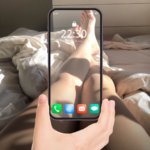
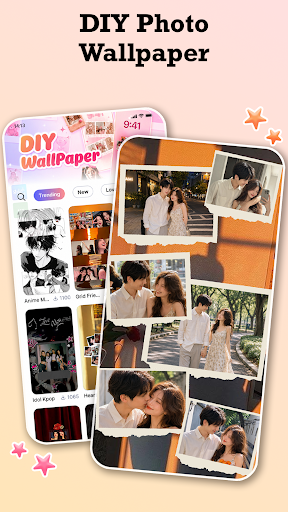
If prebuilt backgrounds do not suit your preferences, the DIY editor lets you construct custom wallpapers without prior design experience. The tool includes standard ready-made templates that serve as layout bases. You can import your own photos directly from your device gallery, insert background frames and decorative stickers, modify overall color tones, and rearrange layout elements to assemble personalized background images.
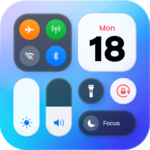
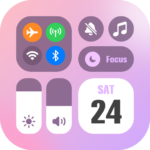
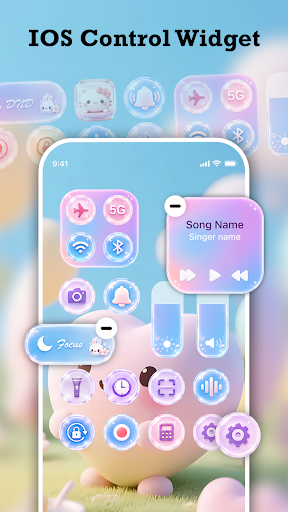
Beyond standard background images and icons, the app includes a Control Widget feature to alter the visual layout of your phone’s control panel. You can select specialized visual styles for the panel interface, including anime, cartoon, glass, neon, gradient, aesthetic, or minimalist themes, aligning the control panel’s look with the rest of your home screen setup.
Your comment was submitted and is awaiting moderation.
Your comment was published.