App Screenshots
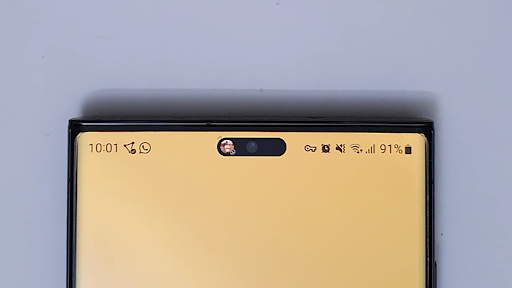
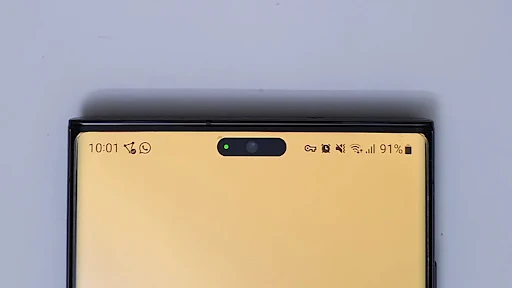
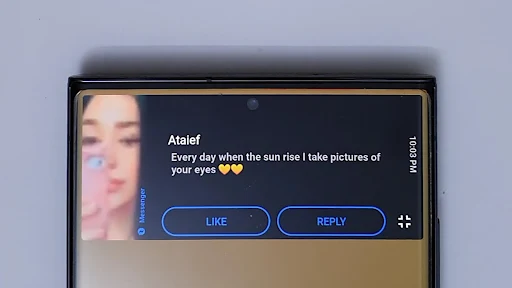
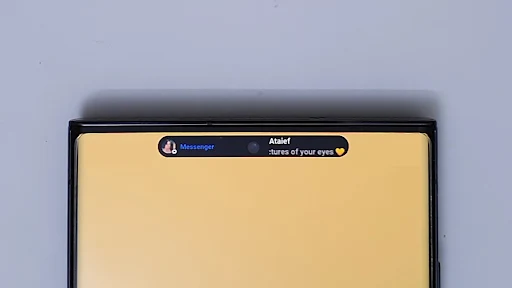
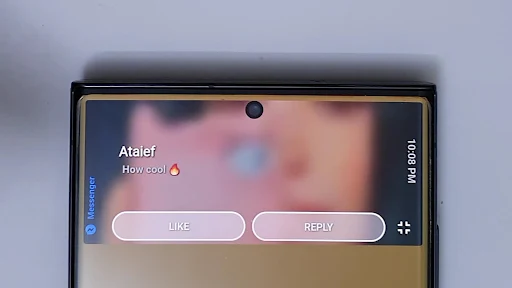
Dynamic notification style customization tool
* Foldable support.
* Dynamic animation.
* adjust the expanded island size on your liking.
* Major fixes and enhancement:
Enhance animation.
option to show energy ring only on launcher screen.
bill shape notch mask.
adjustable text size of the island notification details.
fix smooth animation.
translations.
* Support for U, V and rectangle cutouts.
* notch size and position manual adjust.
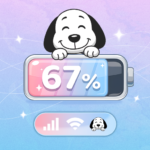
* Energy Ring: display battery level, battery low, full and charging animation around camera hole.
Customizing visual alerts and replacing standard notification pop-ups becomes straightforward with NotiGuy – Dynamic Notification. The app transforms standard alert banners into dynamic, interactive elements positioned around the display notch or camera cutout. It enables users to view previews, manage alerts directly without reaching across the screen, and monitor battery status using a dedicated indicator ring. By offering detailed aesthetic controls and screen-off functionality, it provides a tailored visual feedback system for everyday device interactions.
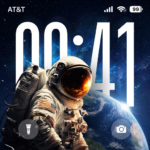
Alerts can be aligned directly around the front camera cutout or repositioned across different areas of the display. The layout supports customizable animations, shimmering effects, and glowing borders around the camera island or notch. To keep users informed without fully turning on the screen, these visual indicators and LED-style alerts can remain visible while the display is powered off or active on an Always On Display setup.
Interacting with incoming messages or app updates happens directly within the dynamic island element, eliminating the need to stretch to the top of the display to clear or view pop-ups. When expanding a notification, the app can apply a blur effect to the background screen, keeping the focus entirely on the active content. Users can adjust the specific colors, sizes, and display timing of these minimized alerts to match their personal workflow.
Beyond handling incoming alerts, the camera cutout functions as a multifunctional hardware interface. An integrated Energy Ring wraps around the camera lens to display battery levels, shifting visually to signal charging status, full capacity, or low battery warnings. Additionally, the camera hole region can be configured as a physical shortcut button to trigger automated tasks, take screen captures, dial contact numbers, or launch specific applications instantly.
Your comment was submitted and is awaiting moderation.
Your comment was published.