App Screenshots
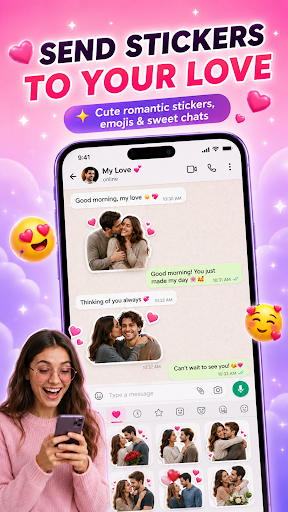
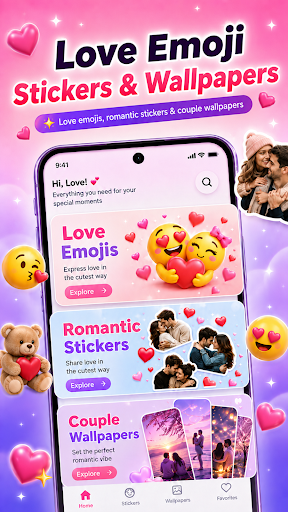
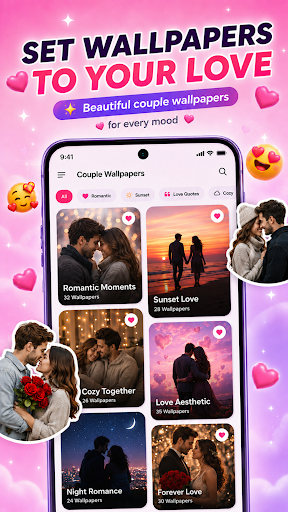
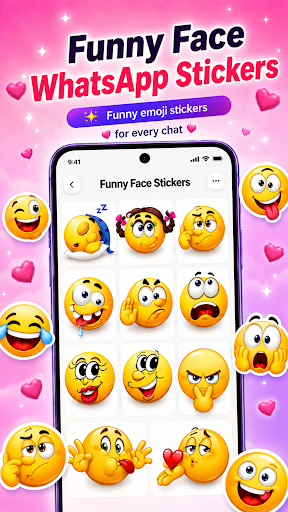
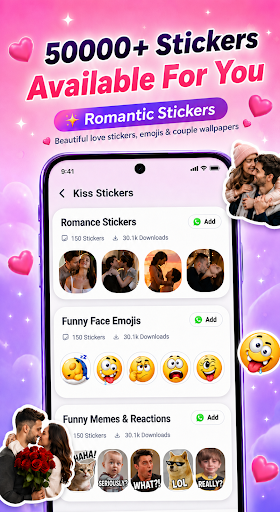

Romantic stickers and love wallpapers for messaging.
Emoji Love Wallpaper WASticker combines media sharing with device customization by providing access to a wide variety of themed digital assets. Built for messaging and visual personalization, the app lets you integrate media directly into chat platforms or apply custom images to your device’s home screen and lock screen. Its main focus centers on expressing emotions through an extensive library of static and moving images, including heart motifs, text-based quotes, and holiday graphics.
The app functions as a sticker repository designed for integration with WhatsApp. Through a standard one-tap import process, you can transfer individual packs directly into your messaging interface. The selection spans several distinct styles, ranging from 3D emoticons, smileys, and standard Unicode emoji to animated stickers and short GIFs. The library covers various conversational contexts, featuring category packs for general reactions, romantic couples, relationships, birthdays, and seasonal holidays like Christmas. Additionally, the app supports sending multiple emoji in a single interaction to streamline your messaging workflow.
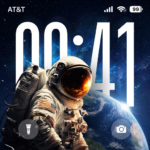
Beyond digital stickers, the app provides a collection of media designed to personalize your device display. You can browse through a gallery of high-definition and 4K resolution visual assets, including heart designs, couple imagery, and general romantic backgrounds. The integrated visual tools allow you to evaluate images within the app, save preferred files to your device storage, or immediately apply selected imagery directly to either the home screen or the lock screen.
Your comment was submitted and is awaiting moderation.
Your comment was published.