App Screenshots
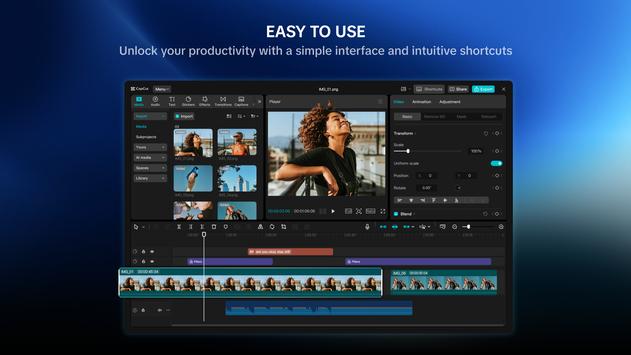
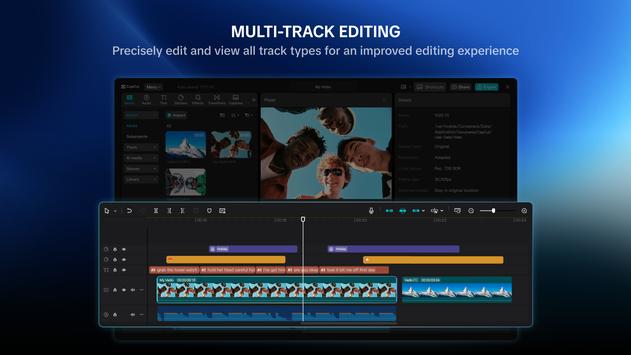
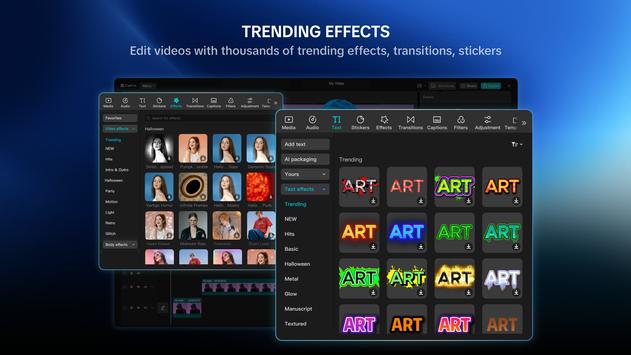
Multi-track video and photo editor.
Editing video content on tablet-sized displays often requires a balance between mobile portability and advanced timeline management. CapCut Pad addresses this by delivering a multi-track workspace optimized for touch environments, allowing creators to assemble, refine, and export high-resolution video projects directly from their devices. The app supports precise frame adjustments, audio extraction, automated subtitle generation, and motion tracking, making it a functional tool for producing polished media for platforms like TikTok, YouTube, and Instagram.
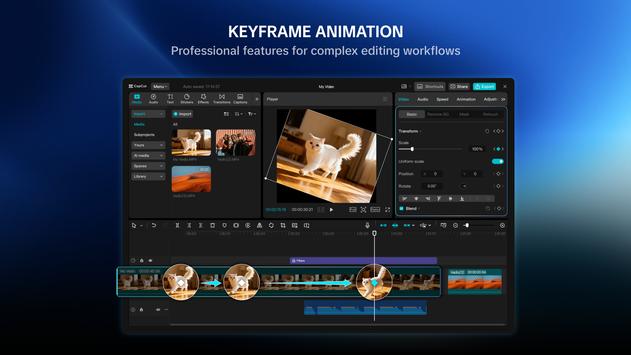
The primary interface centers on a multi-track timeline built to handle overlapping visual layers, secondary video overlays, and audio tracks. Users can trim, split, or merge clips, as well as apply speed adjustments ranging from 0.1x up to 100x using custom speed curves. For frame-level control, keyframe animation is supported across all transform and adjustment settings, allowing manual movement, scaling, and panning over time. A freeze-frame option also lets editors pause on a specific moment to emphasize key actions within a clip.
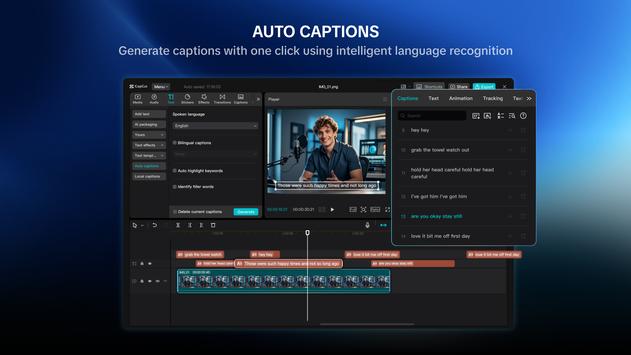
For tasks that typically require manual masking or transcribing, built-in intelligent features process audio and video data automatically. The background removal tool isolates subjects with a single action, while the chroma key feature targets specific colors for green-screen compositing. Speech recognition generates auto-captions directly on the video timeline, which can be complemented by a text-to-speech engine that converts typed scripts into voice tracks across multiple languages. Additionally, built-in video stabilization reduces camera shake in action footage, and optical flow algorithms aid in generating smooth slow-motion sequences.
Audio tools allow creators to import dedicated music tracks, apply sound effects, or extract audio directly from existing video files. Text and visual elements can be customized using a library of dynamic filters, speed presets, and visual effects such as glitch, blur, and 3D transforms. Once editing is complete, projects can be rendered in resolutions up to 4K at 60 frames per second with HDR support, featuring adjustable export settings tailored for direct sharing to major video platforms.
Your comment was submitted and is awaiting moderation.
Your comment was published.