App Screenshots
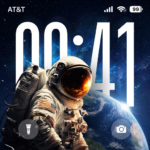
Lock screen customization tool
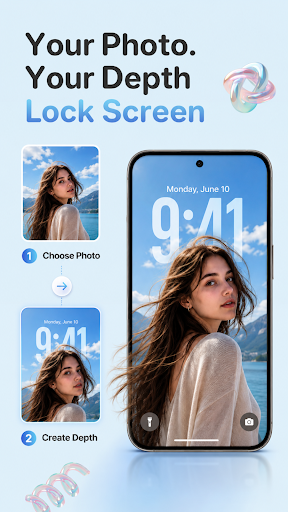
Improve custom Depth Effect lock screen feature using photos from the gallery.
Optimize app performance and fix bugs
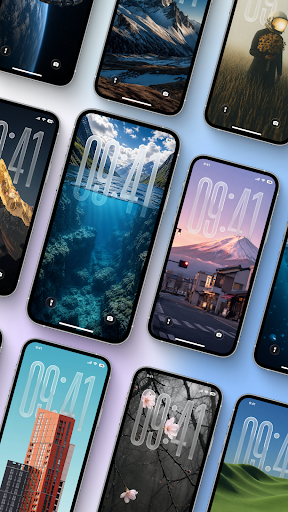
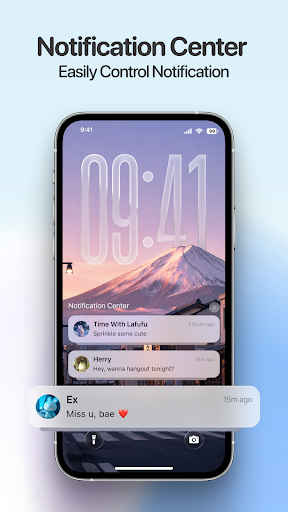
Transforming a standard phone interface into a personalized display is straightforward with Liquid Lock Screen: KaLock, a customization app designed to overhaul your screen lock with vibrant graphics and functional elements. You can apply ready-made thematic layouts or convert your personal photos from the device gallery into tailored wallpapers. Beyond visual tweaks, the app integrates practical utilities directly onto the locked display, including app shortcuts, custom clock presentations, and interactive screen widgets.
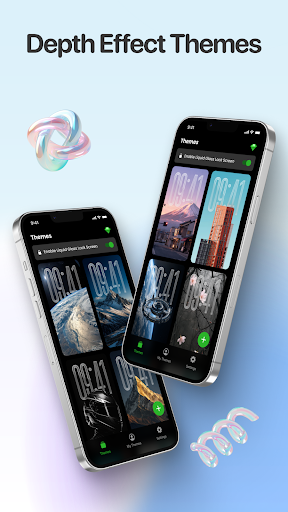
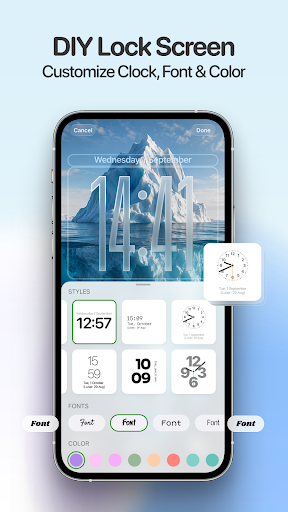
The app includes over 30 pre-designed themes catering to different visual styles, such as cyberpunk, kawaii, minimalist, nature, sport, and cute aesthetics. Switching between these designs requires minimal effort; holding down on the locked screen and swiping left or right allows you to rotate through available wallpapers quickly. If you prefer a more personal look, the photo lock screen maker lets you select an image from your device gallery to serve as the background, which you can then customize with your preferred text colors, clock styles, and date formats.
A key visual element of the interface is the liquid glass clock style. Enabling this effect blends the clock display smoothly into your chosen wallpaper, creating a unified visual texture. The effect can be turned off at any time if you prefer a traditional contrast between the clock text and the background image.
To enhance utility before unlocking your device, the app allows you to place up to four widgets on the screen lock, which can be further decorated with stickers. It also provides quick-access app shortcuts for everyday tasks, enabling you to turn on the device flashlight or launch the camera immediately without navigating the home screen.
To function properly, the app must be allowed to run in the background. Additionally, it relies on the Android Accessibility Service to render the custom interface when the device is locked and to power interactive elements like music and volume controls. Enabling this feature requires manual activation through the device settings under Accessibility > Installed Services > Kalock. The service is utilized strictly to display the overlay and provide these controls, without collecting, storing, or sharing sensitive personal data.
Your comment was submitted and is awaiting moderation.
Your comment was published.