App Screenshots
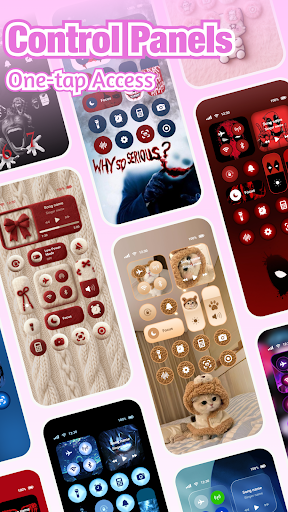
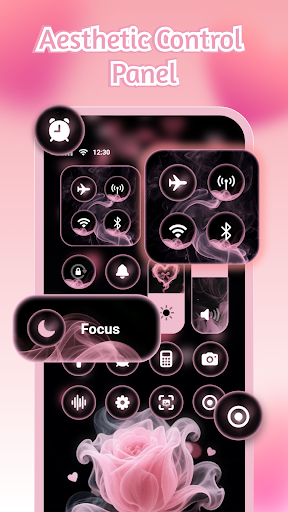
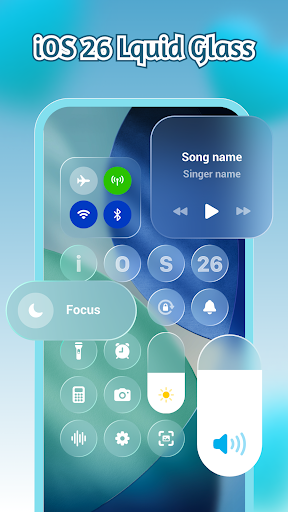
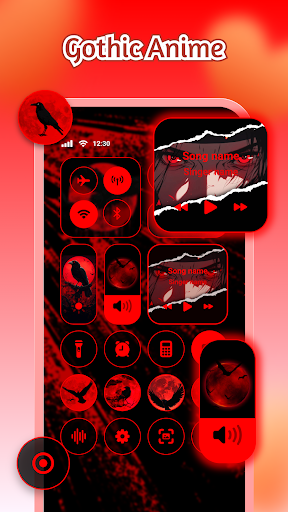
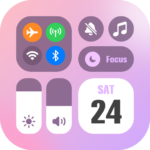
Widgets and themes customization tool
iControl updated! Explore fancy cool control themes now!
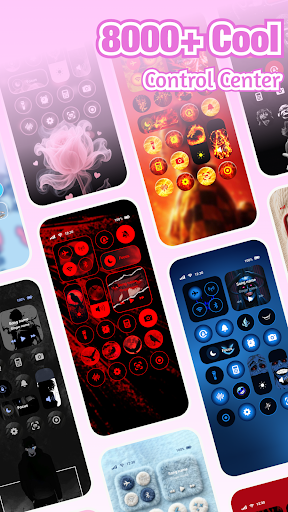
Customizing a device interface often involves balancing visual style with daily convenience, and iControl: Easy Widgets Themes addresses both by combining quick-setting management with screen personalization. The app provides access to thousands of custom themes, aesthetic charging lock screens, and interactive widgets. Users can adjust hardware toggles, manage system preferences, and rearrange visual elements on their home and lock screens using direct layout editing tools and single-tap activation options.
The integrated control center consolidates core device controls into a single customizable overlay. Users can adjust brightness and volume levels via touch sliders, toggle dark mode to adapt to low-light environments, and manage wireless connections for Wi-Fi and Bluetooth devices. Additional quick actions include turning on the flashlight, locking screen rotation, activating airplane mode, and turning on Do Not Disturb to block notifications during focused work. Built-in screen tools also allow users to capture screenshots or start screen recordings directly from the overlay.
When connected to a power source, the app can display specialized charging wallpapers and lock screen layouts. Users can customize these displays by changing background images, visual effects, text fonts, and overall element positioning. Beyond preset designs, a zero-skill editing interface allows users to add, remove, or rearrange widgets and control components, tailoring both the home screen and lock screen layouts to fit specific functional or visual requirements.
Your comment was submitted and is awaiting moderation.
Your comment was published.