App Screenshots
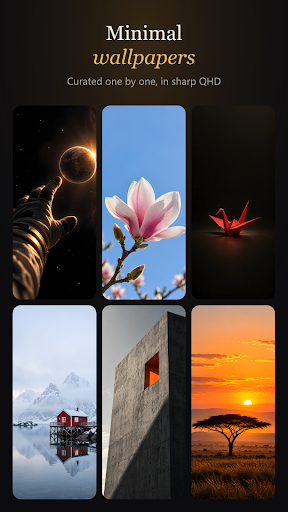
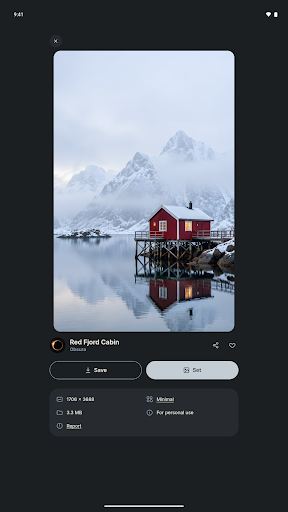
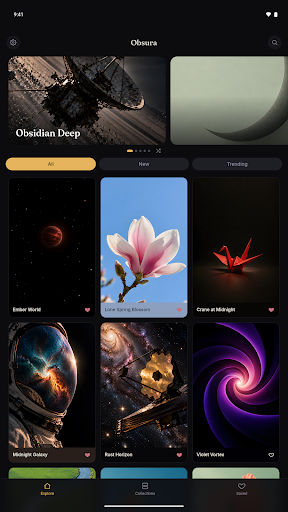
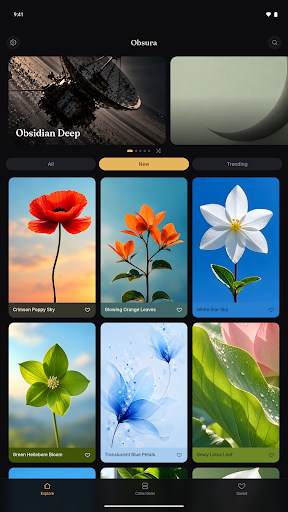

Minimal QHD phone wallpapers
Small fixes and smoother behavior after setting a wallpaper.
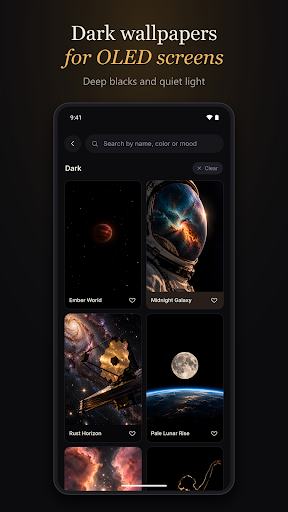
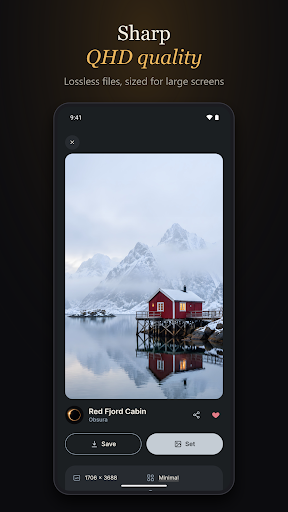
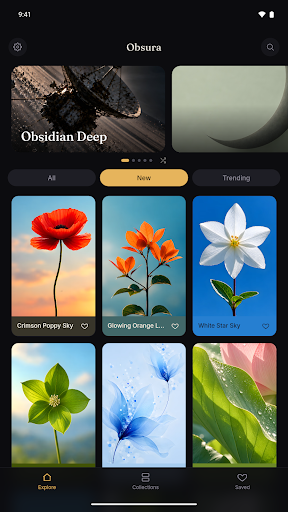
Obsura: Minimal Wallpapers provides a curated catalog of over 300 high-resolution backgrounds designed specifically for clean, uncluttered phone setups. Every image is stored in QHD resolution or higher without lossy compression to match tall 1440p displays. The app focuses on simple compositions created with AI assistance and hand-reviewed to ensure high contrast, including dedicated options for OLED and AMOLED displays where true black pixels turn off completely.
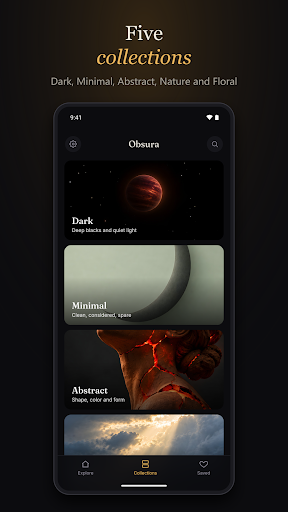
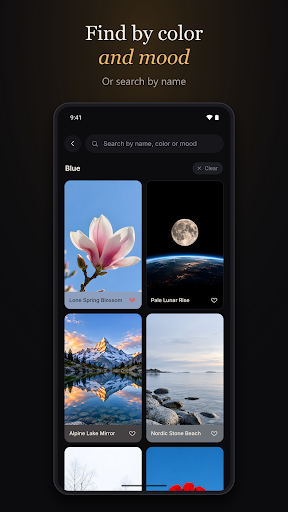
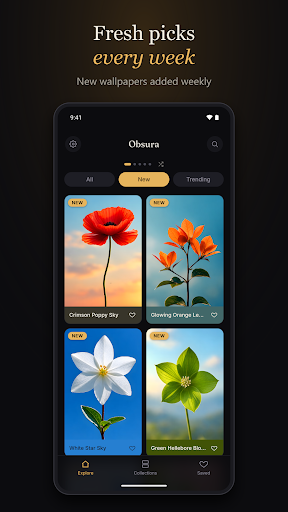
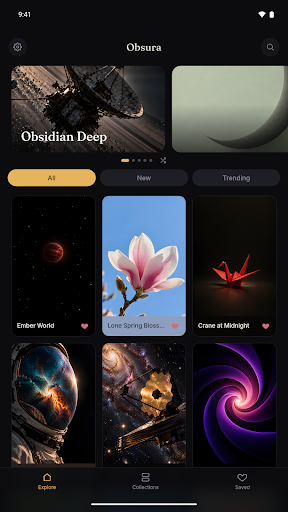
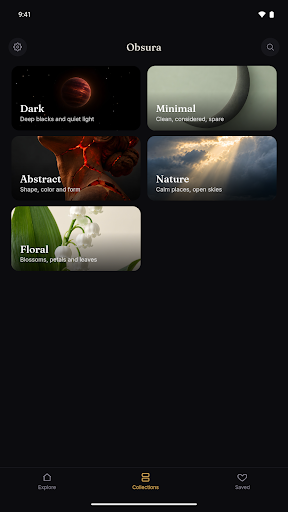
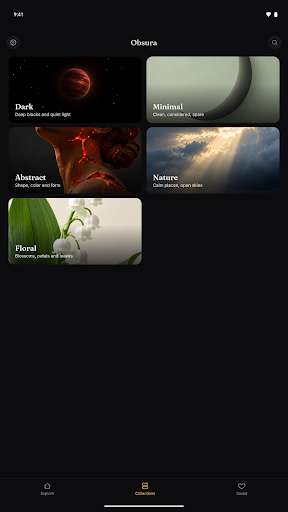
The imagery is organized across five distinct themes: Dark, Minimal, Abstract, Nature, and Floral. The Dark selection focuses on deep blacks and quiet night lighting, while the Minimal section emphasizes negative space and basic geometric shapes. To locate specific visual styles, you can search the library by background name, target color, or mood criteria such as Moody, Light, Vivid, or Muted. Dedicated tabs also isolate the latest additions and the most downloaded wallpapers across the entire collection.
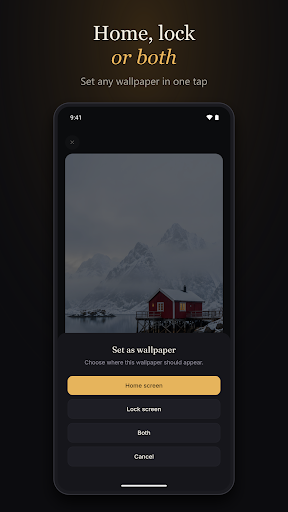
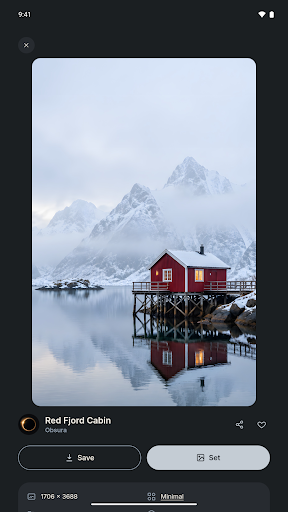
Selecting a wallpaper allows you to set it directly onto your home screen, lock screen, or both using different images for each. The built-in tools let you export full-quality images to your device gallery, build a personal library of favorites inside a Saved tab, or send specific backgrounds to other users.
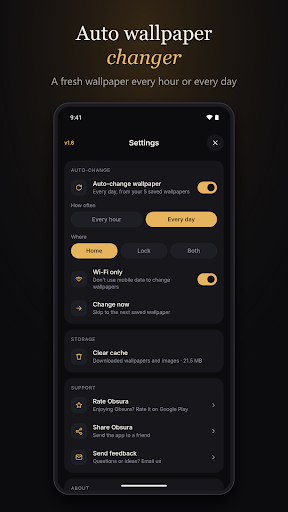
An integrated auto wallpaper changer periodically updates your phone screen using your saved favorites. Once activated, this function runs continuously in the background—even after restarting the device—and can be set to refresh your lock screen, home screen, or both at intervals of once per hour or once per day.
The interface operates without mandatory accounts or user sign-ins, offering light and dark display themes alongside Classic or Bold color schemes. While the main features and auto-changer are free and supported by occasional screen-transition ads, an optional one-time purchase called Obsura Pro permanently removes all ads, grants access to future Pro additions, and ties the license to your Google account for easy restoration on new devices.
Your comment was submitted and is awaiting moderation.
Your comment was published.