App Screenshots
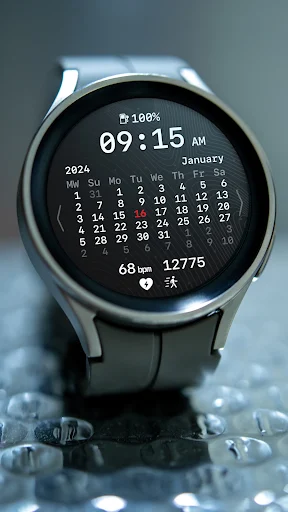
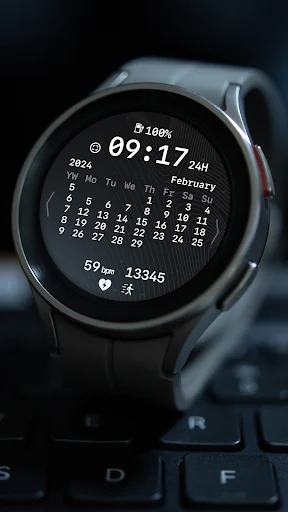
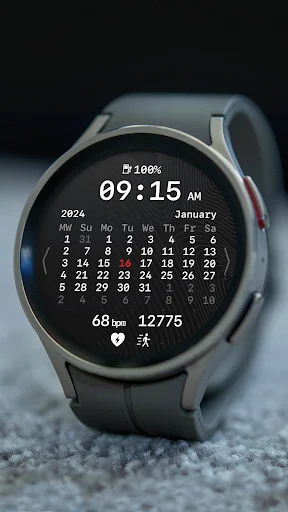
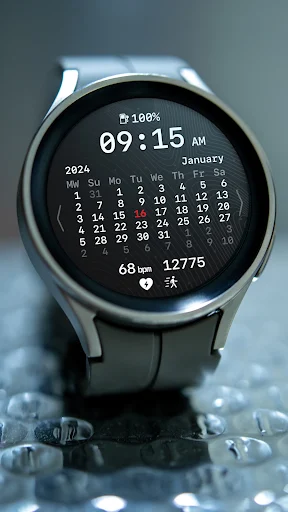
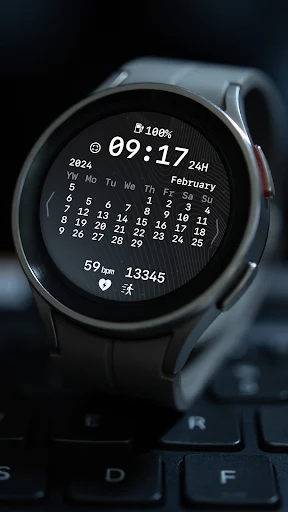
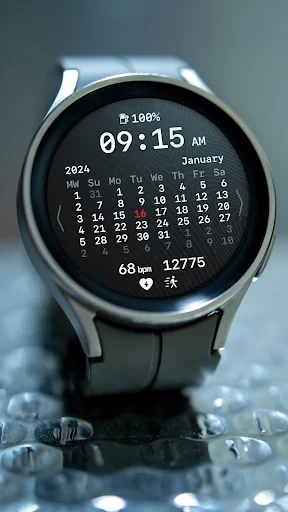
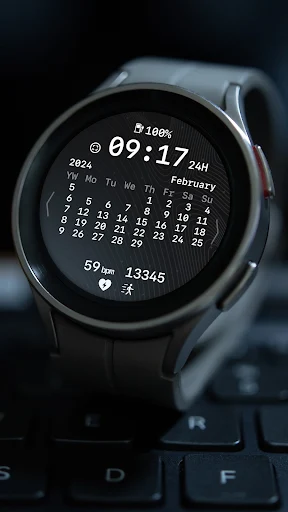
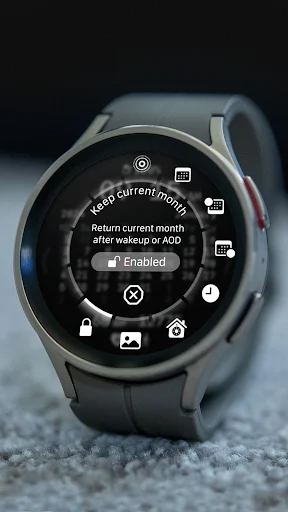
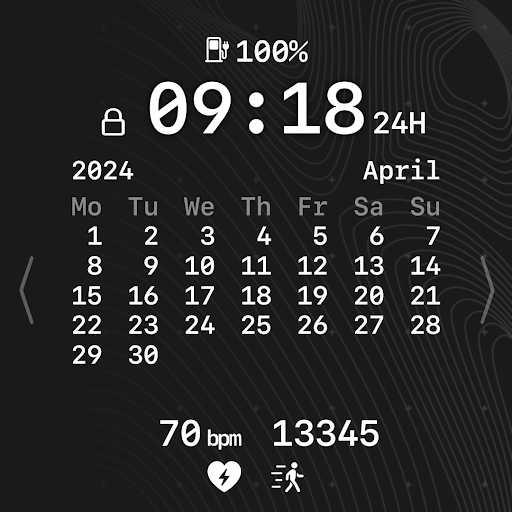
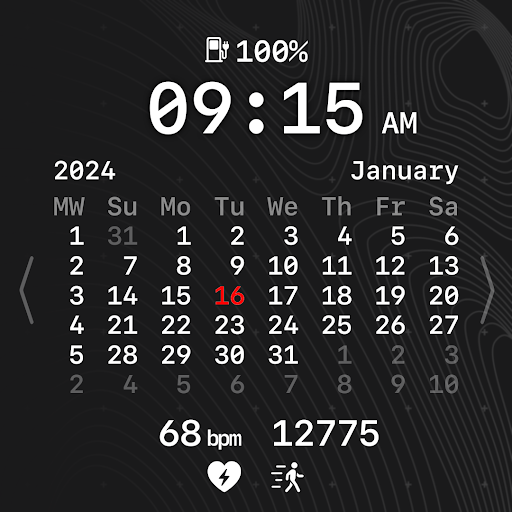
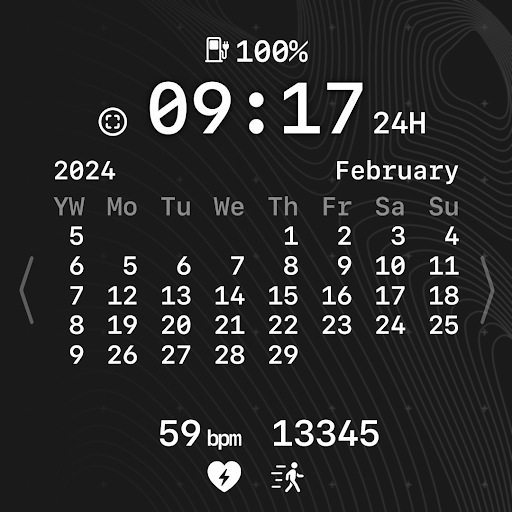
Monthly calendar watch face
nbWatch: Calendar Pro is a Wear OS watch face that allows users to view and navigate a full monthly calendar directly from their wrist. Designed to streamline schedule checking, it enables easy browsing between past and future months using double-tap gestures on the sides of the screen, with a dedicated central focus control to instantly snap back to the current month. Alongside its core calendar navigation, it incorporates health metric complications for tracking daily step counts and heart rate data.
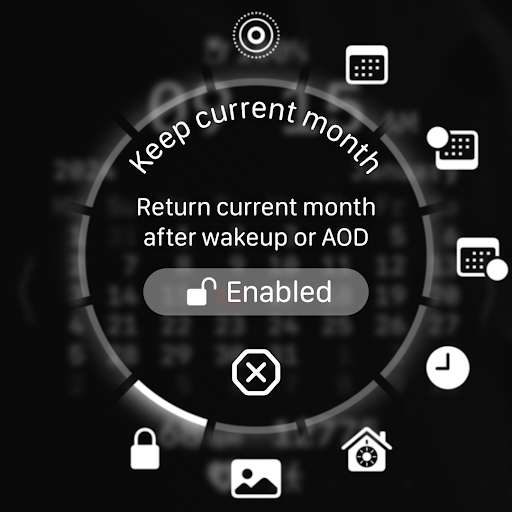
Navigating the calendar layout relies entirely on touch controls mapped to specific areas of the display. Double-tapping the right side of the screen advances the calendar to the next month, while double-tapping the left side moves it back to the previous month. Whenever a month other than the current one is displayed, an icon appears on the screen; double-tapping this icon resets the view to the current month.
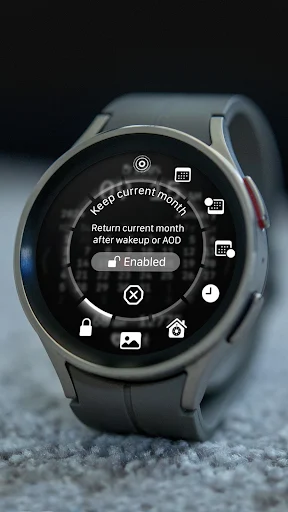
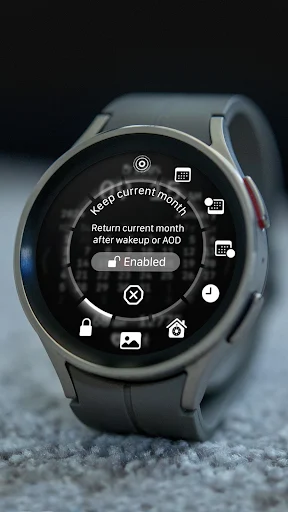
Users can also customize how date information is presented by accessing the settings menu via a double-tap on the center of the display. This menu allows configuration of the start of the week to Sunday, Monday, or Saturday, and offers options to display the week column as the week of the month, the week of the year, or to hide it completely. Additionally, the month view can be toggled between displaying full weeks or a condensed layout, and time displays can be set to 24-hour format, AM/PM, or matched to the system settings.
The watch face provides three background visual styles to match personal preferences: Outlines, Dark, and Black. It also supports Always On Display (AOD) functionality, allowing time and calendar information to remain visible when the watch enters ambient mode.
To display personal health data alongside the calendar, the watch face utilizes sensor and activity detection. Granting body sensor permissions enables real-time heart rate tracking, while activity permissions allow the display of daily step counts.
The watch face operates on a trial system upon installation, offering 360 minutes of full functionality. Users who wish to extend their trial without an immediate purchase can watch rewarded advertisements via a connected mobile phone, provided both the watch and phone share the same Wi-Fi network or Bluetooth connection. Watching ads allows users to accumulate up to 9 days of additional trial time.
Once the trial period expires, a prompt to purchase the Premium version appears on the watch face. Users can initiate the in-app purchase directly from the device by double-tapping the screen or holding down the watch face to open the custom menu and selecting the Buy Premium option.
Your comment was submitted and is awaiting moderation.
Your comment was published.