App Screenshots
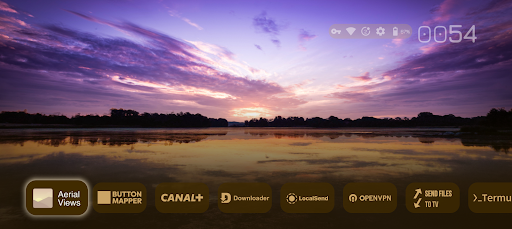
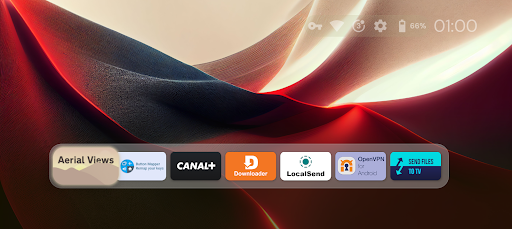
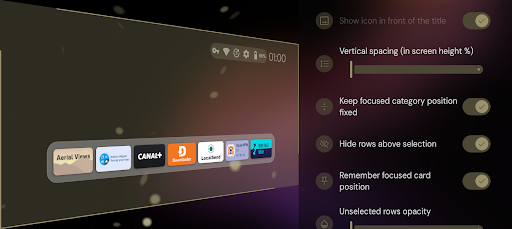
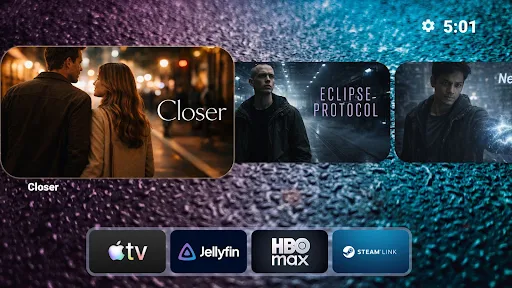
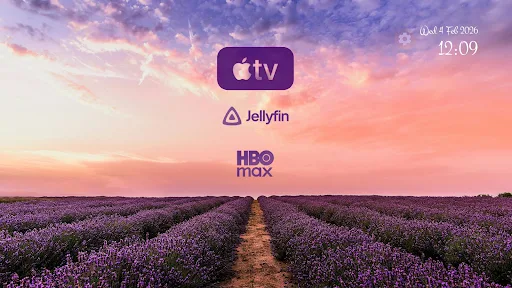
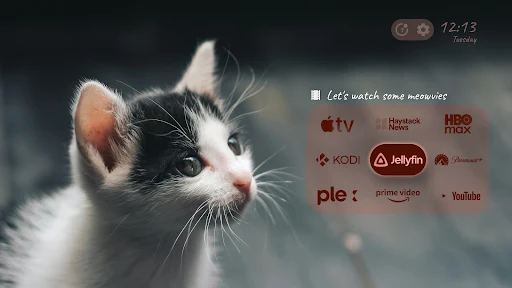
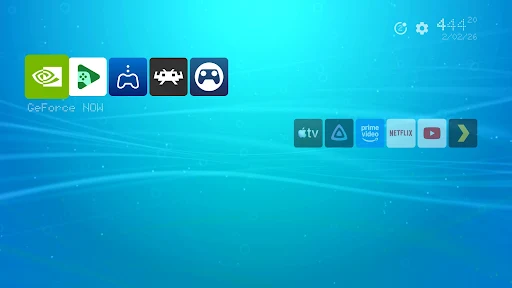
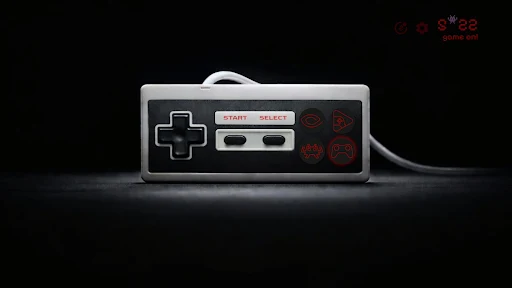
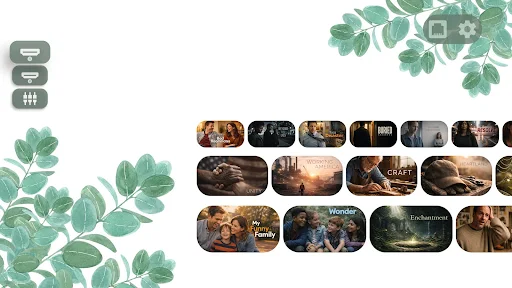
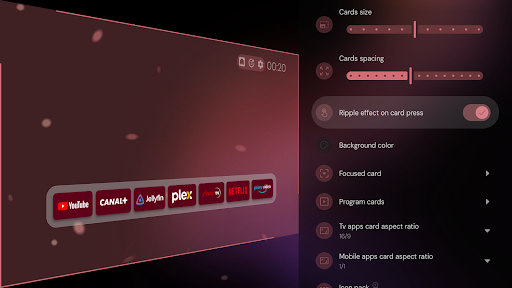

Customizable TV home screen replacement
Migrated Reddit wallpaper to the new default wallpaper source
Added a fade-in/out between video wallpapers and improved their loading time
Many fixes and optimizations
Check here for details : https://github.com/spocky/miproja1/releases
TV screens often suffer from cluttered interfaces, system advertisements, and limited control over the home screen layout. Projectivy Launcher acts as an alternative home screen manager for TVs, projectors, and set-top boxes, allowing users to override the stock interface in favor of an ad-free environment. Beyond basic navigation, it incorporates specialized TV utility tools, including built-in display calibration test patterns, direct shortcuts for physical input sources like HDMI ports, and automatic detection of hidden hardware engineering menus.
Users can rebuild the interface by organizing applications into custom categories and channels. Layout spacing, app shortcuts, and app titles can be modified to streamline daily viewing. Mobile apps installed on the TV device can also be integrated directly into the layout. The visual style supports custom app icons using local images or third-party icon packs. Backgrounds accept static images, animated GIFs, or video files, accompanied by display adjustment controls for visual properties like brightness, contrast, hue, saturation, and blur. An adaptive color engine adjusts the user interface tint based on the active wallpaper, and additional background sources can be added via plugins.
Alongside home screen management, the app provides built-in hardware utilities tailored for displays and set-top boxes. It includes visual test patterns for fine-tuning display setups, including standard 4K, Dolby Vision, and judder evaluation patterns. For hardware management, the launcher automatically detects supported chipsets and operating environments—such as Mediatek, AmLogic, Xiaomi, and FengOs—to open direct paths into hidden engineering menus. Users can also configure startup settings to boot directly into a specific input source or app, set up parental controls, and back up configuration settings for quick restoration.
The app relies on an optional accessibility service solely to handle launcher override features, enabling it to replace the default home screen when pressing the home button on a remote. While the core interface replacement and navigation features are available by default, advanced visual capabilities—including custom wallpapers and full icon pack customization—are locked behind a premium upgrade.
Your comment was submitted and is awaiting moderation.
Your comment was published.