App Screenshots
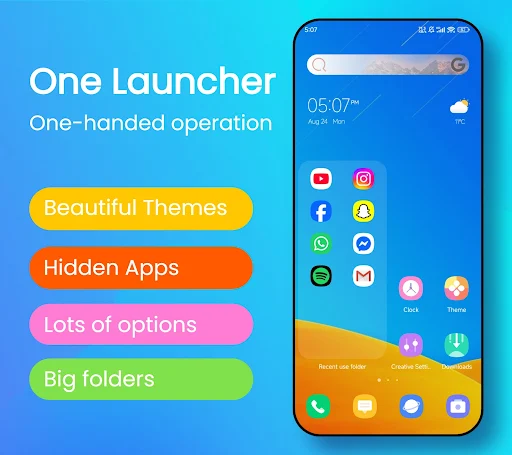

One-handed home screen layout manager
Fixed crash bugs
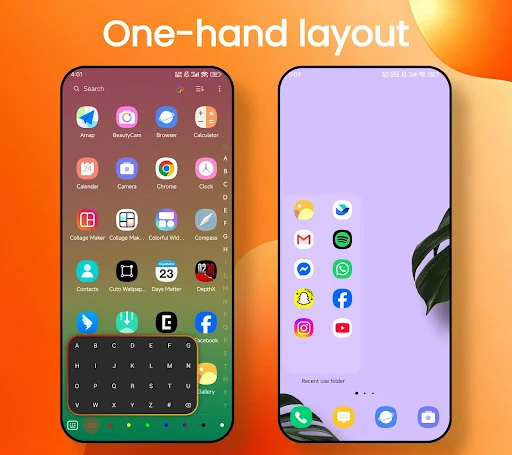
Operating large-screen mobile devices often makes reaching top icons and navigation menus difficult without shifting your grip. One Launcher: One Hand Mode serves as a complete home screen replacement designed specifically for one-thumb navigation. It reorganizes the interface by placing an intelligent A-Z keyboard at the bottom of the app drawer, allowing for instant search and launch without endless scrolling. Coupled with custom gestures, multi-dock pages, and a lightweight footprint that keeps RAM usage minimal, it keeps essential applications and system tools easily accessible across the entire screen.
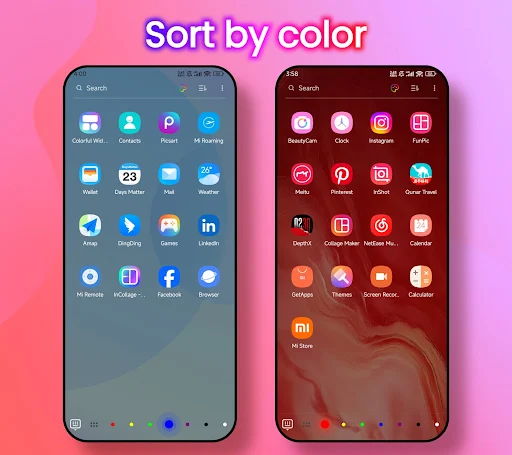
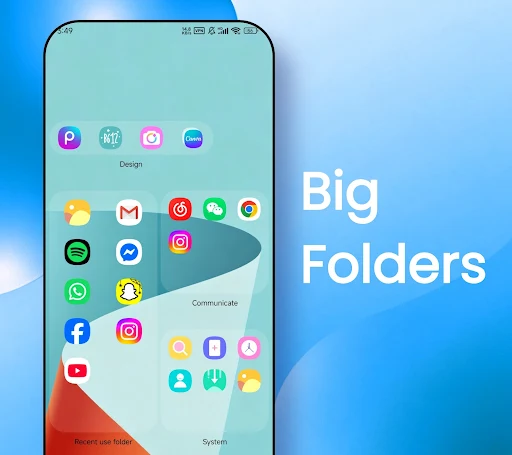
The interface prioritizes single-handed access through dedicated layout adjustments. Instead of relying on traditional grid arrangements that push applications toward the top of the display, the app features a Smart Recent Used folder configured in a long list style, alongside an integrated A-Z bottom keyboard within the app drawer. This setup allows you to jump directly to specific applications using a thumb without stretching. For additional organization, automatic app classification sorts installed software, while gesture controls enable quick triggers like swiping or tapping to perform specific actions across the home screen.
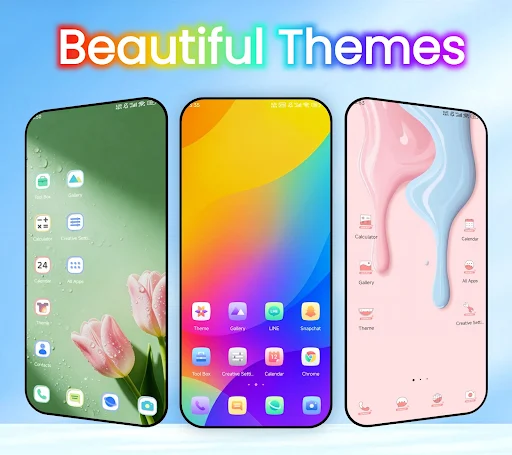
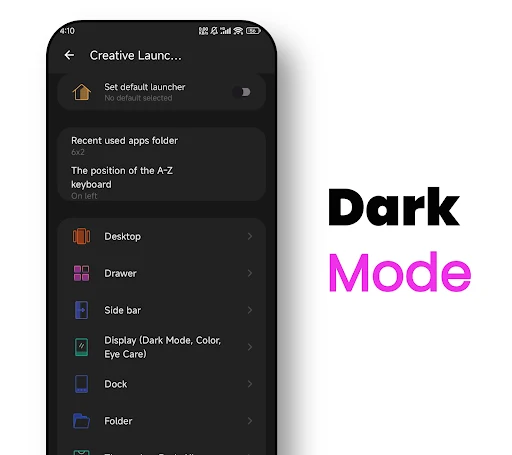
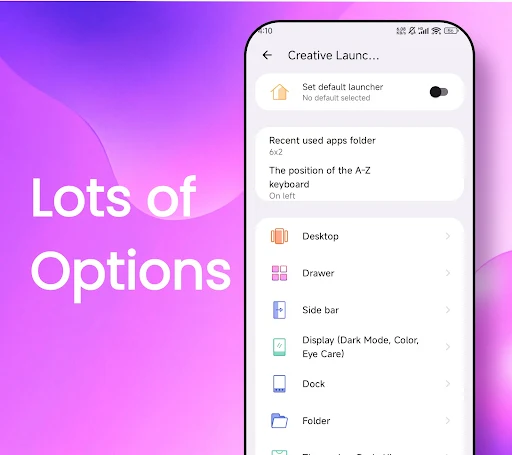
Replacing the standard system layout provides extensive control over visual parameters and screen density. Users can adjust icon sizes, modify grid dimensions, and select custom desktop search bar styles. The launcher supports light and dark mode switching, an eye protector viewing mode, over 1,000 themes and wallpapers, and compatibility with third-party icon packs available on Google Play. To maintain quick access to frequently used tools, the interface includes multi-dock page support, a customizable weather widget, and a live memory status display directly on the desktop.
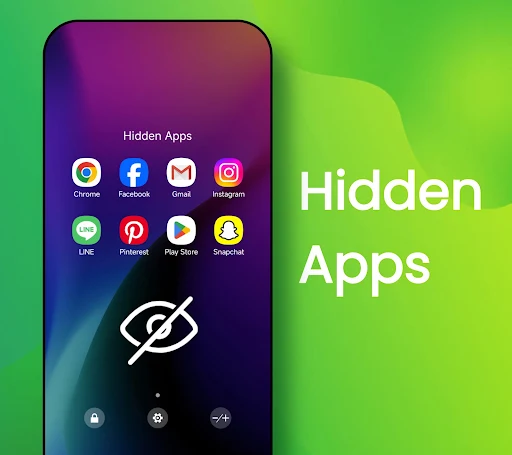
Beyond navigation and themes, the app incorporates tools to secure personal data and maintain layout stability. An app lock feature restricts access to sensitive software, while a hide apps function removes private tools from the main view entirely. To prevent accidental icon movements or unwanted reorganizations during one-handed use, the layout can be locked in place. Additionally, the side page calendar widget utilizes calendar read permissions to display upcoming schedules, while built-in notification badges provide alerts for incoming calls, SMS messages, and emails.
Your comment was submitted and is awaiting moderation.
Your comment was published.