App Screenshots
Intelligent customizable text entry keyboard
- If your device supports new emoji like and then we're adding them to the emoji panel
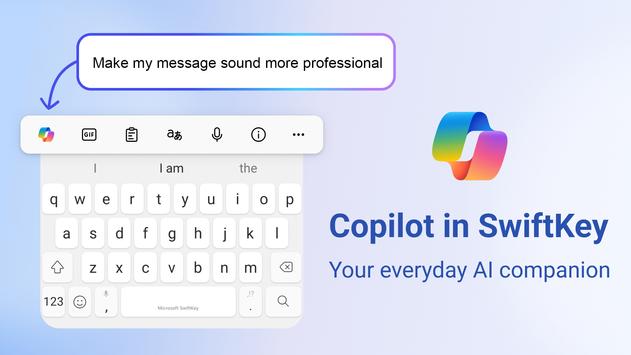
Microsoft SwiftKey AI Keyboard is an input app that adapts to individual writing styles, allowing users to type via traditional tapping or swipe gestures. Built around predictive text and automatic correction, the app learns personal vocabulary, including slang and nicknames, to accelerate daily messaging across different apps. It integrates Copilot, an AI companion that answers queries, rewrites drafts into different tones, and generates new text or images directly from the keyboard interface.
Built-in Copilot tools allow users to interact with an AI assistant without switching out of their active app. The keyboard features text manipulation tools that can rewrite existing drafts into alternate tones or generate complete compositions based on simple prompts. Beyond text, the integrated AI capabilities allow users to generate custom images and memes directly from the toolbar for use in conversations.
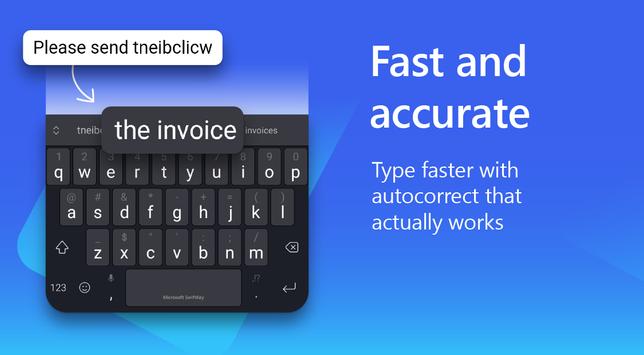
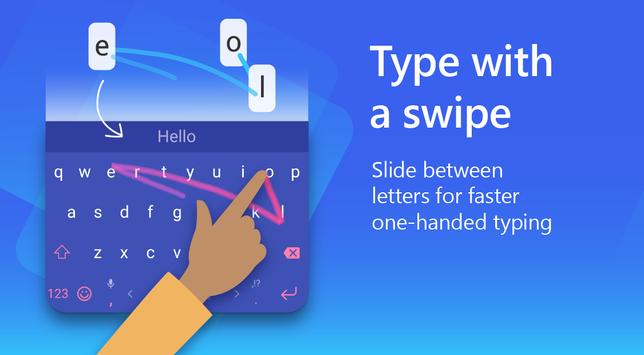
The primary typing interface supports both swipe-to-type and tap-to-type inputs, backed by an adaptive spell checker and auto-correct engine. As users type, the system learns their specific phrases, regional slang, and emoji usage patterns to offer contextual predictions. An expandable quick-shortcut toolbar provides fast access to core features, while integrated search functions help locate specific emojis and GIFs.
Users can alter the appearance of their input interface using over 100 visual themes. Theme options include solid color designs as well as custom backgrounds built from personal photos saved on the device. The app also supports physical adjustments, allowing users to alter the overall height and layout of the keyboard on their screen.
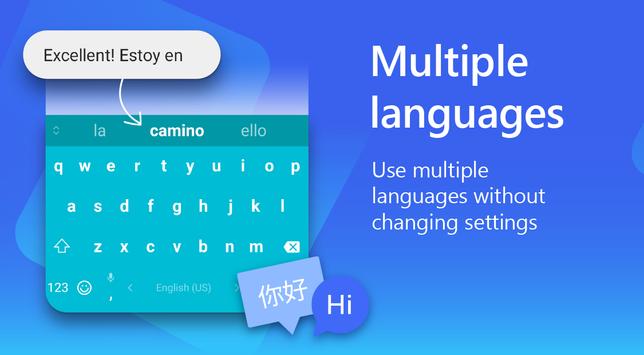
The app supports over 700 languages and allows up to five individual languages to be active simultaneously for seamless code-switching. Certain optional features depend on specific device permissions: voice-to-text input requires microphone access, background theme creation and image sharing require photo library access, inline camera capture requires camera access, and quick entry during messaging requires contact permissions. The core typing interface remains functional even if these optional permissions are declined.
Your comment was submitted and is awaiting moderation.
Your comment was published.