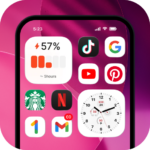
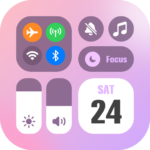
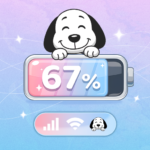
App Screenshots
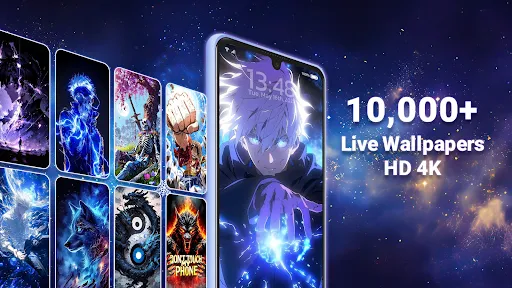
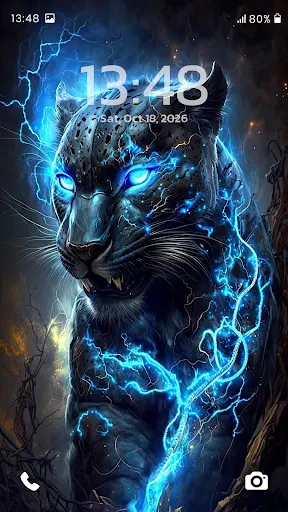
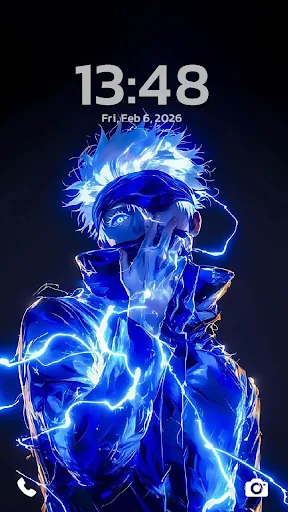
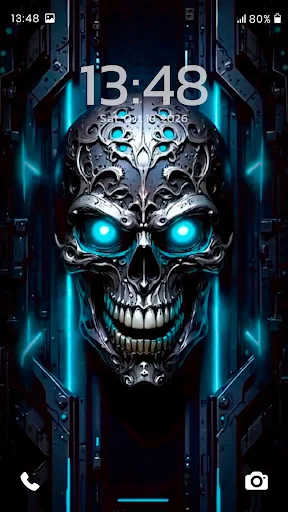
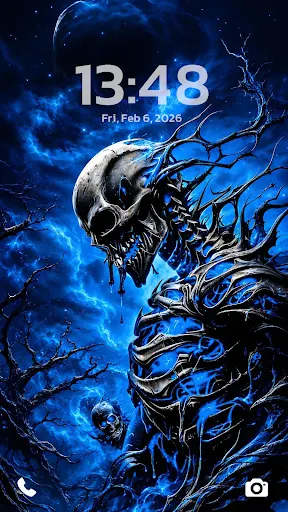

Animated video and high-definition backgrounds.
Amazing performance improvements for the app and live wallpapers. Bug fixes and new wallpapers added regularly.
Customizing a phone background with moving visual effects often comes with a trade-off in battery consumption, but Live Wallpapers HD 4K addresses this by providing an engine engineered specifically to keep power usage low. The app offers a wide selection of animated visuals, high-definition 4K options, and AI-crafted backgrounds across a wide range of themes, from anime and nature to urban architecture and space. Beyond standard stills and moving scenes, users can change both their home and lock screen looks simultaneously or schedule automated visual rotations throughout the day.
To keep the display fresh without manual effort, the app includes a Dynamic 24H Wallpaper capability that automatically refreshes the background visual periodically over the course of twenty-four hours. For users who prefer distinct styles on different screens, the Dual Wallpaper system configures two separate visual looks at the same time—one applied to the lock screen and the other to the main home screen.
Finding specific imagery relies on an integrated smart search tool, which allows users to navigate a library containing thousands of assets. Categories span diverse subjects, including cars, motorcycles, animals, holiday motifs, fiction, and abstract aesthetic styles. If a specific topic or image is not currently present in the collection, the app includes an option for users to submit requests for future content additions.
Setting up new visual styles takes place directly within the interface, using a direct installer tool designed to configure both home and lock screens seamlessly. The visual media consists of traditional high-resolution backgrounds, AI-generated imagery, and animated video backgrounds, allowing users to select the format and motion level that best suits their preference.
Your comment was submitted and is awaiting moderation.
Your comment was published.