App Screenshots
Home screen customization and themes tool
Launcher OS - 7.0.2 (390)
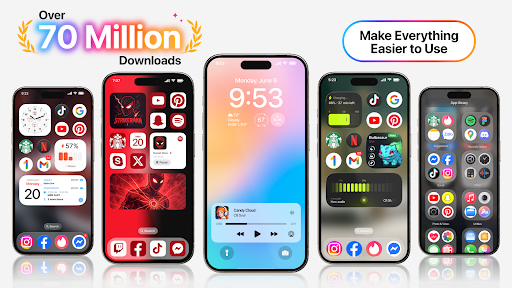
Liquid glass effect for home screen
Launcher OS™ is an app designed to replace your device’s standard home screen interface, providing a streamlined layout focused on quick organization and navigation. It centralizes everyday device management through unified system tools, allowing you to access contacts, local media files, and installed applications from a single access point. Beyond standard interface customization, the app includes integrated AI assistance that accepts voice inputs to answer questions and complete text-based tasks without opening a separate browser or application.
Finding specific items on your device is handled through a built-in universal search tool. By accessing external storage permissions, the search utility scans local system files, messages, contacts, and installed applications simultaneously. Entering a term into the query bar yields immediate results across all these categories, eliminating the need to search through individual file directories or application menus.
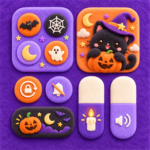
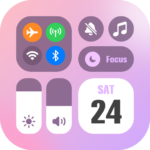
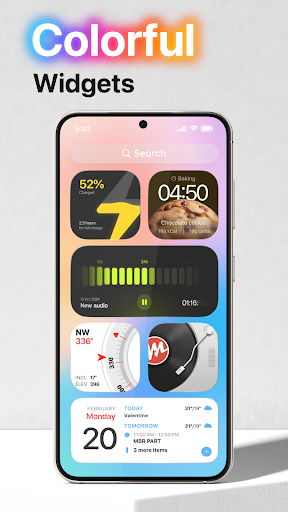
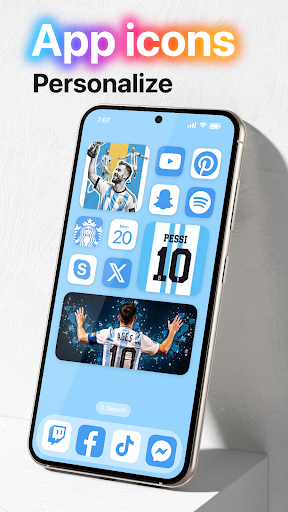
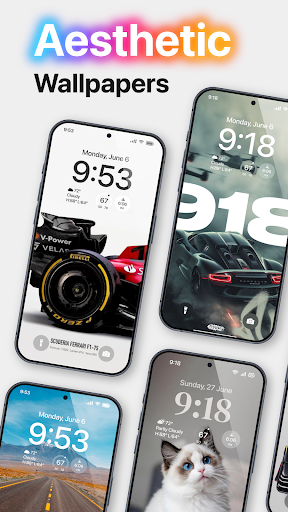
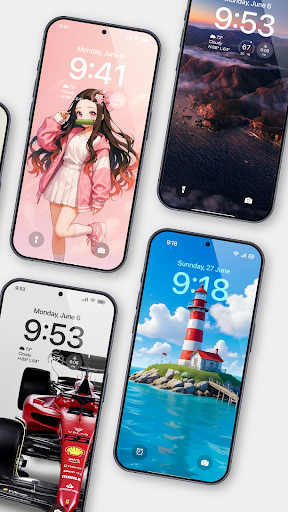
The app automatically sorts installed software into a categorized App Library, reducing home screen clutter by grouping similar utilities together. Visual personalization tools allow you to apply custom icons and select wallpapers, either drawn from an online library hosted on the developer’s server or uploaded directly from local image storage. You can also place system widgets directly onto the home screen to monitor information such as local weather forecasts and upcoming calendar events.
A built-in AI Chat interface acts as a multi-purpose tool for quick queries and general assistance. By using microphone permissions to convert spoken audio into text, the assistant processes voice commands directly within the launcher. This enables hands-free interaction when you need fast answers or generated text responses while navigating your device.
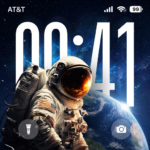
To streamline routine interactions, the launcher supports direct controls from the locked screen. Granting specific system permissions allows incoming phone calls, application notification badges, and the default camera interface to display over the lock screen, enabling you to capture photos or review incoming messages without fully unlocking the device.
Your comment was submitted and is awaiting moderation.
Your comment was published.