App Screenshots
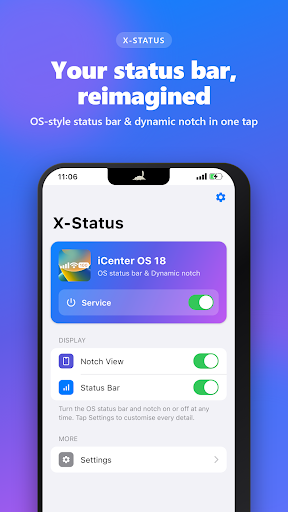
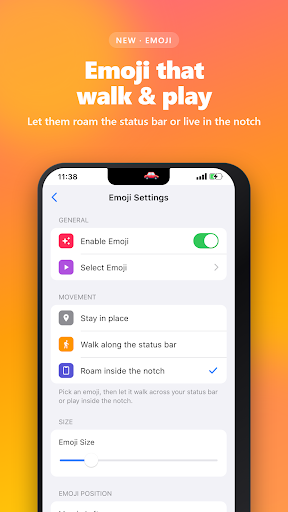
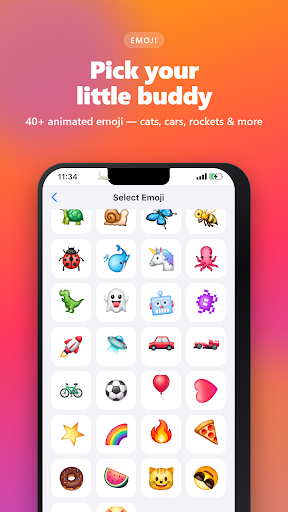
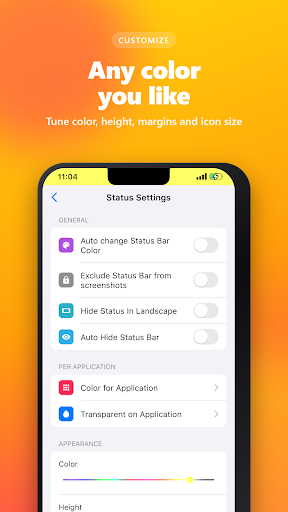
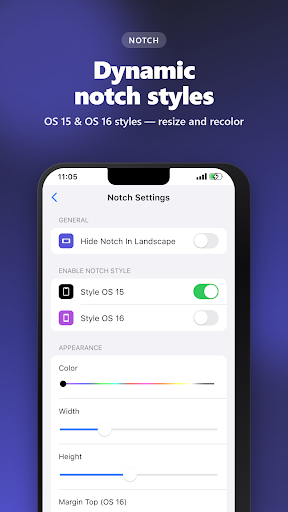
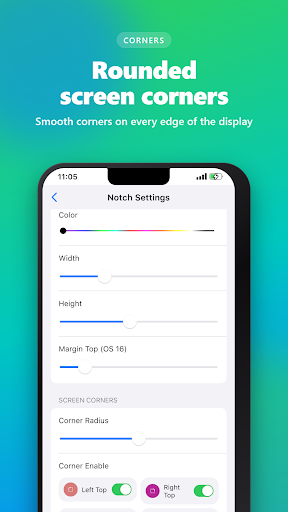
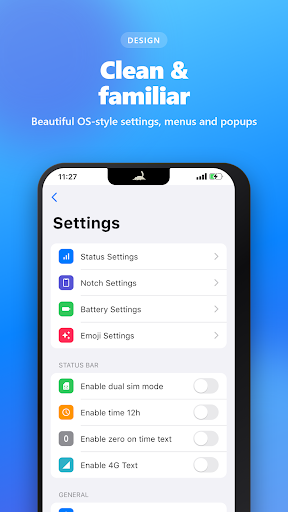
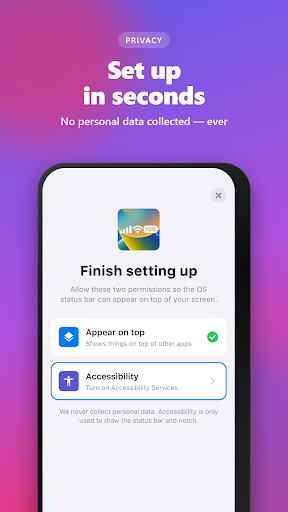

Status bar and notch customization tool
Update new app version, fix some bug.
Modifying the default visual layout of your device’s top bar is straightforward with iCenter OS 18: X – Status Bar. The app completely replaces your stock notification area and camera notch display with an iOS-inspired layout. Beyond basic visual styling, it incorporates practical privacy features, such as active system indicators that alert you whenever an app accesses your camera or microphone.
The app overlays key system information directly onto the top of your screen using a streamlined OS visual layout. It replaces standard status icons to display your time, battery percentage, Wi-Fi connection, and cellular signal bars in a reconfigured arrangement. To match your device’s current theme or active application, you can enable an automatic background color feature that shifts the status bar’s color dynamically. Additionally, the time readout can be toggled between standard formats, including a 12-hour display style.
If your device features a hardware cut-out for the front camera, the app offers dedicated controls to modify how that area appears. You can apply custom OS-style overlays to redesign the notch, or choose to hide and blend the notch area entirely to create a uniform black band across the top of the display. Beside visual tweaks, the overlay includes real-time hardware status indicators that illuminate whenever the camera or microphone is currently active, keeping track of background hardware usage.
To function properly, iCenter OS 18: X – Status Bar requires specific system privileges on your device. It relies on Accessibility services to draw the custom status bar and notch overlays over the home screen and other running applications. The app operates entirely without requiring root access, meaning you can configure and run all layout features on a standard, unrooted system once the necessary Accessibility permission is granted in the device settings.
Your comment was submitted and is awaiting moderation.
Your comment was published.