App Screenshots









Web browser with built-in assistant
Some things have been fixed to make the app faster and better.
When navigating the web on high-traffic networks or small screens, Yandex Browser with Alice AI provides a practical browsing environment focused on page security, responsive performance, and readable content layouts. The app actively alerts you to suspicious or fraudulent websites while reducing data usage through smart compression, helping web pages load smoothly even when bandwidth drops. By combining integrated security warnings on open networks with automated layout tools, it allows you to read articles, run voice searches, and browse privately without extra manual configuration.
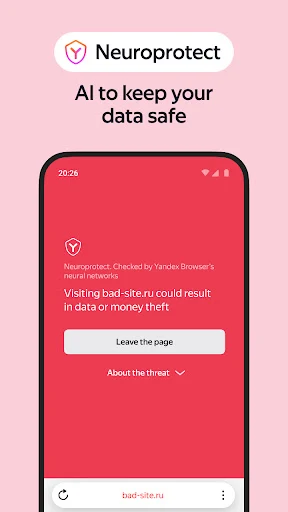
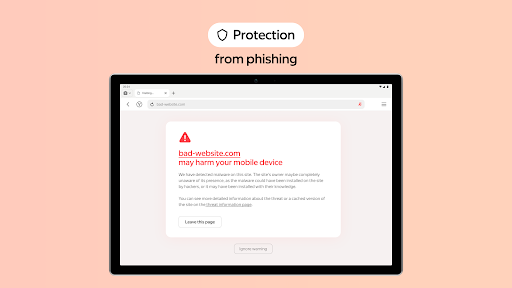
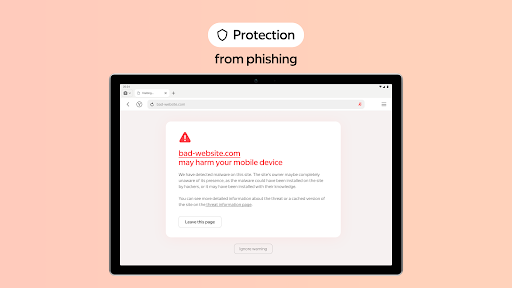
Everyday browsing on public networks or following links from messages can expose your device to security risks. The app uses an integrated Active Protect system that operates in the background to identify harmful or phishing pages real-time. When you connect to public café Wi-Fi or unverified networks, the browser triggers connection checks and displays warnings before you interact with suspect sites, giving you an immediate chance to double-check the URL before proceeding.
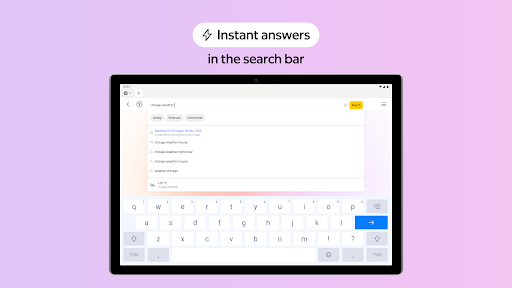
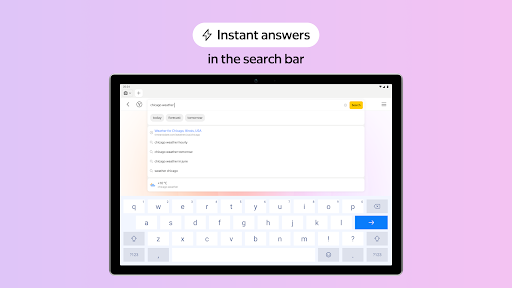
To keep searches feeling responsive on congested or metered networks, the app utilizes built-in data compression to trim down overall page weight. This compression speeds up initial load times and keeps pages clear and readable when signal strength fluctuates, though heavy video streams still rely primarily on your network speed. For hands-free queries while commuting or multitasking, voice search lets you submit queries without typing.
Standard web pages often obscure content behind ad banners, interactive widgets, pop-ups, and side menus. Activating Reader Mode strips away these extra elements, isolating only the primary text and relevant images into a clean format with straightforward typography. If an article relies on interactive sections such as comment threads, embedded forms, or complex tables, you can instantly exit Reader Mode to interact with the original page layout.
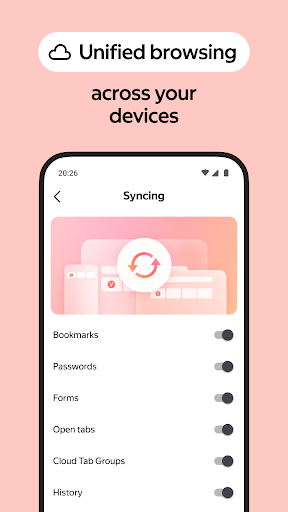
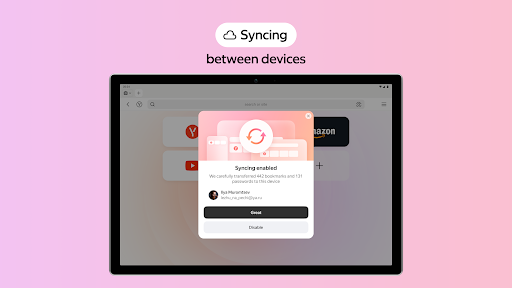
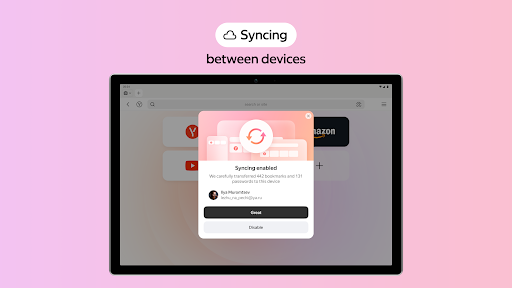
For privacy control, Incognito Mode prevents the app from retaining your browsing history, web queries, or saved passwords on your physical device once the session ends. When logged into a Yandex account, you can personalize the visual theme of your browser interface and sync your saved bookmarks across multiple devices for seamless access wherever you browse.
Your comment was submitted and is awaiting moderation.
Your comment was published.