App Screenshots
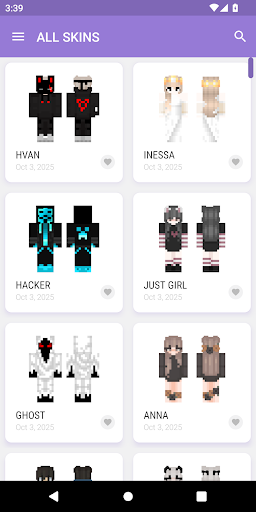
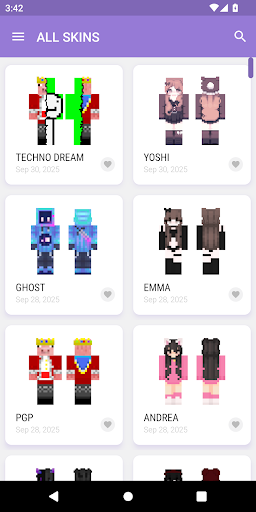
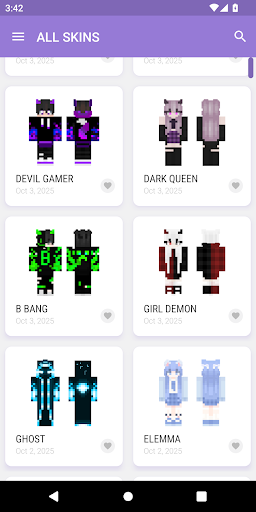
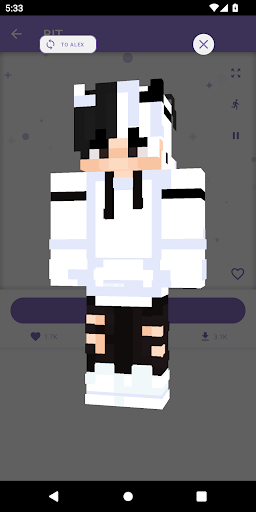
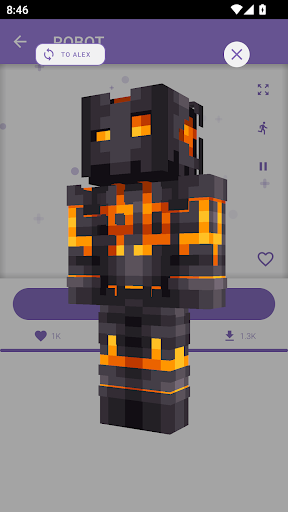
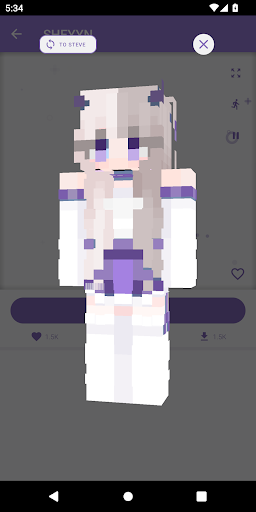
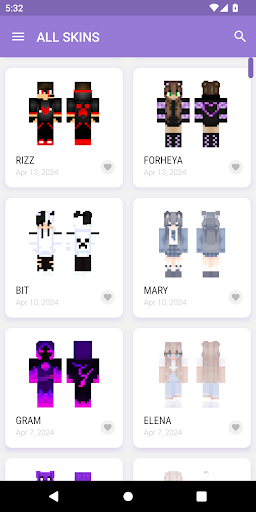
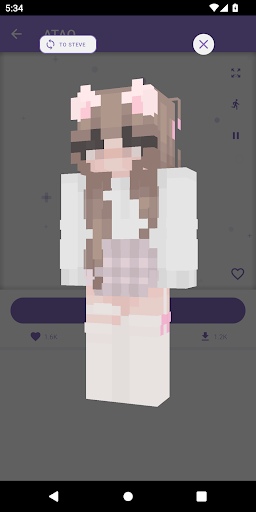
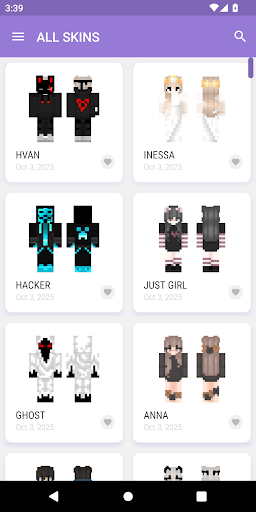
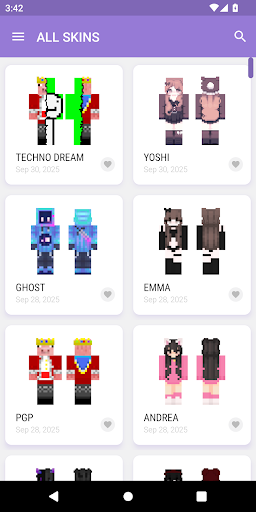
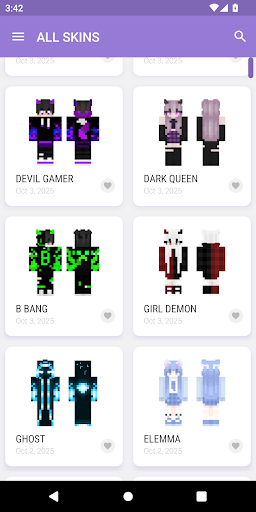
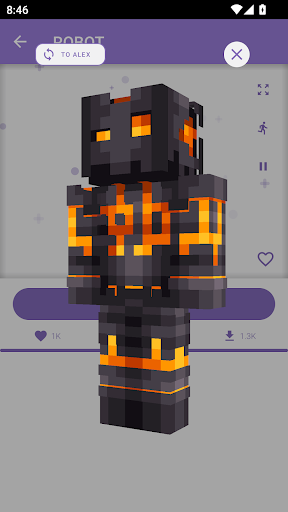
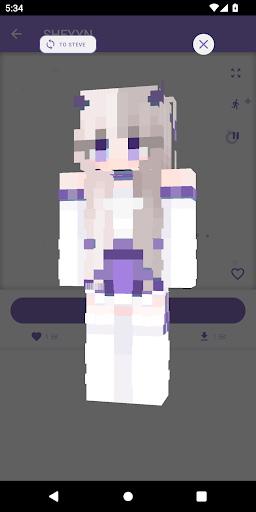
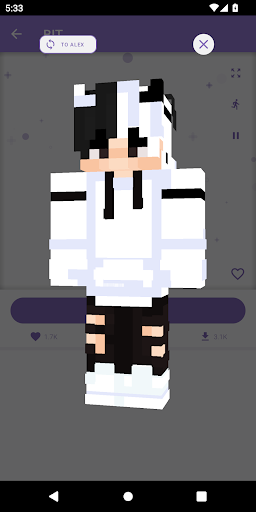
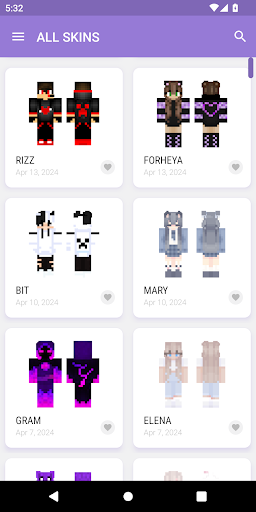
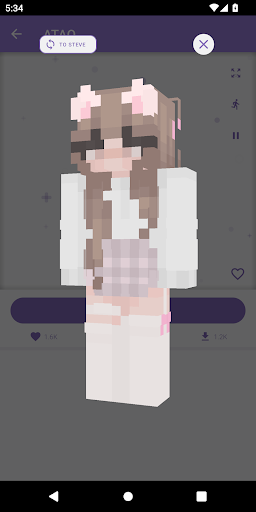
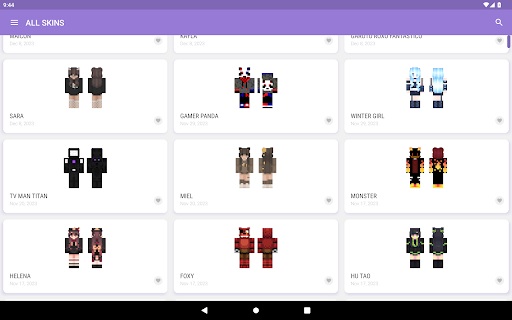
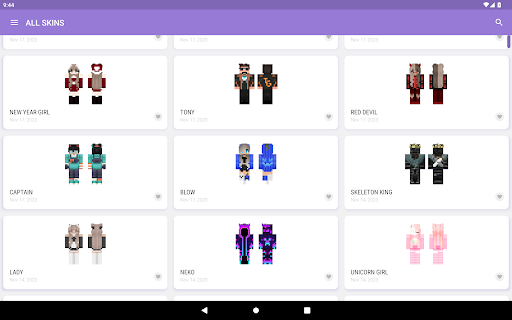
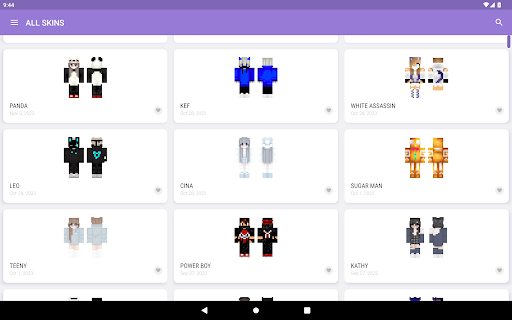

Character skin catalog for gameplay customization
Finding and downloading custom character skins for Minecraft PC and Mobile versions is straightforward with Skins for Minecraft 2. The app provides a direct collection of character skins that users can save to their device’s local gallery with a single tap. Once downloaded, these visual templates can be used as-is or loaded into an external skin editor if you want to customize specific features like eye color, hairstyle, clothes, shoes, or outfits. It serves as a centralized offline-capable storage source for custom appearances, completely bypassing the need for third-party tools like BlockLauncher to apply your chosen designs.
Selecting a design inside the app saves the image file directly to your device’s photo gallery. Because the files are stored locally as standard image assets, you can access your saved collection at any time, organize them in your local storage, or manually upload them into your Minecraft account settings across supported platforms. While an internet connection is required to browse and download new items from the app, the saved gallery files remain permanently available on your device.
The app functions as a base library rather than an interactive canvas. If a downloaded design requires adjustments, the saved image file can be imported into any external skin editing application. This documented workflow allows you to tweak granular visual details—such as adding wings, changing clothes, adjusting hair, or recoloring eyes—before applying the final image to your character in Pocket Edition or PC versions.
For users unfamiliar with manually applying custom visual files, the app includes built-in setup instructions explaining how to import saved gallery images into the game. It operates independently without requiring secondary launcher utilities like BlockLauncher. Users should note that this is an unofficial third-party utility developed by Crone and is not affiliated with Mojang AB.
Your comment was submitted and is awaiting moderation.
Your comment was published.