App Screenshots
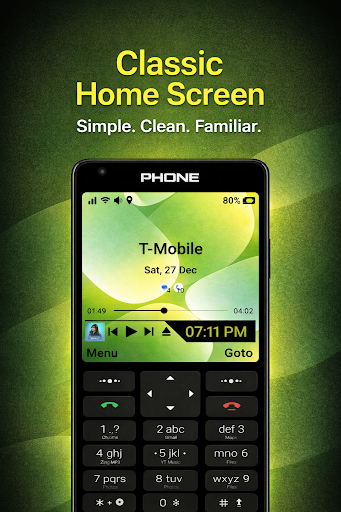
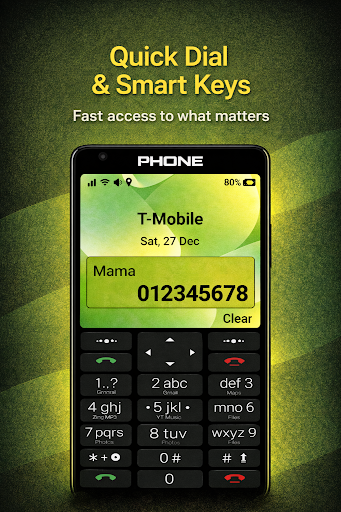
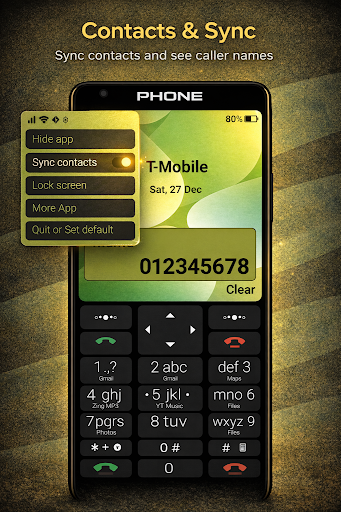
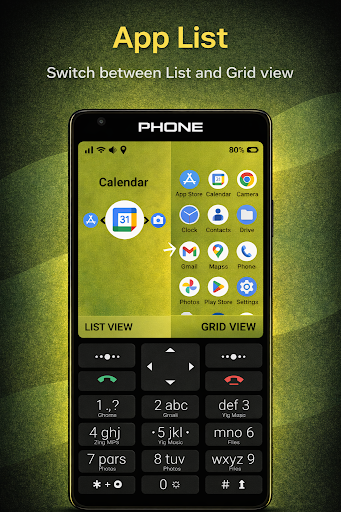
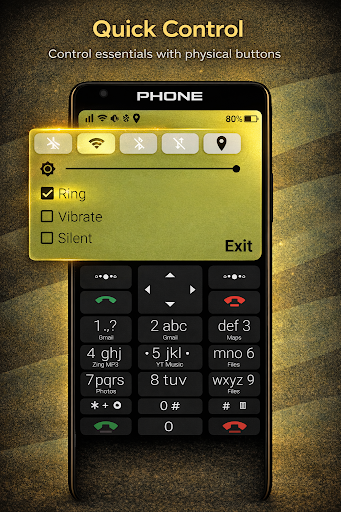

Retro mobile interface and theme customization tool
• Updated target Android API level to meet Google Play requirements.
• Improved compatibility with the latest Android versions.
• Optimized app performance and stability.
• Fixed minor bugs and improved overall user experience.
Transforming a modern touch interface into an old-school mobile layout, Classic Phone Launcher replaces the standard home screen with an interface inspired by retro feature phones. It provides a tactile, nostalgic aesthetic by providing vintage wallpaper options, custom retro icons, and classic ringtones and notification sounds. Beyond visual and auditory changes, it supports third-party icon packs and shortcut keys to streamline navigation, offering a lightweight alternative to default home screen layouts.
The app alters the home screen by combining specialized retro themes with customizable wallpaper choices. Users can align the visual identity of their mobile device with classic handheld hardware, applying dedicated icon designs alongside compatible third-party icon packs to replace modern app graphics across the system interface.
Auditory elements are updated using a built-in selection of classic ringtones and system sounds that match the retro hardware aesthetic. Navigation is augmented by shortcut key support, allowing users to map specific actions or app launches to direct inputs rather than relying purely on standard touch gestures.
Reverting to the original home screen layout does not require uninstalling the application. The system includes an explicit setting path within its menu structure—navigating through Menu, then Options, and selecting Change Launcher—which prompts the device to restore its native default home screen interface.
Your comment was submitted and is awaiting moderation.
Your comment was published.