App Screenshots
Multi-boot USB creator for disk images
• Updated to Ventoy 1.1.18
• Install is confirmed by reading the Ventoy version back from the drive
• Fixes in Config Hub, themes and the file manager
• Better translations
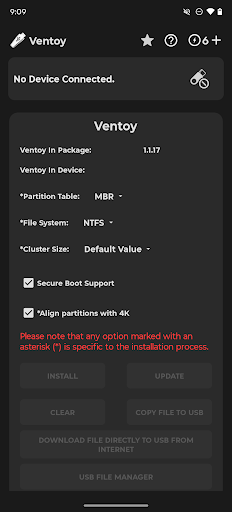
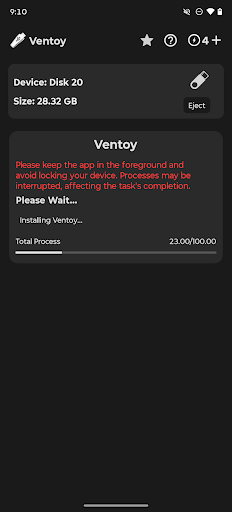
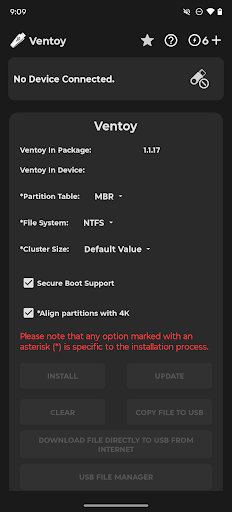
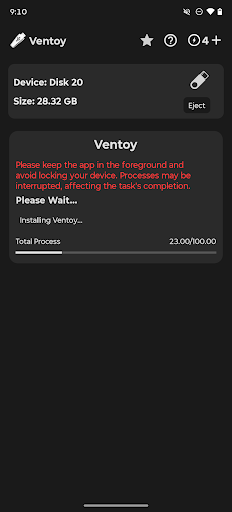
Ventoy (Unofficial) allows you to transform a USB drive into a multi-boot installation tool using a mobile device, eliminating the need for a PC during setup. Once the utility initializes the flash drive, you can boot PCs into dynamic menus containing ISO, WIM, IMG, VHD, or EFI files simply by transferring the disk images to the drive. The app operates alongside an open-source bootable USB project, letting you manage drive configurations, set up Linux persistence, and download operating system images directly to external storage.
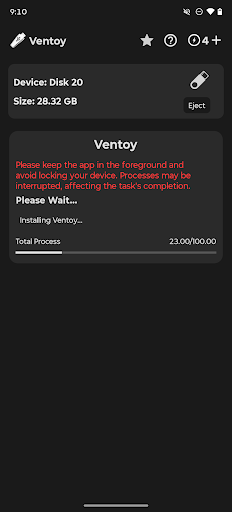
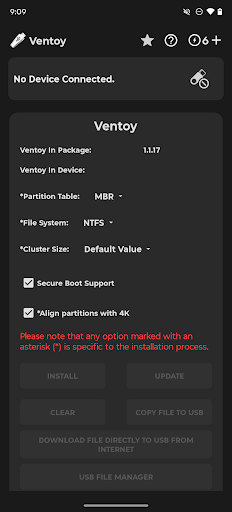
Preparing a drive requires a one-time setup step that formats the target storage with either an MBR partition scheme for legacy BIOS systems or a GPT scheme for UEFI configurations. You can select file systems such as exFAT, NTFS, or FAT32, configure custom cluster sizes, enable 4K partition alignment, and preserve Secure Boot compatibility. Updating the utility on the drive is designed to preserve your stored disk images, while a full clear option removes the boot structures when you need to repurpose the storage.
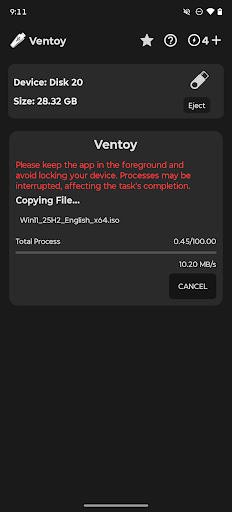
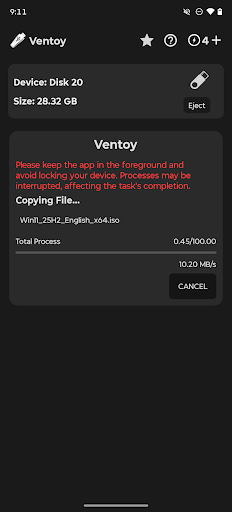
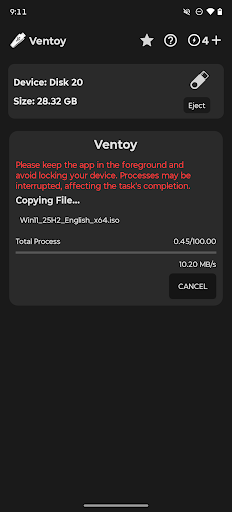
The built-in file manager allows you to transfer system images directly from your phone to the connected drive or download ISO files straight from the internet onto the external storage. It supports FAT, exFAT, NTFS, and EXT drive formats, allowing you to copy, move, rename, or delete files directly on the target drive. You can also open files stored on the drive using other applications without copying them back to internal storage first.
A dedicated configuration interface lets you edit parameters stored in the drive’s ventoy.json file without manual coding. You can set menu timeouts, define default boot entries, switch between list and tree views, restrict folder searches, hide specific file extensions, and set access passwords for the boot menu or individual files. For Windows 11 installations, built-in options allow you to bypass hardware requirements like TPM, Secure Boot, and the mandatory online account setup. If the configuration file becomes corrupted, the app includes a repair tool that uses automatic backups.
The theme management system lets you import GRUB2 custom theme archives in zip, tar.gz, or tar.xz formats, adjust the menu resolution, and rename or remove installed visual presets. For live Linux environments, a built-in wizard generates and links ext4 image files to maintain user changes between system reboots. This persistence setup works with distributions based on Ubuntu, Debian, MX Linux, and Arch.
Core operations such as initial drive setup, utility updates, and clearing the drive consume in-app tokens, which can be acquired by watching rewarded ads or through direct purchase. Standard file transfers, file management, configuration editing, and theme management do not require tokens. Upgrading to the Pro version removes ads, disables the token requirement, and enables offline functionality. Note that the mobile device must remain in the foreground during USB tasks, and connected drives must use standard 512-byte hardware sectors, as native 4K sector drives are unsupported.
Your comment was submitted and is awaiting moderation.
Your comment was published.