App Screenshots
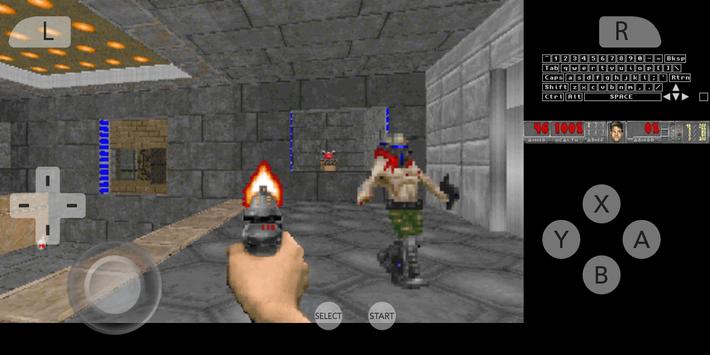
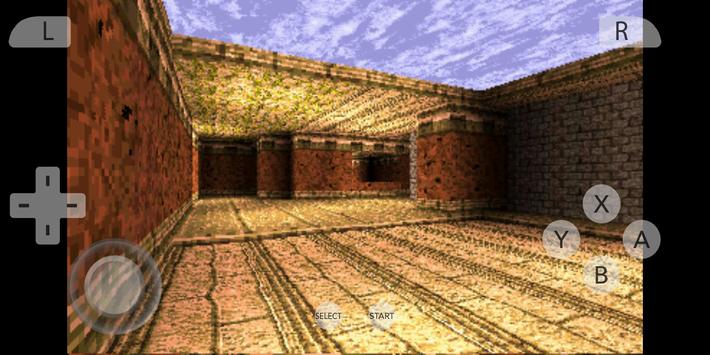
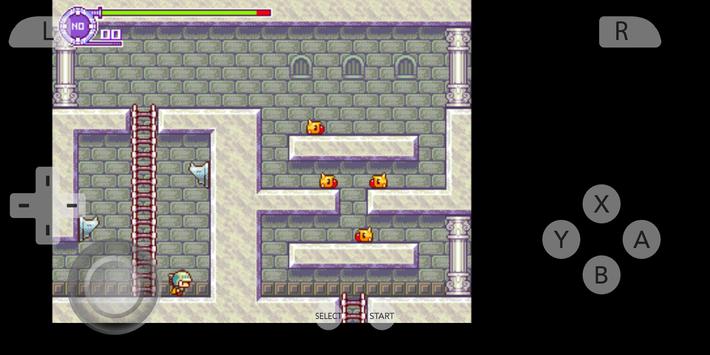
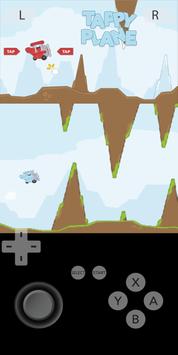

Handheld console game emulator
Emulating Nintendo 3DS games requires balancing accurate system behavior with visual enhancement, and Citra serves as a dedicated app for running decrypted 3DS backups. You point it toward your legally dumped ROM backups to build a playable library complete with customizable on-screen controls, gamepad integration, save states, and screen layout options. Beyond base-level emulation, it enhances legacy software by upscaling internal resolutions and applying texture filtering, allowing titles to look significantly sharper on modern high-density screens.
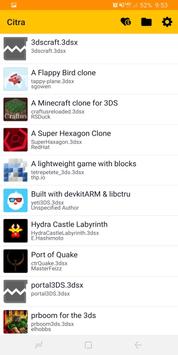
Getting started centers around importing your own decrypted 3DS game files. On initial launch, you select the local device folder where your backups are stored, and the application populates a clean library view for quick launch access. Because the platform contains no copyrighted system files or pre-installed titles, users must supply their own legally acquired backups. Emulation performance varies based on hardware capabilities and the target game, though most supported titles maintain full speed at native resolution settings without extensive tweaking. An in-game menu overlay allows you to toggle an real-time frame rate display, swap the top and bottom screen positions, or manage save states to pause and resume progress at any moment.
For hardware capable of handling increased graphical workloads, the internal rendering resolution can be scaled up from 1x native resolution up to 4x. This process eliminates jagged edges and cleans up low-resolution 3DS assets on larger displays. Additional visual clarity can be achieved by enabling texture filtering options, which smooth out surface detail across 3D models. When hardware limitations cause performance drops or audio stuttering during demanding scenes, lowering the internal resolution scale immediately frees up system resources to maintain a stable frame rate.
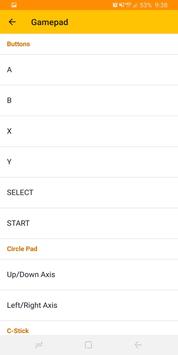
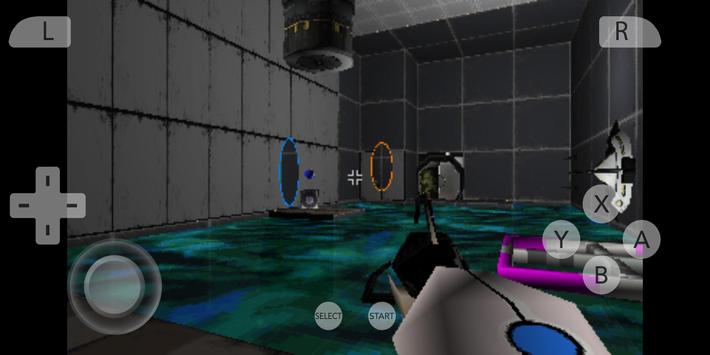
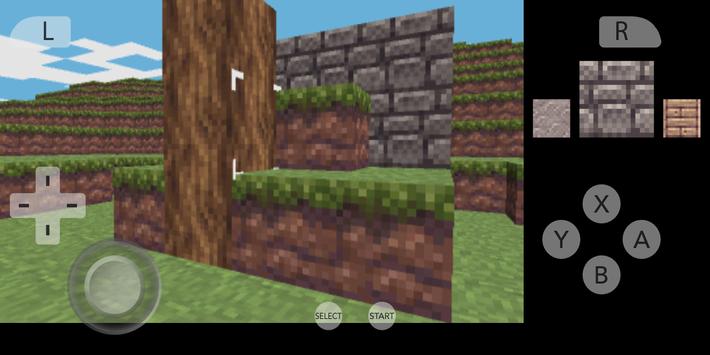
The interface adapts to multiple control preferences, featuring fully customizable touch controls alongside native support for external physical gamepads. Virtual buttons for A, B, X, Y, Select, Start, the D-Pad, triggers, and analog sticks can be repositioned and resized across the touchscreen. For titles that rely on original hardware features, the application integrates device hardware to emulate motion inputs, camera functionality, and microphone interactions. Network play configuration options are also available for titles that feature multiplayer modes.
Your comment was submitted and is awaiting moderation.
Your comment was published.














 3DS emulator for Android: Citra MMJ, Azahar and what works in 2026