App Screenshots

Private family photo and video sharing
We regularly make changes and improvements to our app! Please be sure to update to the latest version.
If you have any questions or feedback, please contact us at https://family-album.com/support . Stay tuned for more improvements, and thank you for using FamilyAlbum!
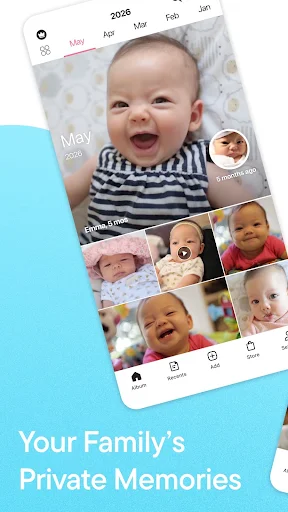
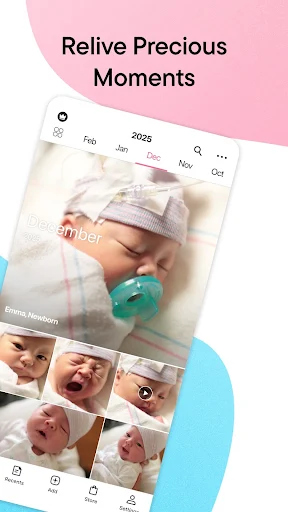
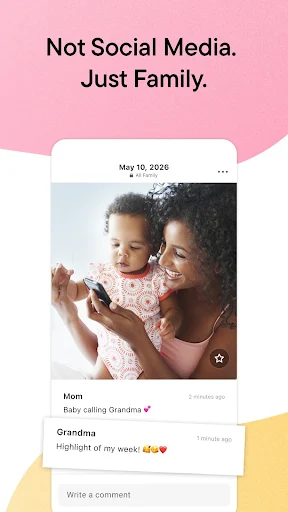
FamilyAlbum – Photo Sharing is a private media-sharing app designed to help families store, organize, and view photos and videos in a dedicated shared space. Instead of losing memories in general messaging threads or posting updates on public social media platforms, parents can upload everyday moments and milestone events into a central album that is accessible only to invited family members. The service automatically organizes uploads to create a timeline of growth, offers cloud backup with unlimited storage, and provides monthly photo prints delivered to the user’s door.
The app functions as an invite-only space where media remains restricted to selected family members. When users upload photos or videos, everyone added to the shared space can view and interact with the content instantly. This setup keeps family updates centralized in one place rather than scattered across individual text messages or public feeds, allowing relatives to stay updated on life updates regardless of their location.
To eliminate manual sorting, the service automatically organizes uploaded photos and videos as they are added. This creates a structured archive of a family’s history, making it easy to track baby milestones, birthdays, holidays, and growth over time. Users can scroll through a chronologically organized timeline to locate specific memories without searching through general device storage.
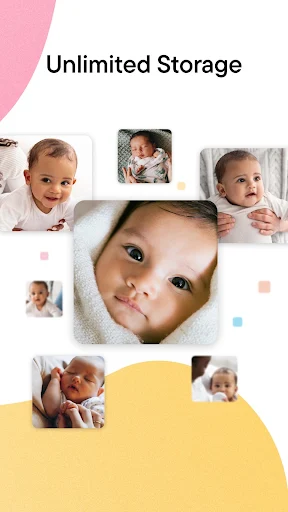
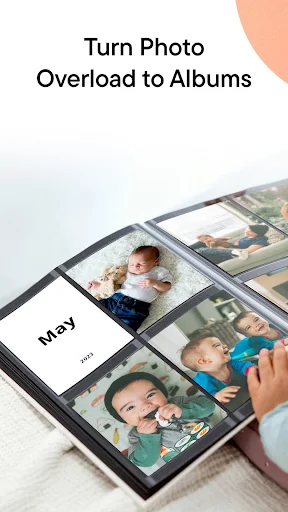
In addition to organizing media, the platform acts as a digital backup system to prevent data loss. Content saved to the app is stored online with unlimited cloud capacity, allowing users to free up space on their local devices while keeping their memories accessible anytime. Beyond digital storage, the service includes a physical print option, delivering free hard-copy photo prints to users every month.
Your comment was submitted and is awaiting moderation.
Your comment was published.