App Screenshots
Parental control and screen time management tool.
Have you noticed that we're constantly updating Kids360? We do our best to develop the fastest and most reliable app for you!
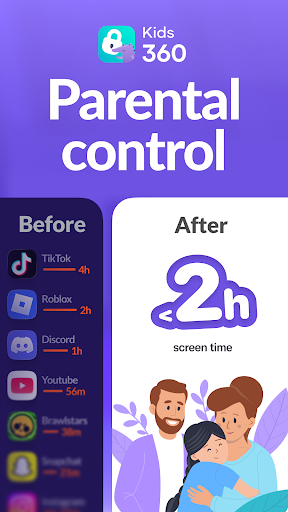
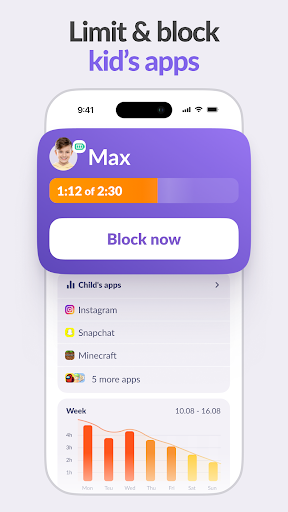
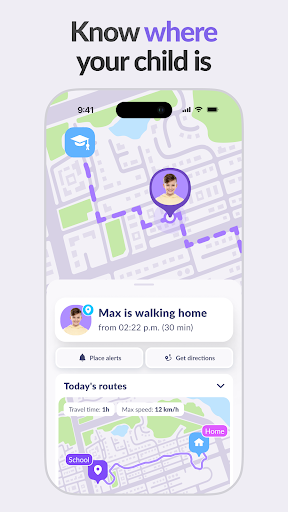
Managing a child’s screen time and online activity requires clear boundaries, and Kids360: Parental Control App addresses this by pairing parent-side controls with a companion app, Alli360, installed on the child’s device. Parents can set daily usage limits on distracting applications, schedule downtime for school hours and sleep, and monitor real-time app usage statistics to see how their child spends time on their phone. Essential features like phone calls, text messages, and navigation apps remain accessible so parents can always reach their child, balancing distraction control with safety.
Establishing parental control requires installing two separate applications. Parents install Kids360 on their own device and Alli360 on the child’s smartphone. The parent app generates a unique connection code that must be entered into Alli360 on the child’s phone. To start tracking activity and managing device limits, parents must grant all necessary permissions on the child’s device and approve monitoring directly within the Kids360 app. Alli360 runs continuously in tracking mode on the target phone and cannot be uninstalled by the child without parental intervention.
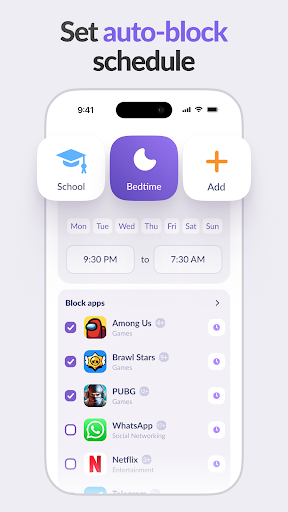
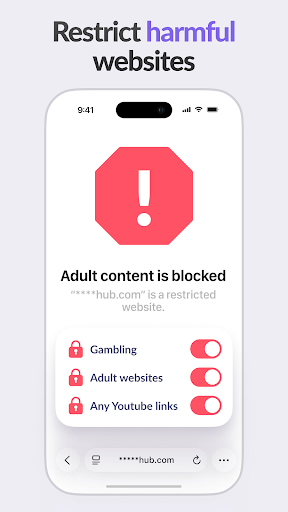
Once the pair of apps is configured, parents gain full access to detailed usage statistics detailing which apps their child uses and for how long. Kids360 allows parents to enforce daily screen time limits on entertainment, social media, and mobile games, effectively locking access once the allotted time expires. The scheduling system lets parents block distracting apps during specific windows, such as designated study hours at school or overnight during bedtime, while automatically leaving essential communication tools functional.
The monitoring system strictly relies on explicit setup on the child’s device and does not support hidden or secret installation. Usage is designed to function only with the child’s consent during the pairing process. Personal data collected through the app tracker is processed and stored in compliance with standard legal regulations and GDPR policies.
Your comment was submitted and is awaiting moderation.
Your comment was published.