App Screenshots
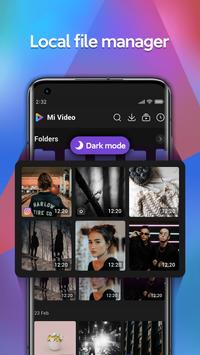
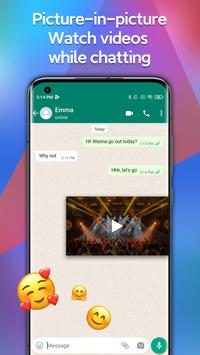

Local video player and file manager
- Optimized search features.
- Optimized subtitle feature for local videos.
- Subtitles and picture-in-picture features for TV and movies.
- Fixed some bugs.
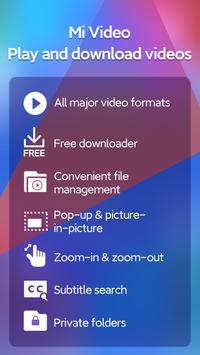
Mi Video combines a offline local video player with media downloading capabilities and a integrated short-video feed. It allows users to play stored video files, capture media directly from popular social networks, and stream personalized content streams. With support for standard high-definition playback controls and multiple media formats, the app serves as a centralized hub for managing local files and viewing trending online clips.
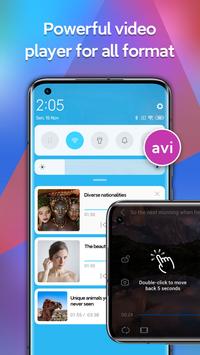
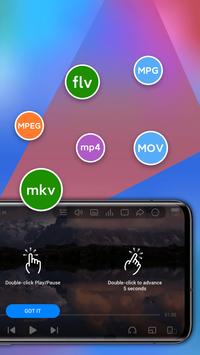
The built-in media player supports major video file formats, including MKV, MP4, M4V, MOV, and AVI. While viewing local files, users can switch on subtitles in multiple languages or utilize background playback to keep the audio running while using other applications. The interface incorporates touch-based gesture controls to adjust screen brightness, playback volume, and progress, along with options to double-tap for quick pausing and pinch to zoom in or out on the video frame. Playback can also be detached into a floating pop-up window for multitasking.
For saving online clips to local storage, the app features a built-in downloading utility designed to pull videos from platforms such as Instagram, Facebook, TikTok, Snapchat, Likee, and Tumblr. Users can save these files directly to their device for offline viewing or share them directly to messaging services like WhatsApp, Telegram, and VK. A dedicated help section within the downloader interface provides instructions on how to process links from supported social platforms.
Through a dedicated tab called Moment, the app offers a continuously updating feed of short-form videos covering topics like food, comedy, music, and daily life records. The feed relies on automated recommendation algorithms that analyze viewing behavior to surface relevant clips without requiring manual searches. Users can swipe through content, save liked clips directly to their local storage, or share them to external apps.
Your comment was submitted and is awaiting moderation.
Your comment was published.