App Screenshots
Offline document and eBook reader
• Widget: choose which folders it shows — tap the folder bar at the top of the widget.
• The filter list hides excluded folders again, and the widget refresh button works.
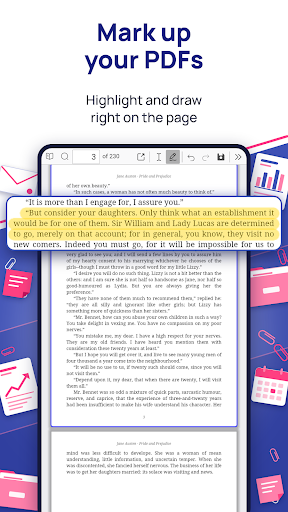
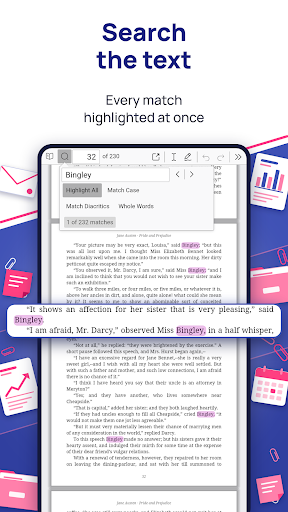
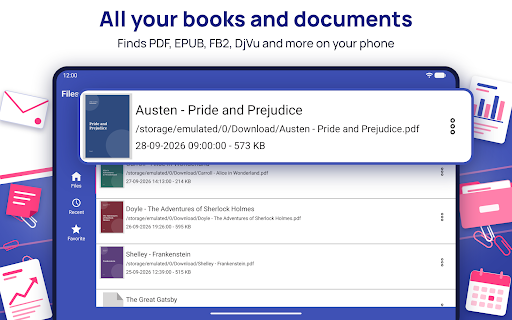
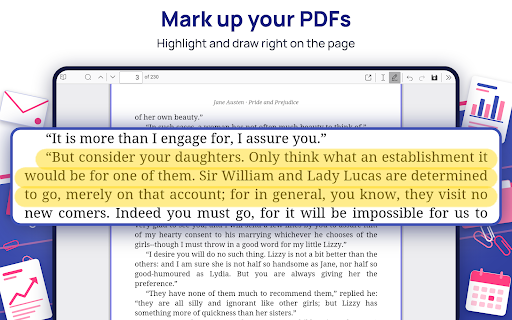
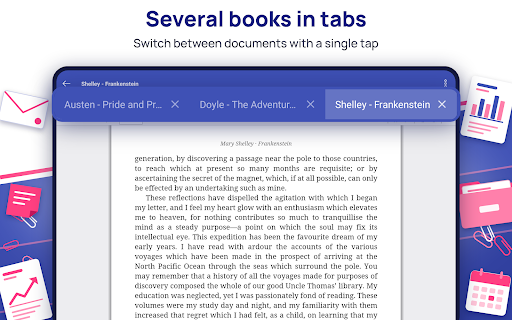
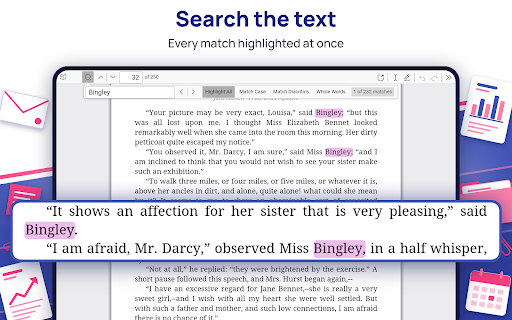
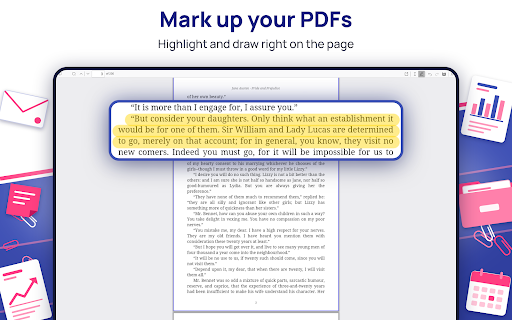
Managing and reading documents on a mobile screen often comes down to clear text rendering and fast navigation. PDF Reader – PDF Viewer, eBook serves as a standalone document viewer that automatically locates every PDF file stored on your device and opens it for reading. Beyond simple viewing, it lets you switch between multiple documents using tabs, search for specific terms with on-screen highlighting, and apply freehand drawings or text notes directly onto the pages.
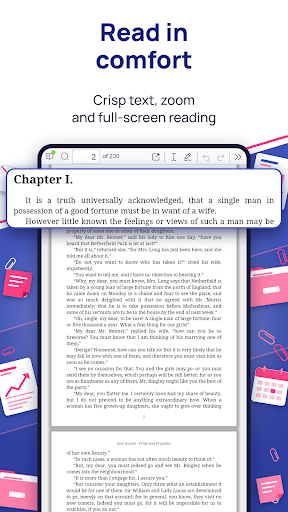
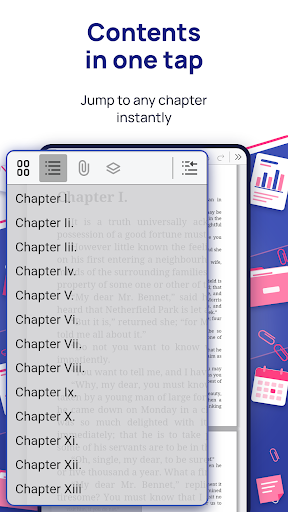
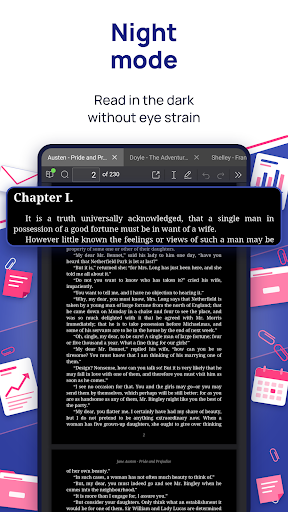
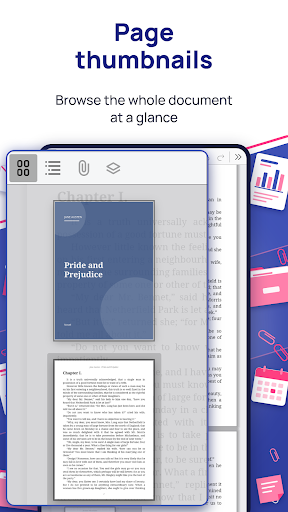
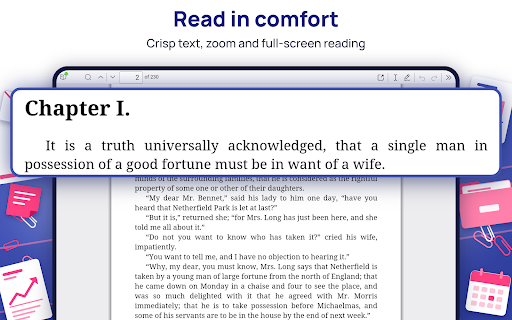
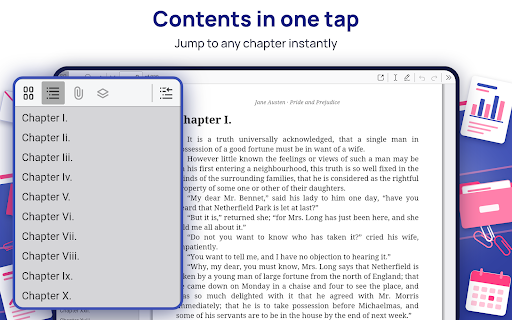
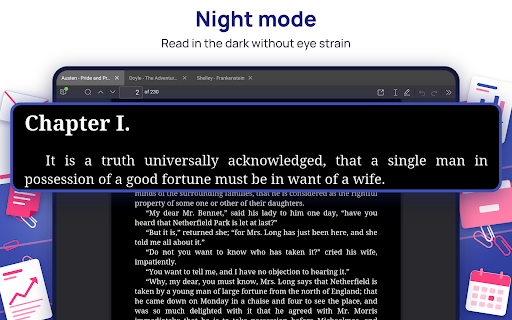
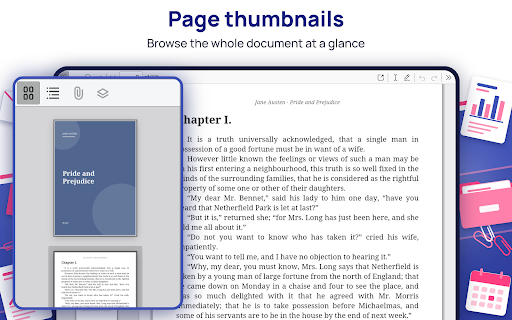
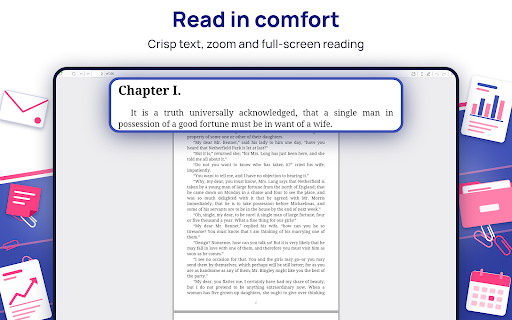
Reading lengthy manuals or multi-page books requires flexible display options. The app supports both vertical and horizontal scrolling, page rotation, and a full-screen view that hides interface clutter to focus entirely on the page. For night reading, a built-in dark mode lowers light output to reduce eye strain, while the option to turn pages using the physical volume buttons allows for one-handed use. When navigating dense files, you can jump directly to specific chapters using the built-in document outline or scan the entire layout using page thumbnails.
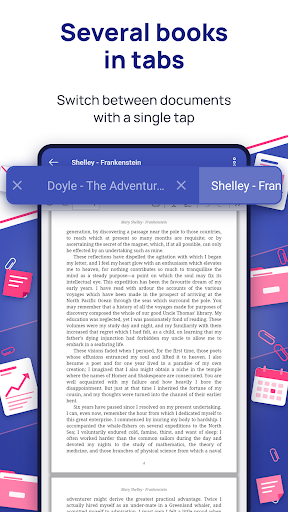
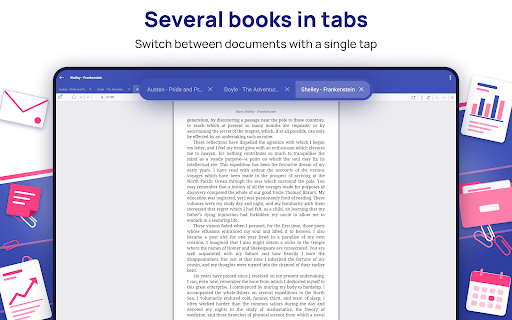
Instead of forcing you to close one file to look at another, the application lets you keep multiple PDFs open simultaneously and switch between them with a single tap. While reviewing a document, you can enter text notes or draw directly over the text. The viewer also opens password-protected files, provided you have the authorized password, and includes a full-text search engine that highlights every matching word across the document.
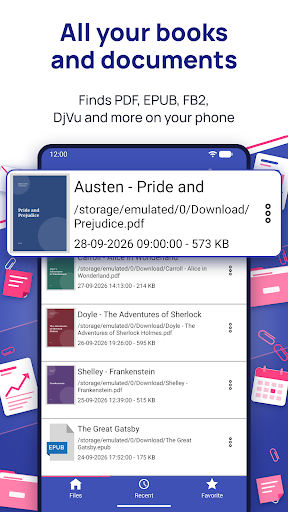
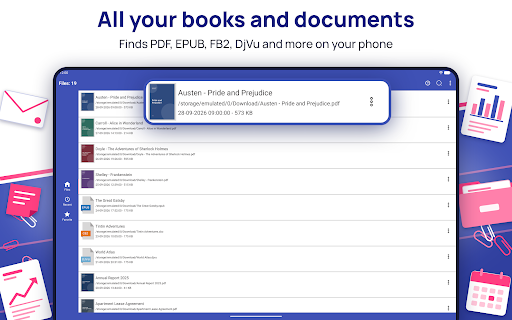
The main menu automatically scans local storage to compile a master library, eliminating the need to manually browse device folders. From this list, you can search, filter, rename, move, share, print, or delete files, as well as place a document shortcut widget directly on your home screen. While the primary app handles PDF rendering offline without transmitting your data off the device, the main file list also indexes other file formats—including EPUB, FB2, MOBI, AZW, DOCX, TXT, DjVu, and comic archives like CBR or CBZ—and hands them off to compatible companion readers.
The standard version provides core viewing, scanning, and annotation tools locally on the device. Upgrading to the Pro version removes advertisements from the interface, enables page bookmarking, adds a visual reading progress indicator to file cards, unlocks a dedicated Favorites menu, and allows you to open files directly from connected cloud storage services.
Your comment was submitted and is awaiting moderation.
Your comment was published.