App Screenshots
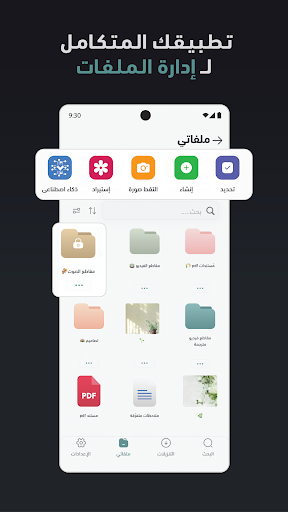
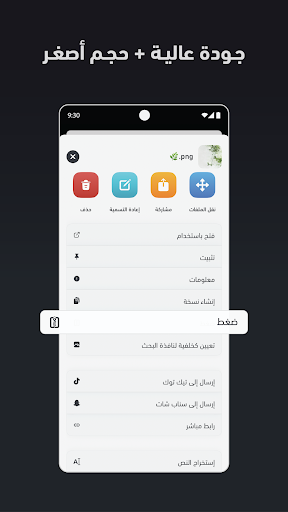
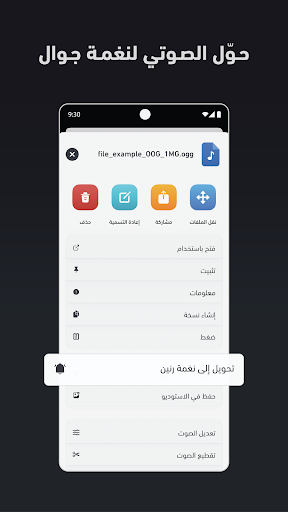
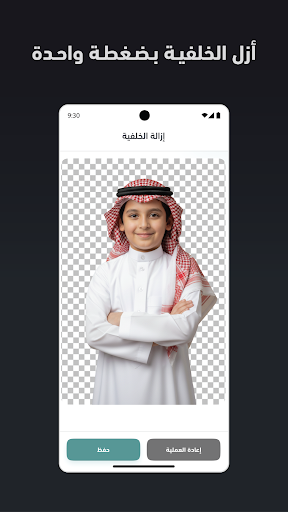

File management and saving utility
- إضافة خاصية تغيير صيغة الفيديو
- تدوير الصفحة في ملف PDF لليمين واليسار
- إصلاح مجموعة من الأخطاء
- إضافة خاصية تعيين لخلفية شاشة البحث في خيارات الصور
Handling media and document downloads alongside file organization is the core focus of إدارة الملفات (حمّل). Designed to serve as a centralized hub for managing content, the app allows users to pull down images, texts, and documents like books directly via direct links. It also includes integrated audio and video processing tools that can strip background music or remove human vocals from media files. Managed items can be sorted into custom folders and categorized by size, name, type, or date.
Beyond standard file management, the app features built-in tools for modifying existing audio and video files. Users can isolate media components by removing background music tracks or stripping out human vocals entirely from supported video and audio clips. This allows for quick audio adjustments without needing external media editing software.
The app includes a dedicated engine for fetching files, supporting simultaneous downloads for multiple media clips and documents. Downloads can be initiated by tapping a single prompt on direct links, eliminating the need to manually copy and paste URL addresses. If a transfer is interrupted, the download process can be paused and resumed at a later time. Transfers can also continue running in the background while performing other tasks.
To keep downloaded media and documents structured, the app provides a management hub where users can generate custom directory folders. Saved items can be systematically arranged or modified, with built-in sorting parameters that organize the storage space by file size, title, file format, or creation date.
Your comment was submitted and is awaiting moderation.
Your comment was published.